
Most WooCommerce stores add extra options to their products, but they rarely use them strategically. They place them on the product page and hope customers will select them.
When optimized properly, these add-ons can quickly increase your average order value. Instead of chasing more traffic, you can earn more from customers who are already buying.
There’s a big difference between simply adding extra fields and using them in a conversion-focused way. Placement, timing, and presentation make all the difference, especially at checkout.
In this guide, you’ll discover 7 effective plugins that help you set up add-ons the smart way, including tools that let you offer them as high-converting order bumps.
So let’s get started,
TL;DR – Increase Product Add-on Sales
- Optimized add-ons can boost your average order value without extra traffic.
- Two main ways to offer add-ons: product-level options or checkout-based offers.
- Top 7 plugins:
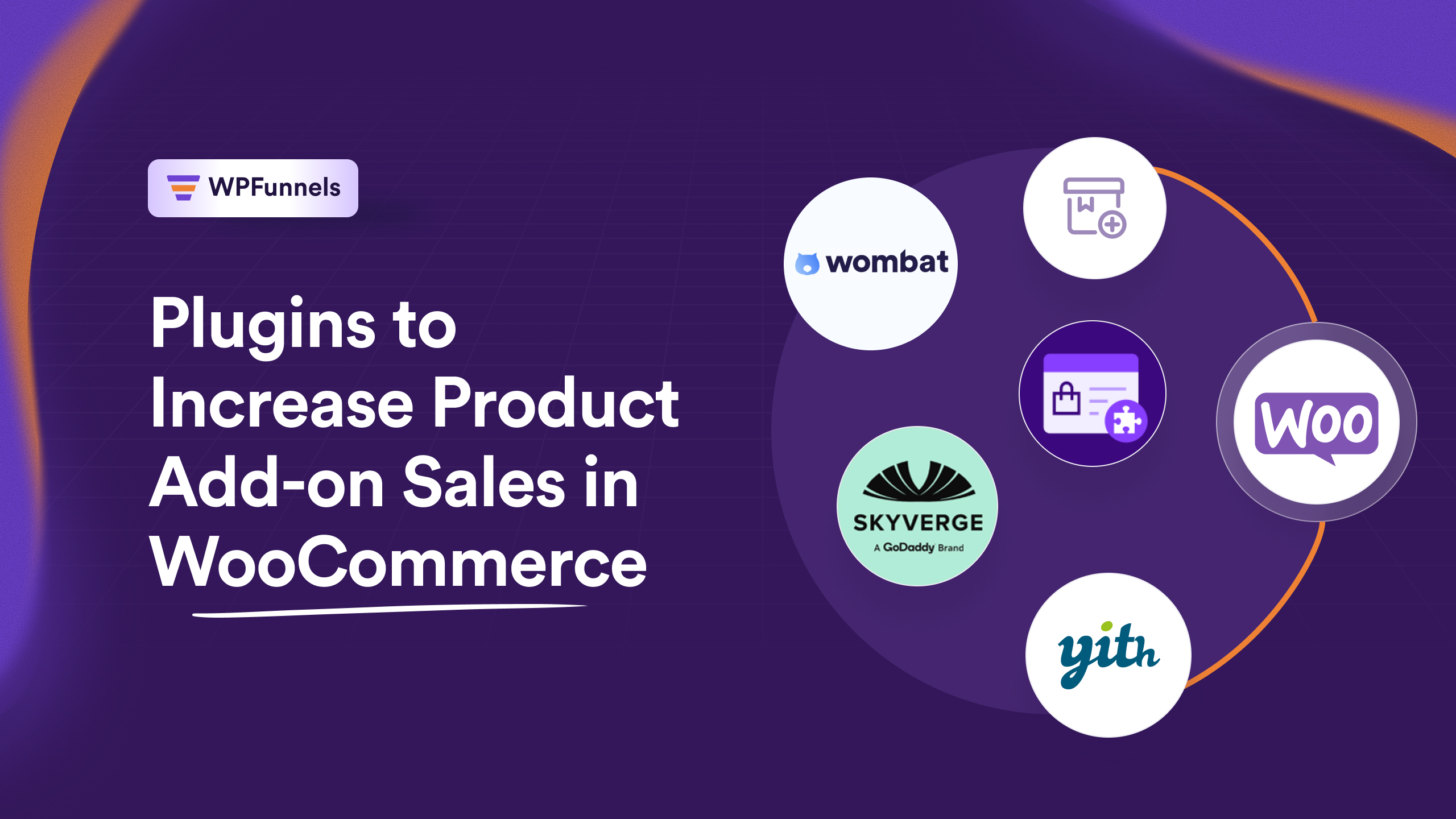
- WPFunnels – Best for checkout order bumps
- WooCommerce Product Add-Ons (Official) – Simple product-level options
- YITH WooCommerce Product Add-Ons – Flexible fields
- Advanced Product Fields – Conditional logic & complex pricing
- Checkout Add-Ons – Lightweight checkout extra fields
- PH Product Add-ons – Customizable product options with conditional rules
- WooCommerce Product Options – Easy product customization with multiple option types
- Final Verdict: Use Order Bump for maximum add-on sales.
7 Best Plugins to Increase Product Add-on Sales in WooCommerce
Now, I’m going to walk you through the 5 best plugins to increase product add-on sales in WooCommerce, including tools that turn simple add-ons into high-converting order bumps.
1. WPFunnels – Best for Order Bump Product Addons
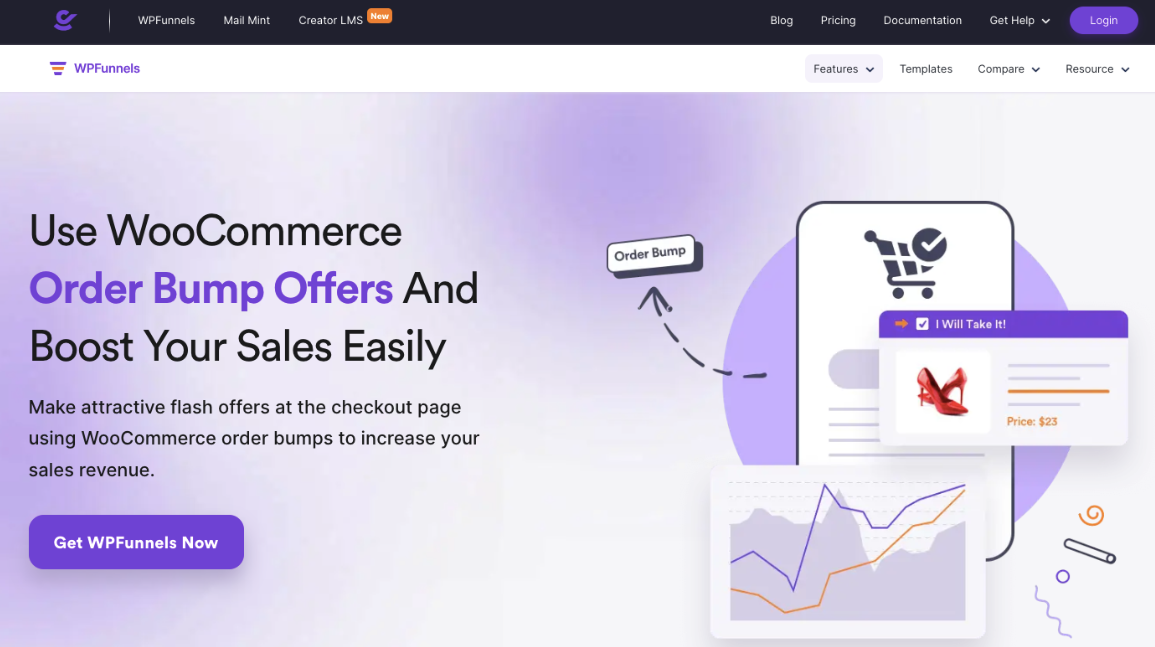
If you want to really boost your revenue, WPFunnels is the go-to for checkout order bumps. It lets you offer add-ons when your customers are already ready to pay, which usually converts way better than product page options.
For example, if you sell skincare products, you could offer a serum or mask at checkout with a single click. I’ve seen stores increase add-on sales by 30% using this.
You can test different offers, track which ones work, tweak them for better results, and watch your average order value grow steadily.
Key Features:
- On-the-spot offers at checkout
- One-click add-to-order
- Attractive designs
- Drag-and-drop UI
- Full control over content
- Custom placement on checkout
- Funnel-specific discounts
- Relevant and timely offers
- Bundle and alternative offers
2. WooCommerce Product Add-Ons (Official Extension)
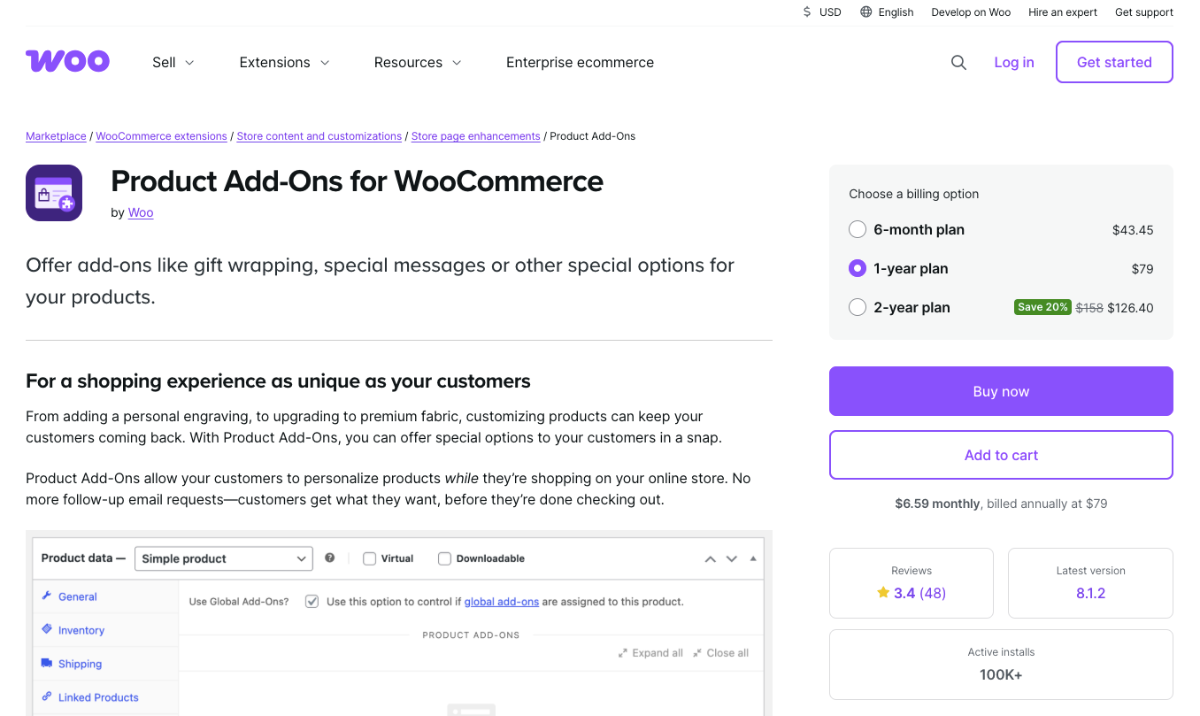
WooCommerce product add-ons is the classic plugin I often recommend when store owners want simple, reliable options on their product pages. You can add checkboxes, dropdowns, or text fields easily.
For example, if you sell jewelry online, you could let your customers add engraving or gift wrapping directly on the product page. It’s small, but it makes the purchase feel personal.
It’s perfect if you just want to give extra options, keep setup simple, and offer your customers a smooth shopping experience without overcomplicating things.
Key features:
- Personalized product options
- Multiple input types
- Global or per-product setup
- Image-based selections
- Flexible pricing
- Conditional logic
- Compatibility with WooCommerce extensions
- Easy placement
- Customizable labels and descriptions
3. YITH WooCommerce Product Add-Ons
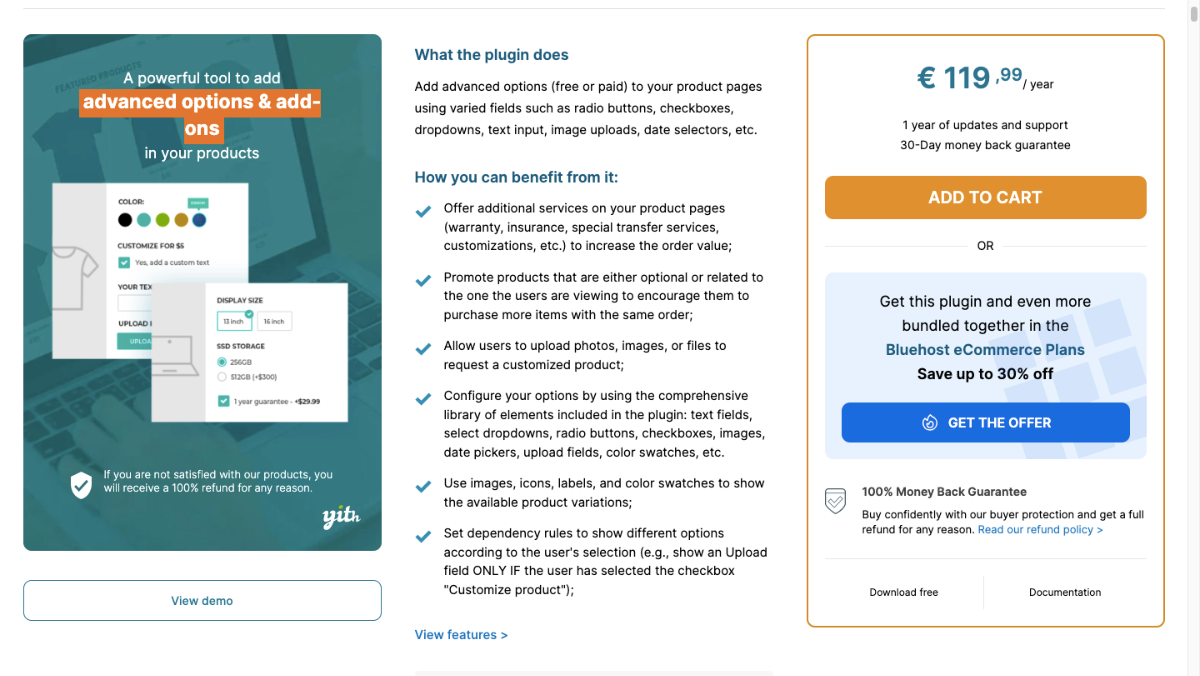
YITH is great if you want flexibility. You can show add-ons only for certain products, adjust prices, or even show them based on categories.
For example, if you sell t-shirts, you could offer custom prints or color upgrades only for certain sizes. I’ve seen this help customers feel like the store really “gets them.”
It lets you create tailored options, reduce decision fatigue, and give buyers a sense that the product they choose is fully customized for them.
Key Features:
- Add advanced options with multiple field types
- Offer free or paid add-ons to increase order value
- Create unlimited blocks of options per product or category
- Promote related products as add-on options
- Customize option appearance (title, description, tooltip, images)
- Set individual pricing for each option (fixed or percentage)
- Choose the options layout (vertical or grid)
- Conditional logic to show/hide options
- Single or multiple selection per block
- Set option quantity rules (minimum & maximum selection)
- Visibility rules for user roles or guests
- Control options position on the product page
- Hide “Add to Cart” until required options are selected
4. Advanced Product Fields for WooCommerce
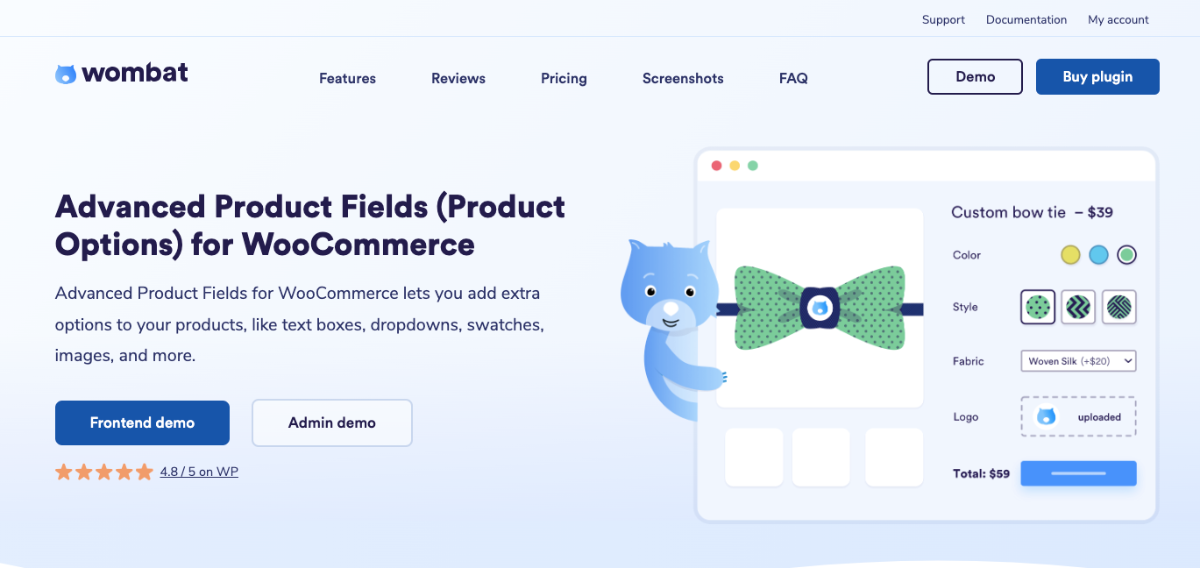
Advance product field one is for when you need more control. You can create conditional add-ons, so options appear only if the customer selects certain choices.
For example, if you are selling sofas, you can show cushion or fabric upgrades only if someone picks a specific model. I’ve seen stores reduce confusion and boost conversions with this method.
It’s perfect for configurable products, keeps options relevant, and guides buyers toward the best choices while increasing your add-on revenue.
Key features:
- Per product or global fields
- Supports tax settings
- Integrations with other plugins
- Repeatable fields
- Change the main product image based on the selection
- Multi-currency support
- Edit product options from the cart
- Multi-lingual support (WPML, Polylang)
- Modern, fast code with support for the latest WooCommerce and WordPress versions
5. Checkout Add-Ons for WooCommerce
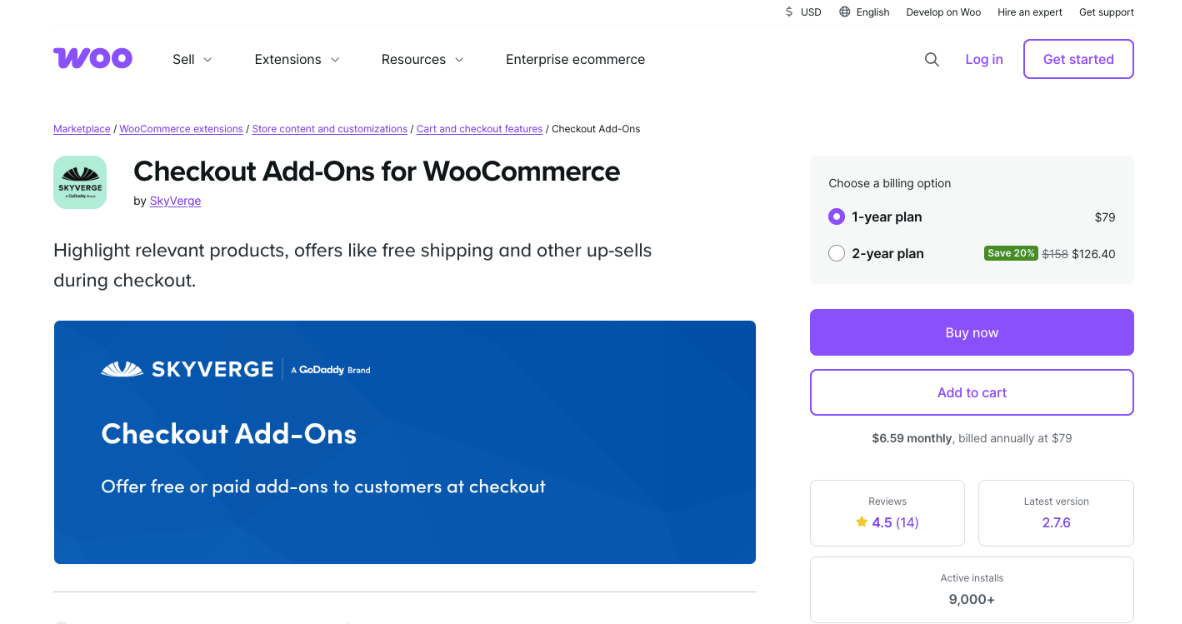
Sometimes the best place for add-ons is right at checkout. This plugin lets you do exactly that, showing relevant offers when buyers are most likely to accept them.
For example, you could offer gift wrapping or expedited shipping as a last-minute add-on. I’ve personally tested this, and even small add-ons here can increase order value noticeably.
It’s simple, lightweight, makes the most of high-intent buyers, and helps you squeeze every bit of revenue from your existing traffic.
Key features:
- Multiple Custom Field Types
- Add-On Services & Upsells
- Conditional Add-Ons
- Dynamic Order Updates
- WooCommerce Subscriptions Support
- One Page Checkout Compatibility
- Customer Order Visibility
- Admin Management
- Persistent Selections
6. PH Product Add-ons for WooCommerce
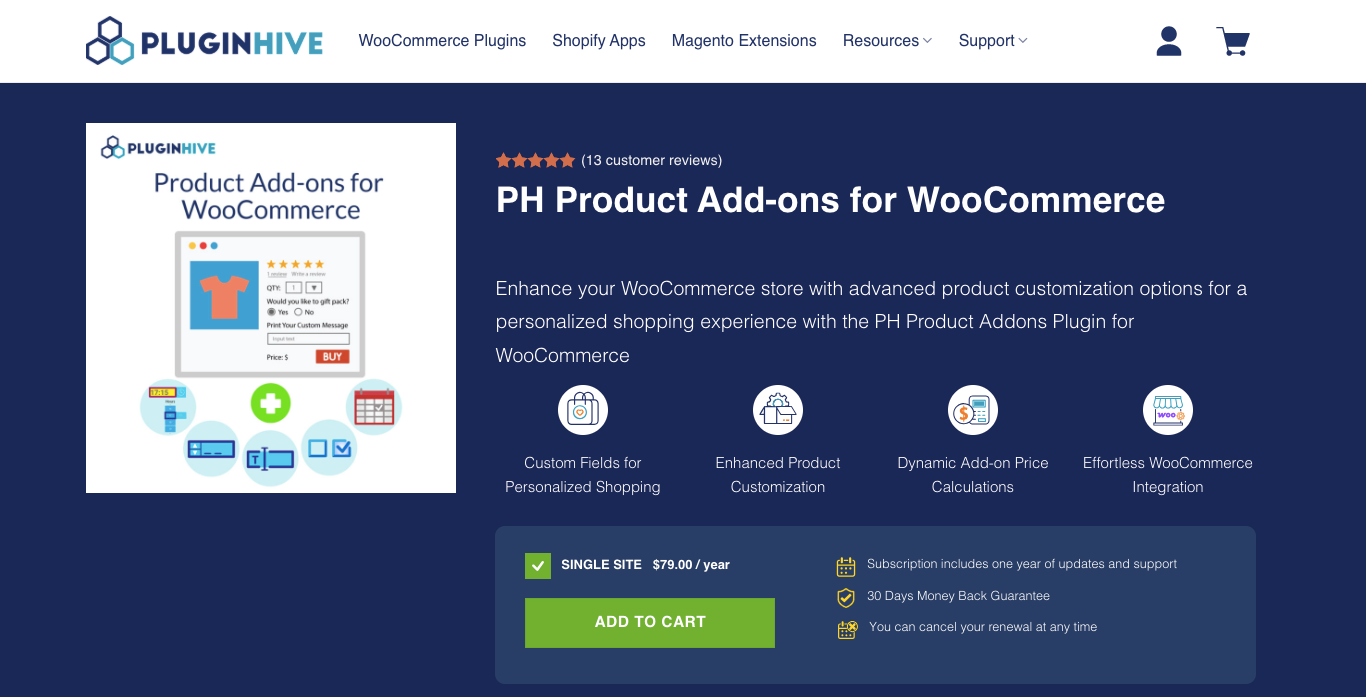
PH Product Add-ons for WooCommerce is the plugin I recommend when store owners want advanced product customization without creating complicated variations.
It lets you add extra options directly on the product page, keeping everything simple and organised. You can add text fields, file uploads, drop-downs, color pickers, date and time selectors, and more, all in one place.
For example, if your print store can allow customers to upload artwork, add custom notes, and select premium finishes without creating separate product listings. This keeps your store organized while improving the buying experience.
It’s perfect if you sell personalised or made-to-order products and want flexible pricing, conditional options, and a smooth checkout experience.
Key Features:
- Add custom product add-ons and extra fields
- Dynamic add-on price calculation
- Conditional logic support
- Mandatory or optional fields
- Add-on price summary on product, cart, and checkout
- Reusable add-ons across products
- Built-in field validations
- WPML compatibility
- Seamless WooCommerce integration
- Flexible pricing with flat fee, percentage-based pricing, quantity-based pricing, and character-based pricing
- Multiple field types, including text fields, file uploads, dropdowns, checkboxes, radio buttons, color options, date pickers, and time pickers
7. WooCommerce Product Options
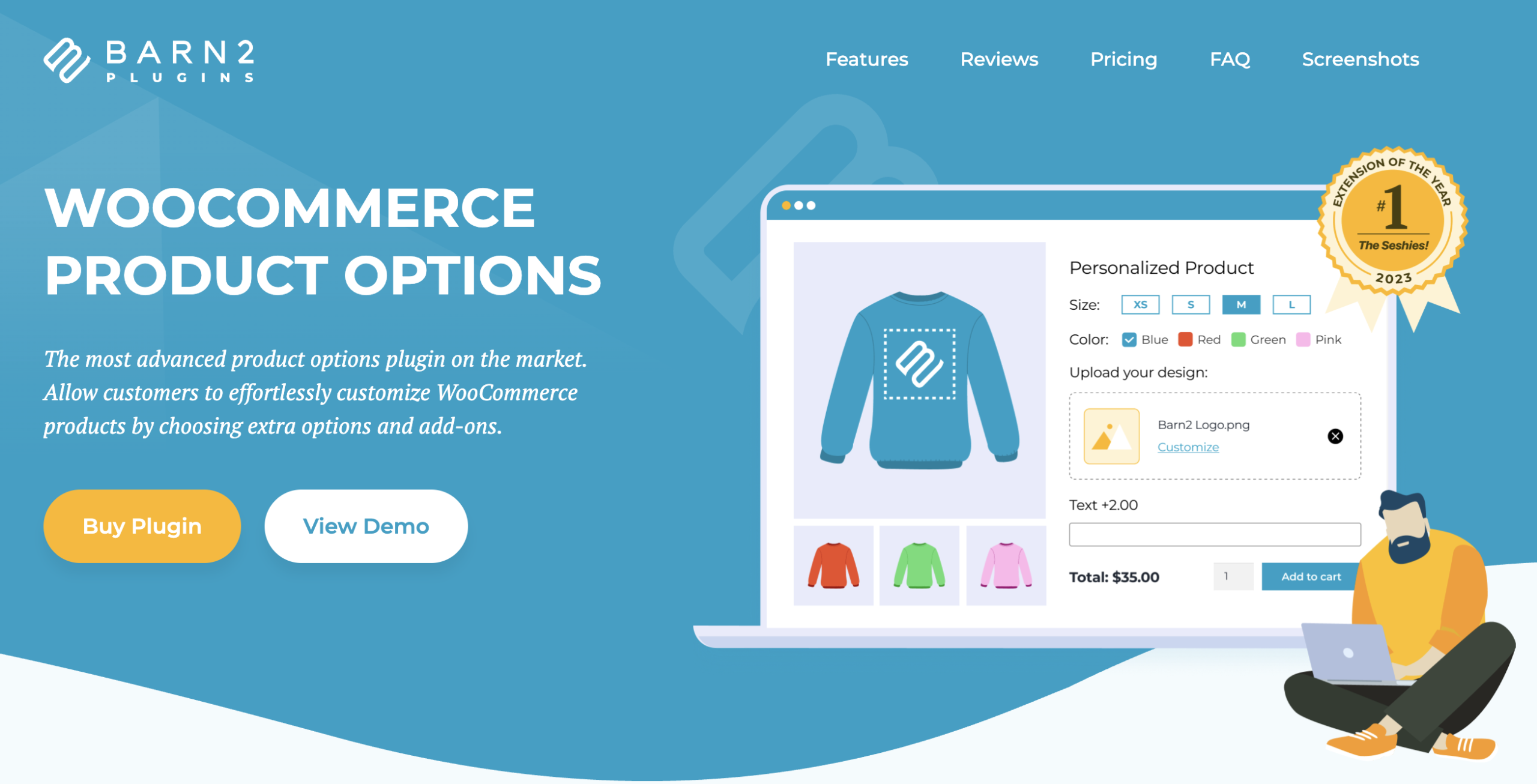
The WooCommerce Product Options plugin lets you easily customize products. You can add options like checkboxes, text fields, radio buttons, and file uploads.
It also supports advanced pricing, conditional logic, and live previews. This helps you create a smooth shopping experience while increasing sales with upsells and add-ons.
For example, a custom cake shop can let customers choose size, flavor, toppings, and even add a message or image. The price updates automatically, and only relevant options are shown.
This plugin is perfect if you sell customizable or made-to-order products. It helps you increase conversions and boost your average order value.
Key features:
- Unlimited Options: Add checkboxes, text fields, uploads, and more
- Flexible Pricing: Use flat fees, percentages, or custom formulas
- Conditional Logic: Show or hide options based on selections
- Live Updates: Reflect changes instantly during customization
- Upsells & Add-Ons: Offer extras to increase order value
- Easy Setup: Simple and intuitive to use
- Global or Per-Product: Apply options storewide or individually
- Clean Layouts: Display options in an organized way
- Better UX: Improve the shopping experience
- Higher Conversions: Encourage more purchases and upgrades
What to Look for in a WooCommerce Product Addons Plugin
When choosing a WooCommerce product add-ons plugin, it’s important to focus on more than just features.
The right plugin can help you increase sales, improve customer experience, and increase your average order value without causing friction at checkout.
Placement Options (Product Page vs Checkout vs Post-Purchase)
Where you place your add-ons can make a big difference in conversions. Here’s how the main options work:
- Traditional product add-ons: Add-ons on the product page let customers customize their purchase before adding it to thecart. This works well for accessories or complementary items.
- Checkout add-ons: Offer extras like gift wrapping, warranties, or small upsells during checkout. This boosts your order value without interrupting the buying flow.
- Funnel-based order bumps: Use one-click add-ons in a sales funnel or post-purchase offer. Perfect for digital products, bundles, or upgrades.
Conversion Optimization Features
To really drive sales, look for plugins with features that improve conversions:
- Conditional logic: Show add-ons only when relevant based on cart contents or customer selections. This keeps your checkout simple and avoids overwhelming buyers.
- Mobile optimization: Make sure add-ons display perfectly on phones and tablets. A mobile-friendly checkout increases completion rates.
- One-click acceptance: Let customers add options with a single click. Less friction means more add-ons sold.
- Analytics tracking: See which add-ons perform best and which don’t. This data helps you fine-tune your offers over time.
Scalability & Compatibility
Finally, your plugin should grow with your store and work smoothly with your setup:
- Works with WooCommerce themes: Ensure the plugin integrates easily with your store design. Clean layouts look professional and maintain trust.
- Compatible with payment gateways: Make sure all add-on charges process correctly. This prevents lost sales or checkout errors.
- Minimal performance impact: A lightweight plugin keeps your site fast. Quick-loading pages reduce cart abandonment and improve the shopping experience.
Conclusion
You don’t need more traffic to grow your WooCommerce store. Using smart product add-ons can help increase sales from the customers you already have.
Not all plugins are the same. Some are better for simple product-level options, while others work best for checkout-based offers.
Look at your products and decide which type of add-ons will suit your store and your customers best.
For the best results, use order bumps at checkout. They make add-ons easy to accept and can help boost your add-on sales effectively.
** FAQ **
1. How can I increase sales with product add-ons in WooCommerce?
You can boost sales by offering relevant add-ons at the right time. Put them on product pages or at checkout, where your customers notice them. Make the options appealing but optional, so they feel like a helpful choice.
2. Which plugin is easiest for adding product options without coding?
If you don’t want to touch code, plugins like WooCommerce Product Add-Ons or YITH WooCommerce Product Add-Ons make it simple. You can add checkboxes, dropdowns, or extra fields in minutes. It’s an easy way to start increasing add-on sales today.
3. How do checkout add-ons improve conversions?
Checkout add-ons show up when your customer is ready to buy, so they’re more likely to accept them. This increases your average order value without pushing them away. You get more revenue from the same traffic without extra effort.
4. Can I offer personalized or conditional add-ons?
Yes, some plugins, like Advanced Product Fields for WooCommerce, let you show add-ons based on what the customer selects. This keeps options relevant and makes it easier for customers to choose the right extras.
5. Do add-ons confuse customers or affect sales negatively?
Not if you keep them simple and relevant. Too many options can overwhelm, so only show add-ons that add real value. When you work well;, your customers appreciate the extra choices and your sales increase naturally.