
You might think the default WooCommerce checkout is enough to grow your revenue. It works out of the box, so it seems fine for you at first.
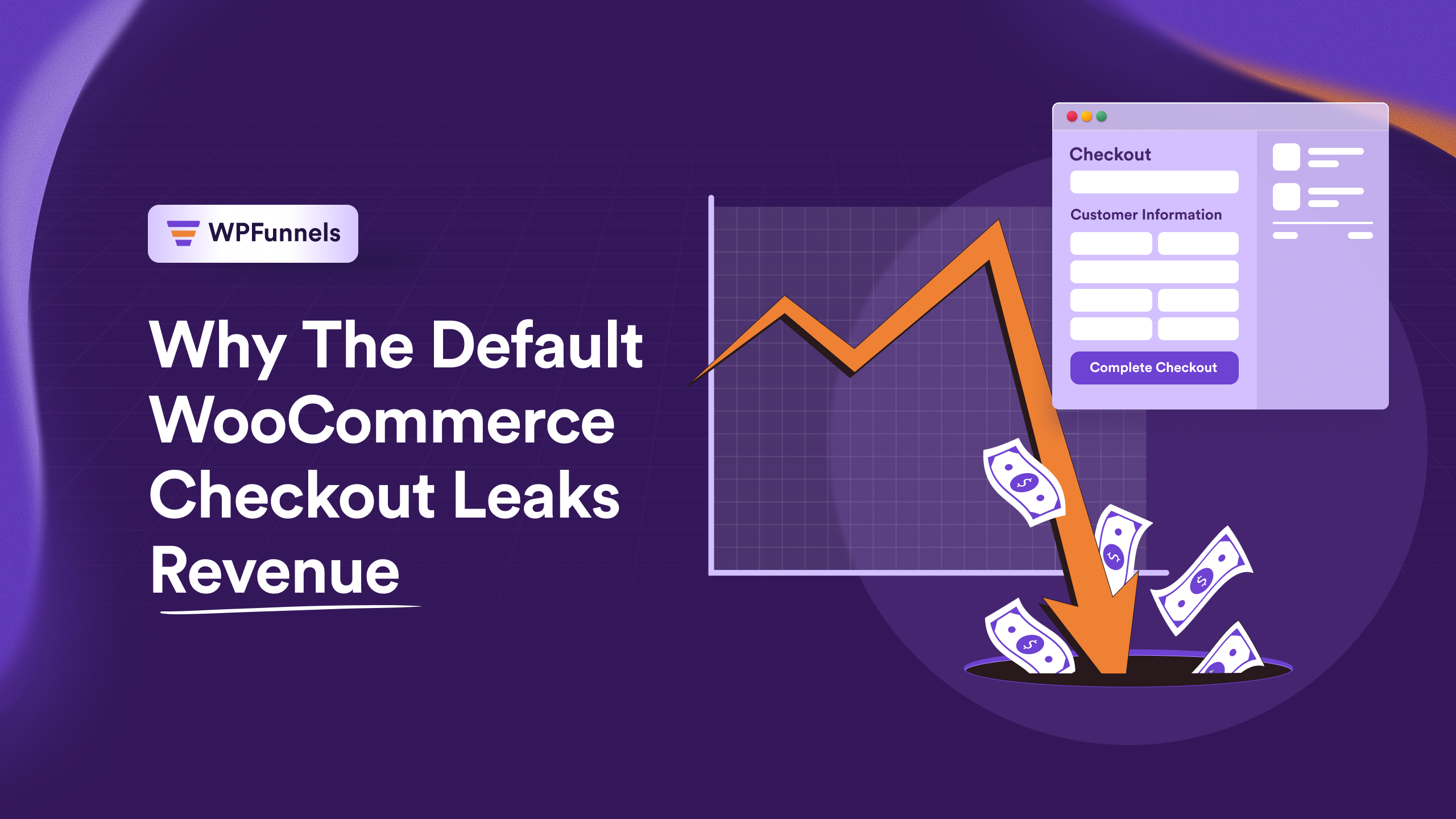
But here’s the catch: the Default WooCommerce Checkout Leaks Revenue. Confusing layouts and missing offers can make your buyers abandon their orders.
In fact, 26% of shoppers abandon their carts due to a lengthy or overly complex checkout experience
which means every unnecessary field or step could be costing you real money.
These issues cause drop-offs, lost sales, and lower profits for you. Even small friction can stop your ready-to-buy customers.
In this guide, I’ll show you why the Default WooCommerce Checkout Leaks Revenue and how you can fix your checkout to capture more sales and grow your profits.
So let’s get started,
TL;DR – Quick Summary
- The Default WooCommerce Checkout Leaks Revenue because it creates friction for buyers.
- Confusing layouts and unnecessary fields cause drop-offs.
- Missing upsells and order bumps lead to revenue leaks.
- A poorly optimized checkout reduces profit margin.
- Optimized checkout pages increase conversion rates and capture more revenue.
- Final verdict: Use the custom checkout page to reduce drop-offs & hidden revenue leaks.
How Default WooCommerce Checkout Works
The default WooCommerce checkout is the native checkout page that comes pre-installed with WooCommerce.
It’s simple and functional. It also allows customers to enter their details, choose a payment method, and complete their purchase.
Because the default checkout is generic and rigid, it creates friction for your buyers. They can get confused, distracted, or lose interest mid-purchase. Here are some reasons that can leak your revenues.
- Without personalized fields or layouts, buyers may hesitate to complete their order.
- Missing upsells or order bumps means you lose opportunities to increase average order value.
- Limited design and customization reduce trust and make your store feel less professional, leading to drop-offs and lost sales.
Why The Default WooCommerce Checkout Leaks Revenue
The core problem is simple: the default WooCommerce checkout was built for functionality, not for conversions.
It lets buyers complete their purchase, but it doesn’t guide them, optimize their experience, or help you earn more.
The default WooCommerce checkout can quietly cost you money. Confusing fields, plain layouts, and missing offers make buyers hesitate or abandon their carts.
Some problems that affect your revenue are given below:
1. Checkout Friction Causes Drop-Offs
When your default checkout is confusing, your buyers hesitate or even leave. Even people ready to pay can walk away if it feels complicated.
For example, too many form fields slow them down, unclear steps make them unsure where to click, and slow pages frustrate them enough to abandon the cart. Small things like this can quietly cost you sales.
It creates more drop-offs, lost revenue, and fewer completed orders. Every cart that’s left behind is money you could have earned.
It also hits your profit margin. Each lost order is not only a missed sale but also a missed chance to earn more with upsells or order bumps.
Making your checkout simple and smooth keeps your buyers happy and confident. A distraction-free checkout helps you capture more orders and grow your revenue.
2. Generic Checkout Design Confuses Buyers
Another fundamental problem with the WooCommerce default checkout is its plain layout. Buyers get confused, and your checkout loses trust and clarity.
Multi-page WooCommerce checkouts or too many distractions make it harder for buyers to focus. Missing trust signals can make them pause or leave.
For example, an Elementor checkout or Gutenberg blocks with extra fields and slow sections can frustrate buyers. Your overall checkout flow suffers, and more people abandon their carts.
This directly causes leaks in your revenue. A clean, simple checkout with a conversion-focused UI keeps buyers confident and helps you earn more.
3. No Built-In Offer Structure Means Lost Revenue
Another limitation of the default WooCommerce checkout page is that it doesn’t include built-in ways to increase your revenue. The default checkout setup focuses on completing the purchase, not maximizing each order.
Because of this WooCommerce default checkout issue, your buyers don’t see extra offers during the default checkout flow. Without order bumps, upsells, or cross-sells, every order stays the same size.
For example, a customer may come from your product page ready to buy and enter their payment details quickly. If a small complementary offer appeared at checkout, many buyers would add it in a few seconds.
But since these offers are missing, the Default WooCommerce Checkout Leaks Revenue. Each missed upsell or cross-sell reduces your potential profit from every sale.
4. No Funnel-Based Checkout Experience
The default WooCommerce checkout doesn’t follow a conversion funnel approach. The checkout process treats every purchase the same, no matter what the buyer wants.
Because of this, your buyers get the same single-page checkout with no personalization. That makes the experience feel generic.
For example, a buyer coming from your product page may only need a few clicks to finish the order. But a long-form checkout page with unnecessary fields, privacy policy confirmations, or extra steps can slow them down.
Without funnel logic, you miss out on upselling opportunities and personalized offers. This leads to more drop-offs and lower revenue from each order.
5. Poor Mobile Checkout Experience
Many buyers today shop directly from their phones, so your checkout needs to be simple and fast. If the default checkout process feels complicated on mobile, buyers may leave before completing the order.
For example, a long-form checkout page with too many fields forces buyers to scroll and type a lot on a small screen. This makes the checkout feel slow and frustrating.
Sometimes the layout also requires many clicks just to finish one purchase. When buyers struggle to move through the checkout, they often abandon the process.
A simple WooCommerce one-page checkout with better optimization techniques can make the experience smoother. That’s why improving mobile checkout is part of every complete guide to fixing revenue leaks.
How Checkout Design Directly Impacts Conversions
Checkout design directly affects whether your buyers complete their purchase or leave. When the layout is clear and simple, buyers move through the checkout with less work and finish their order faster.
But when your store has an ugly checkout page with poor structure, buyers feel confused and lose trust. This often causes hesitation right before entering payment details.
For example, many stores improve conversions by using a WooCommerce one-page checkout or a clean single-page layout. This reduces distractions and helps buyers complete their purchase quickly.
That’s why checkout design is a key part of any complete guide to improving conversions. A well-designed checkout reduces drop-offs, captures more orders, and helps prevent revenue leaks.
Signs Your Default WooCommerce Checkout is Leaking Revenue
Sometimes your checkout may look fine, but the numbers tell a different story. If you notice certain patterns in your store performance, your Default WooCommerce Checkout may be costing you sales.
One common sign is a high cart abandonment rate. Buyers add products to their cart but leave during the checkout process without completing the order.
Another indicator is a low checkout conversion rate. This means many visitors reach checkout, but only a small percentage actually finish the purchase.
You may also notice a low average order value. Without order bumps, upsells, or cross-sells, buyers complete their purchase but spend less than they could.
Finally, high drop-offs during checkout clearly signal a problem. If many buyers exit while entering their details or payment information, your checkout design may be creating friction and causing revenue leaks.
How Optimized Checkout Pages Prevent Revenue Leaks
A smooth, optimized checkout helps your buyers finish their orders without confusion. Clear design and simple steps lower drop-offs and help you capture more revenue.
For example, a custom checkout page lets your customer complete their purchase faster, so you see higher conversions and better profits.
Let’s see how it helps to prevent revenue leaks:
- Fewer Drop-Offs: A distraction-free checkout keeps your buyers focused on completing their order. With fewer distractions, you get more completed sales.
- Faster Checkout: Reduced form fields make it quick and simple for your customers. This means you don’t lose sales to frustration.
- Higher Conversions: Funnel-based checkout guides your buyers step by step. Thus, you can get more visitors turning into paying customers.
- Higher Order Value: Order bumps show relevant products during checkout. Many customers accept them, giving you more revenue per order.
- More Profit Per Sale: Upsell offers encourage your buyers to upgrade or add items. This helps you earn more without extra traffic.
Conclusion
The default WooCommerce checkout may seem convenient, but it can quietly leak revenue. Friction, confusing layouts, and missing offers stop your buyers from completing purchases.
By improving the checkout experience, you can reduce drop-offs and guide buyers smoothly through every step. Clear design and fewer distractions make buying easier for your customers.
Adding funnel logic, order bumps, and upsell opportunities helps you capture more revenue from each order. Even small improvements can significantly boost your profit margins.
A custom checkout page is the solution to fix these leaks. With it, you can create a focused, optimized experience that encourages buyers to complete their orders and increases your overall revenue.
** FAQ **
1. Why do so many customers abandon my checkout?
Many buyers leave because the default WooCommerce checkout is confusing or too long. When the process feels complicated, even ready-to-buy customers hesitate. By simplifying your checkout, you help buyers complete their orders faster and reduce drop-offs.
2. Can I increase sales on my default WooCommerce checkout?
Not easily. The default checkout doesn’t allow you to add order bumps or upsells, which means missed revenue opportunities. A custom checkout lets you suggest relevant products and increase the average order value for every buyer.
3. Why does my checkout look generic and untrustworthy?
The default WooCommerce checkout has a plain layout with minimal trust signals. When your page looks generic, buyers may hesitate to enter payment details. A custom checkout gives you control over design, clarity, and trust, helping buyers feel confident to complete their order.
4. How can I handle mobile buyers better?
Default checkout pages are often not mobile-friendly, making it hard for buyers to navigate. Confusing forms and layout issues cause your customers to abandon their carts. Optimizing checkout for mobile ensures you capture more orders from buyers on any device.
5. Does the default checkout affect my profit margins?
Yes, because it lacks funnel logic, upsells, and a focused layout. Every missed order or abandoned cart is revenue you don’t capture. A custom checkout ensures you maximize each purchase and improve your overall profit margin.