
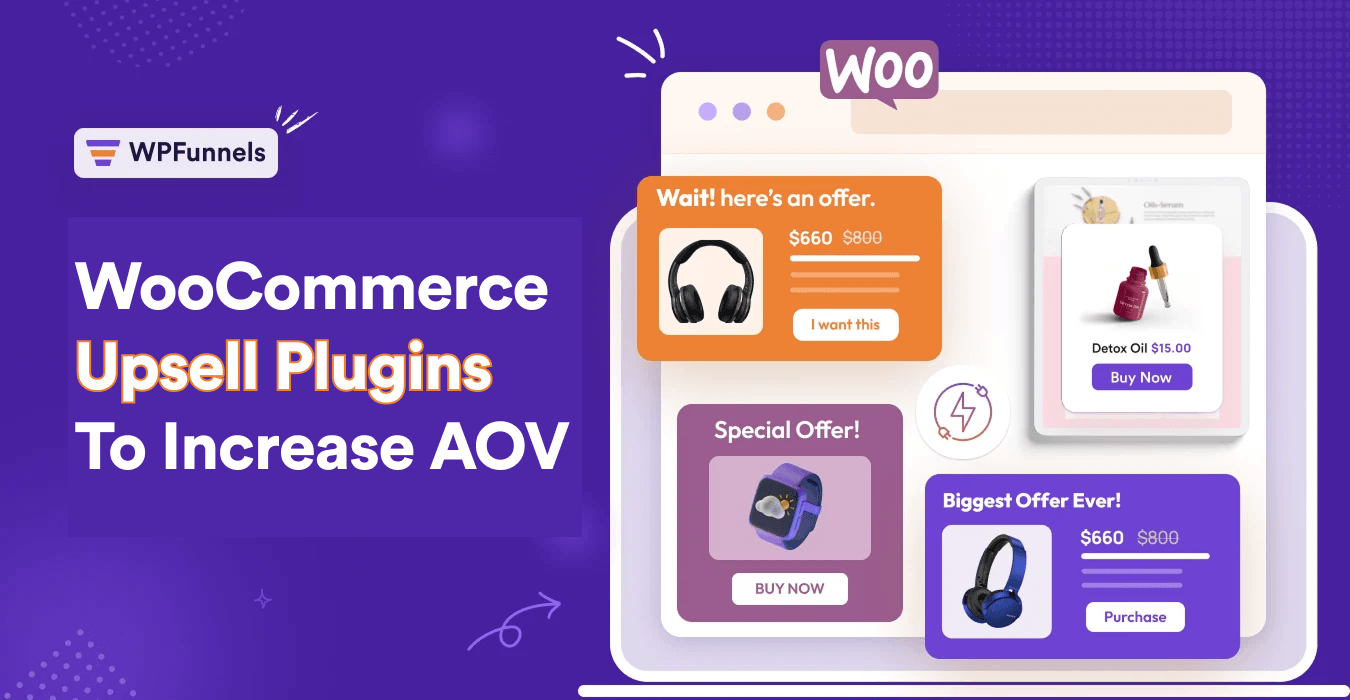

Running an eCommerce business means constantly looking for ways to get those sales numbers up. And most store owners always resort to doubling down on traffic growth and paid acquisition.
Well, sure, these can lead to more “number” of orders.
But is that really profitable? Short answer: No.
The fact is, when you invest in Paid Ads or offer discounts to get more customers, eventually you will notice that your acquisition costs will have already eaten away at your profits, leaving you with low margins.
Here’s where Amazon did it differently. Instead of Ads or traffic, they implemented some quick tactics aimed at increasing order value. Result? Amazon earns 200 billion extra a year!
Now, the concept of increasing AOV in WooCommerce isn’t complicated.
But how well you can execute the tactics depends a lot on the upsell plugin you use.
And today, I have decided to compare some of the best WooCommerce upsell plugins out there, based on my direct experience with them.
It’s been well over 3 years since I started using “upselling strategies” myself, and during that time, I’ve used several tools. So today, I’ve just put them on paper for you so that you can choose the right tool to achieve your long-term goals.
Let’s begin.
TL;DR – Choosing The Right Upsell Plugin For WooCommerce
If you need to make a decision based on the 2026 landscape, here is the categorized verdict:
- Best Overall for Control & Visualization: WPFunnels.
It is the only tool featuring a visual funnel canvas to map the entire journey. It also stands out for supporting post-purchase upsells with any payment gateway. - Best for Reliability & Automation: FunnelKit.
It is noted for having the fewest bug complaints in the list. Its “automation engine” is its most formidable feature for those who want a set-it-and-forget-it system. - Best for Proven Scale: CartFlows.
With over 200,000 active users, it is the most widely used solution and is built by the team behind the Astra theme. - Best for “Upsells-Only” (No Funnels): UpsellWP.
It focuses purely on placing offers across high-impact touchpoints like the cart and thank-you pages without the complexity of a full funnel builder. - Best for Checkout UX Overhauls: Checkout X.
This is a SaaS-based solution that replaces the WooCommerce checkout entirely to fix clunky user experiences and high abandonment rates. - Best for Budget-Minded Logic: Upsell Funnel Builder (WP Swings).
It offers advanced mechanics like “exit-intent upsells” and “Smart Offer Upgrades” for a relatively low price. - Best for One-Time Payment: WooCommerce Checkout Upsell Funnel (VillaTheme).
It offers a regular license for a one-time fee of $30, making it the lowest long-term cost option. - Best for Visual Beginners: WowRevenue.
This is a newer tool that allows for heavy visual customization (colors and layouts) without touching CSS, and it offers 12+ campaign types for free. - Best for Product-Page Bundles: YITH Frequently Bought Together.
It is purpose-built for Amazon-style accessory bundles directly on the product page. - Best for Minimalist Discovery: Related Products (WebToffee).
A lightweight, low-complexity entry point for small stores that just want to improve basic product discovery.
Now let’s get into the details.
How to choose the right WooCommerce upsell plugin (my decision checklist)
Before you pick a tool, answer these in order:
- Where do you want offers to show? (Product/cart/checkout/post‑purchase)
- Do you need a true one‑click post‑purchase? (This depends on gateway + implementation.)
- How important is targeting? (Rules by product, category, cart total, user role, etc.)
- Do you need funnels or just offers?
- Do you want analytics + A/B testing?
- Do you need a checkout builder?
If you canʼt answer #1, then you should try learning more about upselling strategies before choosing a plugin.
Which plugin you should choose will depend on the answers above; at least the first answer is a must.
Direct Comparison of the 9 Reliable WooCommerce Upsell Plugins
Comparison By Features:
| Plugin | Order bump | One-click upsell | Funnel builder | Product Page Upsell |
|---|---|---|---|---|
| WPFunnels | ✔️ | ✔️ | ✔️ | ✖️ |
| FunnelKit | ✔️ | ✔️ | ✔️ | ✖️ |
| CartFlows | ✔️ | ✔️ | ✔️ | ✖️ |
| UpsellWP | ✔️ | ✔️ | ✔️ | ✔️ |
| One Click Upsell Funnel (WP Swings) | ✔️ | ✔️ | ✖️ | ✔️ |
| Checkout Upsell Funnel (VillaTheme) | ✔️ | ✔️ | ✖️ | ✖️ |
| WowRevenue | ✔️ | ✖️ | ✖️ | ✔️ |
| YITH FBT | ✖️ | ✖️ | ✖️ | ✔️ |
| Related Products by WebToffee | ✖️ | ✖️ | ✖️ | ✔️ |
Comparison by Pricing And Stats:
| Plugin | Best for | Starting price/yr | Active users |
|---|---|---|---|
| WPFunnels | Full control + any gateway | $129.99 | 6k+ |
| FunnelKit | Reliability + automation | $129 | 40k+ |
| CartFlows | Proven scale | $189 | 200k+ |
| UpsellWP | Upsells only, no funnels | $75 | 5k+ |
| One Click Upsell Funnel (WP Swings) | Budget + exit-intent | $99 | 1k+ |
| Checkout Upsell Funnel (VillaTheme) | One-time payment | $30 | 700+ |
| WowRevenue | Visual beginners | $79 | 1k+ |
| YITH FBT | Product-page bundles | €79.99 | 9k+ |
| Related Products by WebToffee | Minimal product discovery | $89 | 10k+ |
Top 9 Formidable WooCommerce Upsell Plugins To Help You Grow
Now, we will deep dive into the details of every plugin on the list I’ll be clear on which one has what specialities, so that you can understand if it’s for you.
1. WPFunnels – Funnel Builder For WooCommerce With Custom Checkout & One‑Click Upsell
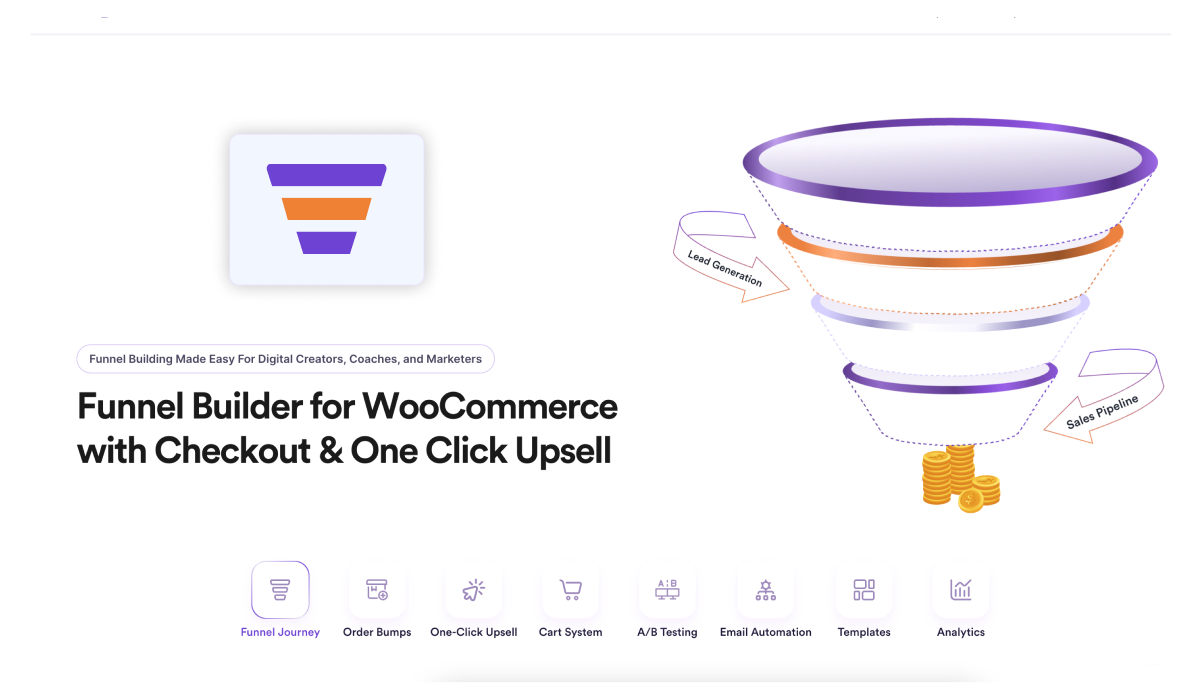
If you’re looking for a WooCommerce funnel builder to increase average order value and boost conversions, WPFunnels gives you full control over your checkout flow.
You can design custom WooCommerce checkout pages, customize thank you pages, and add revenue-boosting offers without any coding required.
It is specially built for increasing Average Order Value (AOV) with proven features such as order bumps during checkout and post-purchase upsell offers.
It is the only plugin that supports post-purchase upsells with any payment gateway.
– One-click upsell for 9+ payment gateways.
– Two-step upsell for all other payment gateways.
While offering upsell offers in your funnels, you have full control over designing the offer page and setting up exclusive discounts.
Its order bump feature also allows you to set up upsell offers on the checkout page, thanks to its “replace order ” feature. Meaning, you can offer a discount on an upgrade of whatever the buyer has in the checkout and let them choose to take the offer instead of what he/she has in the cart.
On top of these, it comes with a visual funnel canvas to help you plan the whole buying journey with no confusion.
Recent Update:
In mid-April 2026, WPFunnel made a huge update that makes it a key funnel-building tool for WooCommerce.
The plugin now includes a feature called “Store Checkout”. This is special because it allows you to replace your default WooCommerce checkout process with a custom, optimized checkout flow that includes modern checkout form layouts along with well-designed checkout pages & thank pages.
To top it off, you can create rule-based checkout flows where you can make personalized order bumps and upsell offers.
The plugin offers a modest Free version where:
- You can create up to 3 funnel flows.
- Set up storewide checkout to replace the default WooCommerce checkout.
- Offer 1 order bump per funnel or checkout flow.
- Set up 1 upsell offer after checkout.
Types Of Upsells Possible With WPFunnels
- Order bumps during checkout
- One-click upsell after checkout.
- Follow-up offers via email automation (with Mail Mint)
Best for
- Growing WooCommerce store owners who want to focus on increasing Average Order Value (AOV) to become profitable.
- Online stores want to create exclusive funnels to run separate sales campaigns.
- WooCommerce store owners want to offer post-purchase upsell offers, but can’t find tools that support it due to payment gateway restrictions.
- WooCommerce stores in need of more polished buying journeys to reduce drop-offs.
Current Status:
- 6000+ active users
- 4.9/5 rating in WordPress.org from 171 reviews.
- Plugin launched in 2021.
- Provides high-quality support.
Pros And Cons of WPFunnels
Pros
- Low learning curve and clean UI.
- Allows offering order bump and upsell in the free version.
- You can build the entire purchase journey (not just “add an upsell box somewhere”)
- Strong for stores that need checkout control + post-purchase offers
- Designed for offer sequencing (upsell ,downsell, conditional flows)
Cons
- If you only want a simple “Frequently Bought Together” box, it’s more tool than you need
- Fully dependent on WooCommerce.
- Fewer pre-made templates than others.
Key features of WPFunnels (high impact)
- Storewide checkout for WooCommerce
- Custom checkout & thank you page design
- Visual funnel canvas (so you can see steps + offers in one place)
- Sales funnels with landing pages, checkouts, and thank you pages.
- Order bumps at the checkout
- One-click upsell and downsell offers after checkout
- Post-purchase upsell for any payment gateway
- Conditional steps (show/skip steps based on rules)
- A/B split testing of any page
- Abandoned cart recovery
- Detailed analytics per funnels and steps
- Email automation for funnels (via Mail Mint)
- Page builder support: Gutenberg, Elementor, Divi, Bricks, Oxygen
WPFunnels Pricing
- Free version with limited features.
- Pro plan starting at $10.85 per month (billed annually)
- 4 Premium plans ranging from $129.99 – $599.99 per year.
Time needed to set up upsells for WooCommerce using WPFunnels
- Within 5-10 minutes.
2. FunnelKit – Funnel Builder for WooCommerce Checkout
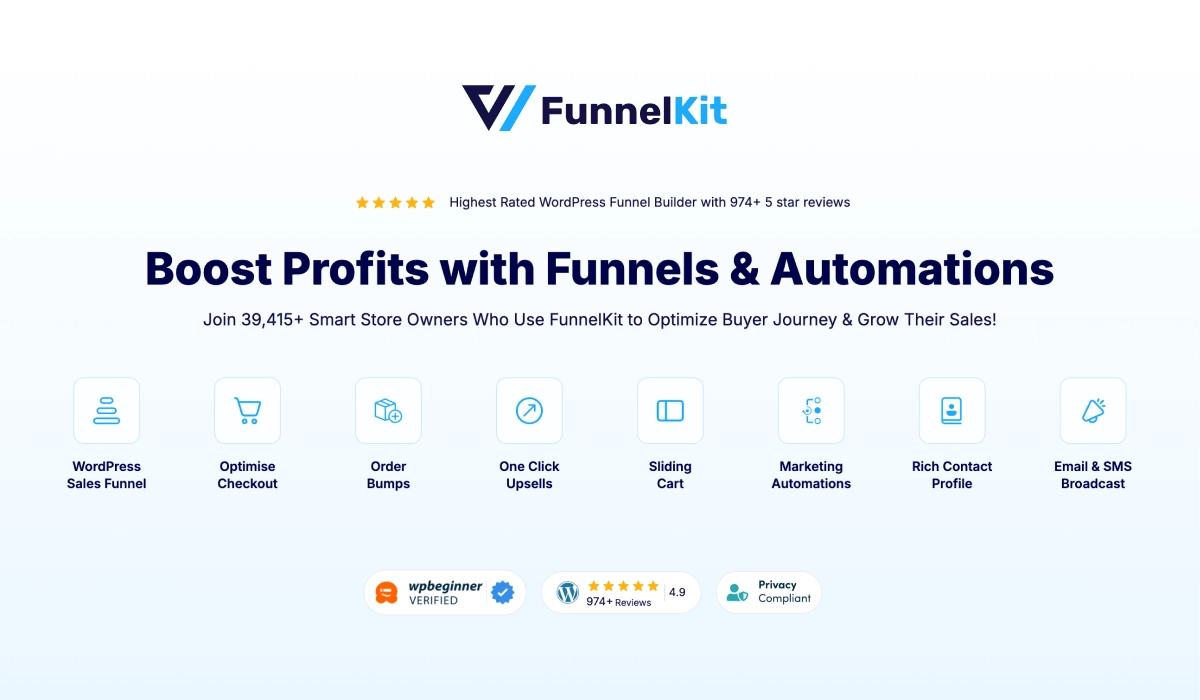
FunnelKit is a prime alternative to WPFunnels when it comes to considering WooCommerce upsell plugins.
While one-click upsells aren’t its main highlight, the plugin does come up with a powerful toolkit to create funnels and checkout flows with rule-based upsell offers.
This plugin has a full-stack solution with checkout customization, order bumps, one-click upsells, side cart, and a powerful automation engine (which is its most formidable feature).
One of its most notable traits is its highly efficient system. To-date, the tool has the fewest bug complaints compared to the rest of the upsell plugins in this list.
Types Of Upsells Possible With FunnelKit
- Order bump on cart page
- Order bumps during checkout
- One-click upsell after checkout.
- Follow-up offers via email automation (with Mail Mint)
Best for
- Growing WooCommerce store owners who want to focus on increasing Average Order Value (AOV) to become profitable.
- Online stores want to create exclusive funnels to run separate sales campaigns.
- WooCommerce store owners want to offer post-purchase upsell offers, but can’t find tools that support it due to payment gateway restrictions.
- WooCommerce stores in need of more polished buying journeys to reduce drop-offs.
Current Status:
- 40,000+ active users
- 5/5 rating in WordPress.org from 990 reviews.
- Plugin launched in 2018.
- Less bugs reported.
Pros And Cons of FunnelKit
Pros
- Low bug report by users
- Strong checkout-focused feature set
- High-quality email automation workflows
- More control over order bump design & placement
Cons
- Longer learning curve compared to WPFunnels
- Funnel journey is not visualized.
- Limited payment gateway support for post-purchase upsells.
Key features of FunnelKit (high impact)
- Sales funnels with landing pages, checkouts, and thank you pages.
- Checkout field editor and design optimization
- Side cart for WooCommerce
- Order bumps at the checkout & side cart
- One-click upsell after checkout
- Rules engine for conditional offerings
- Email automation workflows
- A/B Split Testing
- Funnel analytics
- Page builder support: Gutenberg, Elementor, Divi, Bricks, Oxygen
FunnelKit Pricing
- Free version with limited features.
- Pro plan starting at $10.85 per month (billed annually)
- 4 Premium plans ranging from $129 – $599 per year.
Time needed to set up upsells for WooCommerce using FunnelKit
- Around 15-20 minutes
3. CartFlows – Funnel Builder & Checkout Plugin for WooCommerce
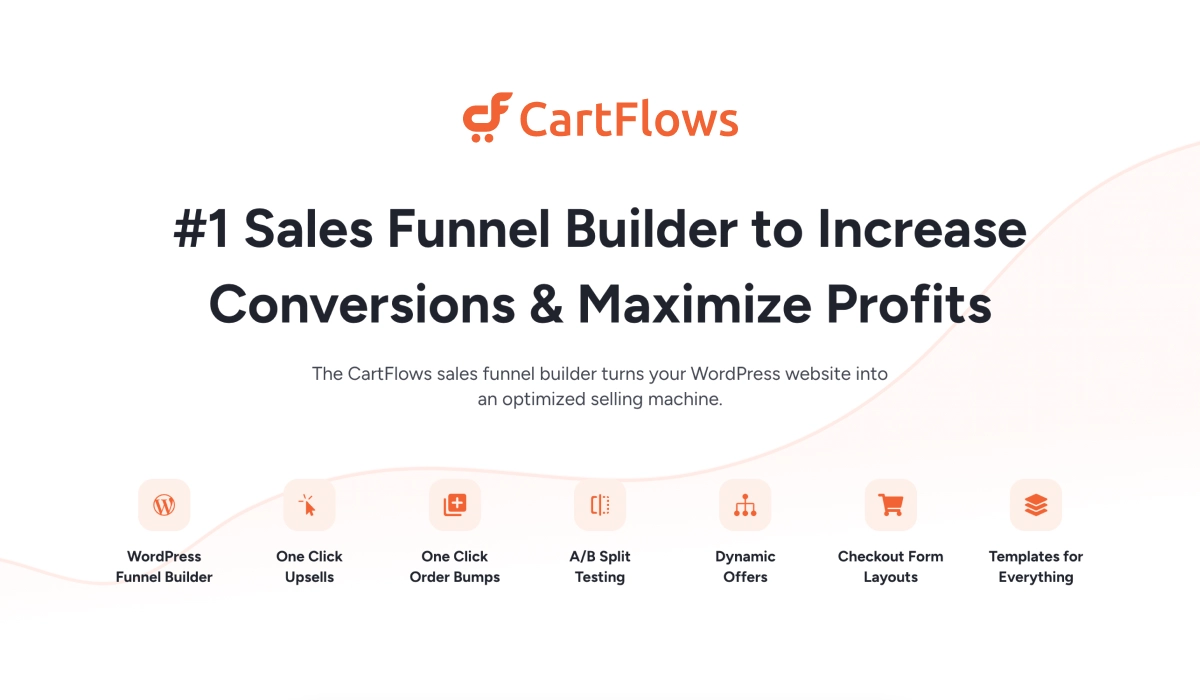
CarfFlows is the most widely used funnel builder for WooCommerce, mainly due to being among the earliest solution providers of funnel building in WordPress.
The plugin is mainly built to set up a high-converting buying journey with custom checkout flows and sales funnels.
It is the plugin from which FunnelKit got its inspiration when offering a funnel-building solution.
As such, it also works similarly to FunnelKit, but with more powerful control over its storewide checkout functionality and rules engine for custom offerings.
Regarding upsells, they offer a modest solution to set them up either as part of the storewide checkout flow or any exclusive sales funnels. You can make discounts not available in the store and design the offer page with native page builders.
Their team is also the people behind the theme, Astra, meaning they are quite adept in software building.
Plus, they also have a plugin called SureCart, which is an alternative to WooCommerce, with which you can use Cartflows with more control in setting up rule-based checkout flows.
Types Of Upsells Possible With CartFlows
- Order bumps during checkout
- Pre-payment upsell pages
- One-click upsell after checkout.
Best for
- Medium-sized WooCommerce stores that want to run campaigns with exclusive funnels easily.
- Growing stores that want to set up upsell offers for their existing store without affecting the site.
- Online stores that want to have necessary revenue growth stack: order bumps and upsells, checkout customization, and abandoned cart recovery.
Current Status:
- 200,000+ active users
- 4.8/5 rating in WordPress.org from 494 reviews.
- Plugin launched in 2018.
- Easy, WordPress native UI.
Pros And Cons of CartFlows
Pros
- Strong checkout-focused feature set
- More control over offers and page design
- More templates available
Cons
- Automation requires OttoKit
- Higher learning curve
- Limited payment gateway support for post-purchase upsells.
Key features of CartFlows (high impact)
- Sales funnels with landing pages, checkouts and thank you pages.
- Checkout field editor and design optimization
- Order bumps at the checkout
- One-click upsell offers after checkout
- Rules engine for conditional offerings
- Abandoned cart recovery
- A/B Split Testing
- Side Cart
- Funnel analytics
- Page builder support: Gutenberg, Elementor, Beaver Builder, Bricks, Thrive Architect
CartFlows Pricing
- Free version with limited features.
- Pro plan starting at $16 per month (billed annually)
- 3 Premium annual plans ranging from $189 – $649 per year.
- 3 Lifetime Pro plans ranging from $799 – $2199
Time needed to set up upsells for WooCommerce using CartFlows
- Within 20 minutes
4. UpsellWP – WooCommerce Upsell and Related Products Offers
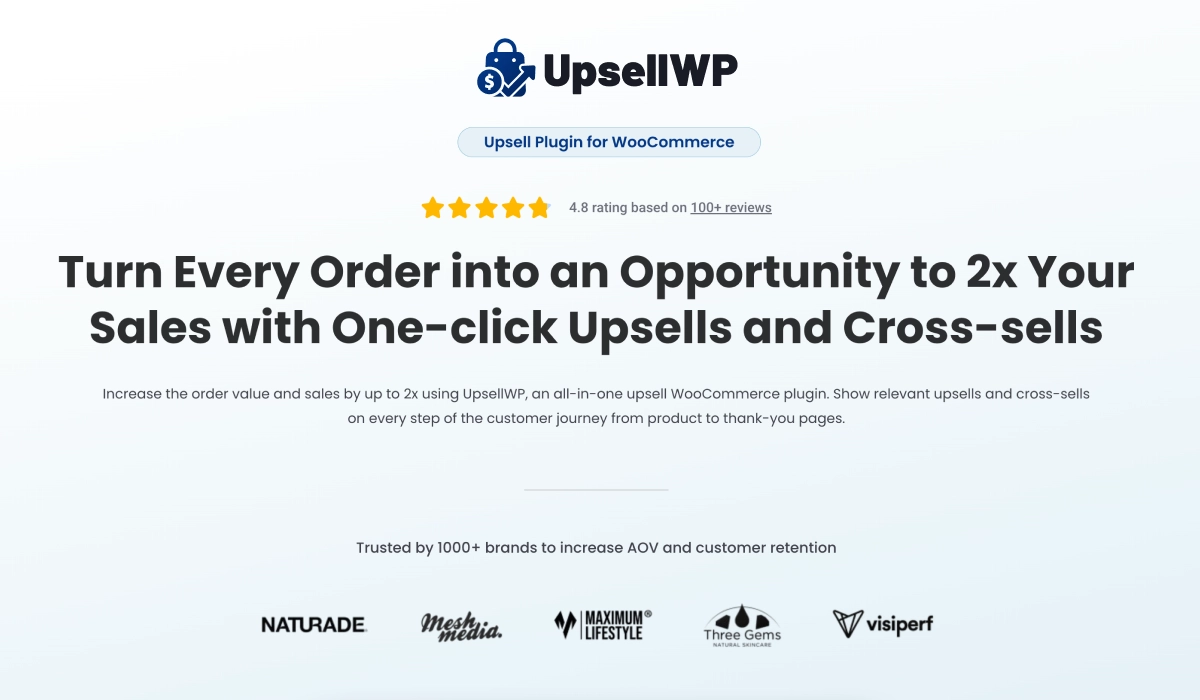
UpsellWP is one of those plugins that does one thing really well: upselling.
Instead of trying to be a full funnel builder, it focuses purely on helping you place upsell and cross-sell offers across your WooCommerce store without overcomplicating the setup.
So, in case you do not want a full-fledged funnel builder, UpsellWP gives you a much simpler way to test and implement revenue-boosting upsell offers.
You can place offers on product pages, cart, checkout, post-purchase, and even the thank-you page. So while it’s not a funnel builder, it still covers most high-impact upsell touchpoints.
It also includes useful features like A/B testing and conditional logic to test and apply the highest-impact upsell offers.
Types Of Upsells Possible With UpsellWP
- Upselling on product page
- Order bump on cart page
- Order bumps during checkout
- One-click upsell after checkout.
- Upsell offer on the Thank-you page
- Frequently bought together bundles
- Upsell popups throughout the site
Best for
- Stores that don’t need full funnel-building capabilities, just upselling.
- Growth marketers who want quick wins without complex setups
- Small WooCommerce stores are testing upsells for the first time
Current Status:
- 5,000+ active installs
- 4.8/5 rating on WordPress.org (100+ reviews)
- Plugin launched in 2023.
Pros And Cons of UpsellWP
Pros
- Simple, focused, and easy to get started
- Covers all key upsell placements without needing funnels
- Strong feature set for the price
- Ideal for quick experimentation
Cons
- Not suitable if you want control of the full buying journey
- Performance may depend on how many placements you enable
Key features of UpsellWP (high impact)
- Order bump during checkout
- One-click upsells after checkout
- Campaign scheduling (start/end dates)
- Advanced conditions (product, category, cart value, items)
- Per-user usage limits
- Offer priority controls
- Ready-made upsell templates
- Campaign tracking and reporting
UpsellWP Pricing
- Free version with limited features.
- Pro plan starting at $6.25 per month (billed annually)
- 3 Premium annual plans ranging from $75 – $295 per year.
- 3 Premium three-year plans ranging from $135 – $591 per year.
- 3 Premium five-year plans ranging from $188 – $738 per year.
Time needed to set up upsells for WooCommerce using UpsellWP
- Around 15 minutes
5. One Click Upsell Funnel for Woocommerce (WP Swings)
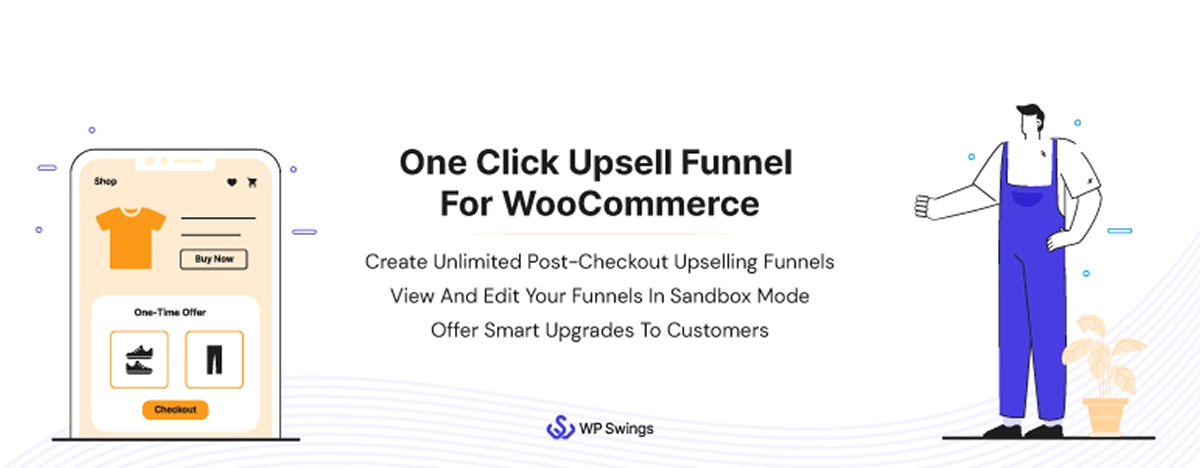
One Click Upsell Funnel is one of the older players in the WooCommerce upsell space, coming with rich Upsell-only features similar to UpsellWP, but with a lot more control over how your offers behave, who sees them, and when they trigger.
Its main highlight is post-purchase one-click upsells, but it also supports order bumps and funnel-style offers, making it more flexible than it initially appears.
One standout feature is the Smart Offer Upgrade, which can automatically replace the original product in the order if the customer accepts the upsell.
The plugin also comes with a unique “exit-intent upsell” (i.e., offers are triggered when a user is about to leave the page), which often works as a great way to step cart abandonment.
Overall, this plugin is more about control over the offers, although a bit on the technical side.
Types Of Upsells Possible With One Click Upsell Funnel by WP Swings
- Offer on product page
- Order bump during checkout
- One-click upsells after checkout
- Exit-intent popup upsells
Best for
- Store owners who want deep control over upsell behavior
- Budget-conscious users looking for a feature-rich Pro plugin
- Marketers who want to experiment with targeting, triggers, and offer logic
Current Status:
- 1000+ active installs
- 4.5/5 rating on WordPress.org (98+ reviews)
- Plugin launched in 2018.
Pros And Cons of One Click Upsell Funnel by WP Swings
Pros
- Strong feature depth at a relatively low price
- Includes advanced conversion mechanics (popups, triggers, logic)
- Good flexibility for testing different offer strategies
Cons
- The interface can feel overwhelming at first
- Requires more setup time compared to simpler plugins
- Payment gateway and checkout behavior are often buggy
Key features of One Click Upsell Funnel by WP Swings (high impact)
- Upsell offers on product page
- Order bump on the checkout page
- One-click upsell after checkout
- Smart Offer Upgrade (replace original product)
- Exit-intent pop-up upsell offers
- Advanced targeting (product/category-based)
- Smart skip logic (avoid showing already purchased items)
- Built-in analytics and reporting
One Click Upsell Funnel by WP Swings Pricing
- Free version with limited features.
- Pro plan starting at $6.25 per month (billed annually)
- 3 Premium annual plans ranging from $99 – $289 per year.
Time needed to set up upsells for WooCommerce using One Click Upsell Funnel by WP Swings
- Around 30 minutes
6. WooCommerce Checkout Upsell Funnel – Order Bump (VillaTheme)
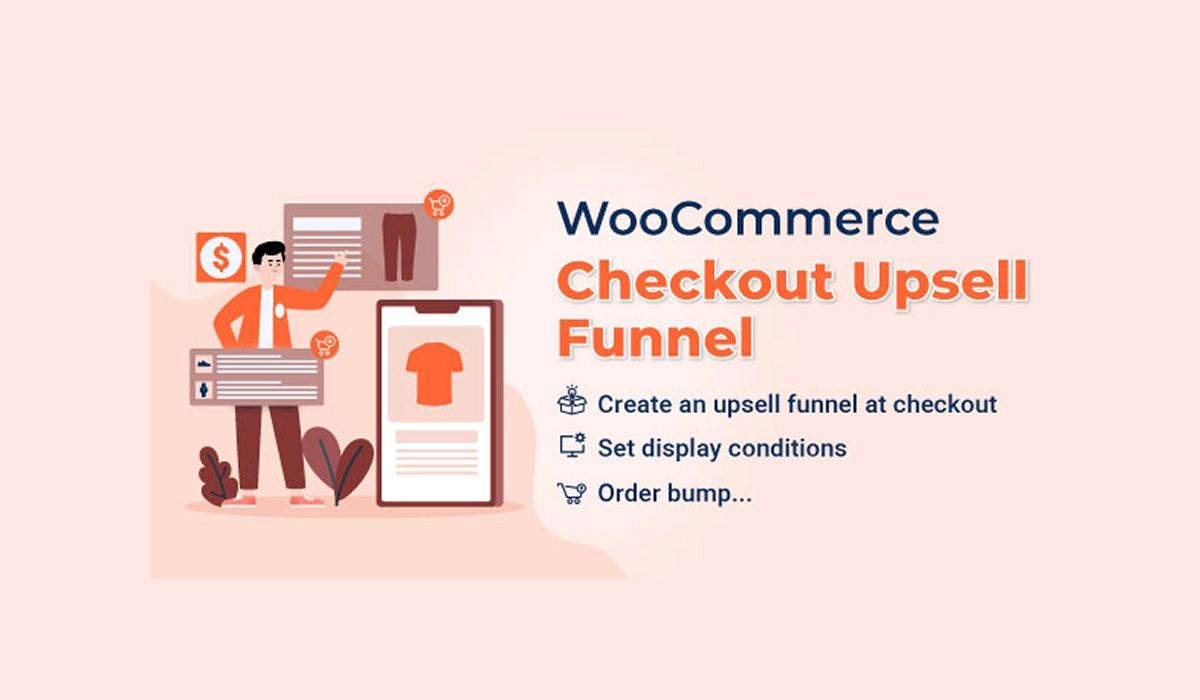
This VillaTheme plugin is a budget-friendly option on this list, but surprisingly, you might find it to be of more value for money.
The plugin gives you a checkout-focused upsell system that you will find very helpful. Instead of limiting you to a simple checkbox-style bump, it lets you trigger an upsell the moment a customer clicks “Place Order.” That offer can appear as a pop-up, an inline section, or even redirect the user to a dedicated offer page, even before payment is processed.
That’s an interesting middle ground between a traditional order bump and a full upsell page.
On top of that, it still includes standard order bumps, with separate targeting rules and display controls. So you’re essentially getting two systems in one: quick-add bumps and more dynamic pre-payment upsell flows. You can control offers based on cart value, products, user roles, location, and more.
However, everything happens before checkout is completed. So if someone were to abandon the cart, you earn nothing, and there is no option to set this up as a post-purchase upsell.
Types Of Upsells Possible With Checkout Upsell Funnel by VillaTheme
- Order bump during checkout
- Pop-up upsell after clicking on “Place order”
- Upsell offer reveal inline after click. on “Place order”
- Pre-payment upsell pages
Best for
- Budget-conscious store owners looking for a one-time purchase
- Stores focused on checkout optimization (pre-payment upsells)
- Users who want flexible display options without a full funnel builder
Current Status:
- Available on CodeCanyon (not WordPress.org)
- 700+ sales with strong user feedback
- 4.6/5 rating on CodeCanyon (13 reviews)
- Plugn launched in 2020.
Pros And Cons of Checkout Upsell Funnel by VillaTheme
Pros
- One-time payment (lowest long-term cost on this list)
- Flexible upsell display options at checkout
- Strong targeting and rule system
- Combines upsell funnels and order bumps in one plugin
Cons
- No post-purchase one-click upsells
- No support for subscriptions or recurring products
- Limited design polish compared to premium funnel builders
- No free version and limited support period
Key features of Checkout Upsell Funnel by VillaTheme (high impact)
- Checkout upsell funnel triggered on “Place Order”
- Multiple display types (popup, inline, redirect page)
- Countdown timers for urgency
- Unlimited order bumps
- Advanced targeting (product, cart, user conditions)
- Separate rules for funnels and bumps
- Conversion tracking and reporting
- Flexible discount options (fixed / percentage)
- Elementor and WPML compatibility
- Custom CSS support
Checkout Upsell Funnel Pricing
- $30 or Regular License (+ $9.38 for 12 months support)
- $175 for Extended License (+ $56.25 for 12 months support)
Time needed to set up upsells for WooCommerce using Checkout Upsell Funnel by VillaTheme
- Around 45 minutes
7. WowRevenue — Free-First Upsell Plugin with Visual Customization
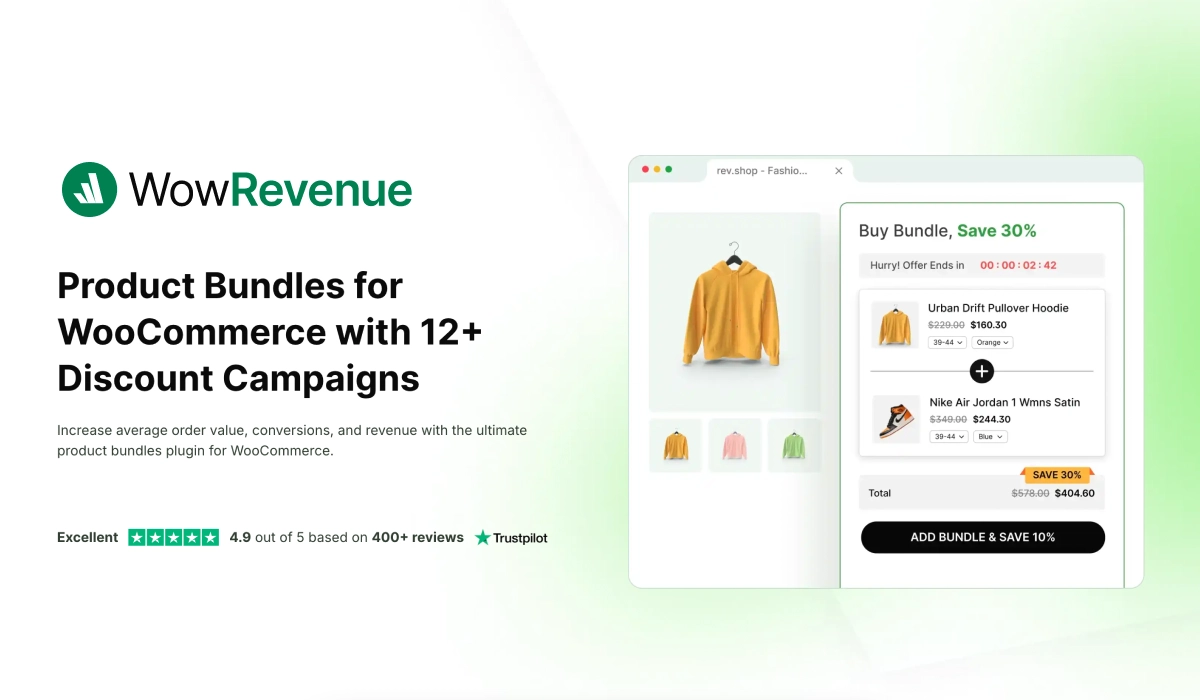
WowRevenue is a new tool that offers a great deal of control over bundling and offer distribution throughout your WooCommerce store.
Though not a direct upselling plugin, it allows you to plan bundles or exclusive product offers and display them around specific areas on your site (such as using a floating bar, on product page, cart page, and thank you page) so that the buyers are tempted to spend more.
The plugin heavily focuses on visual customization. You can tweak colors, text, and layout to match your store without touching CSS, which is a big win for non-technical users.
That said, it’s still early-stage. It doesn’t yet match the depth of targeting or post-purchase sophistication of more mature tools.
Types Of Upsells Possible With WowRevenue
- Upselling on product page
- Floating bar with upsell offer
- Upsell offer on the Thank-you page
- Frequently bought together bundles
- Upsell popups throughout the site
Best for
- Beginners looking for a free upsell solution
- Stores that want visual control without coding
- Users experimenting with multiple campaign types
Current Status:
- 1,000+ active installs
- 5/5 rating on WordPress.org (18+ reviews)
- Plugin launched in 2024.
- Newer plugin with growing adoption
Pros And Cons of WowRevenue
Pros
- Extremely generous free tier
- Easy visual customization
- Wide variety of campaign formats
Cons
- Not a direct upselling plugin. More of a bundling and discounting plugin.
- No one-click upsells
- Limited advanced targeting compared to mature tools
Key features of WowRevenue (high impact)
- 12+ conversion-focused campaign types (Bundles, BOGO, FBT, Bulk Discounts, etc.)
- Full-funnel placements (Product, Cart, Checkout, and Thank You pages)
- Global and product-specific triggers * Multiple display formats (Inline, Popup, and Floating Bar)
- Real-time visual builder with live previews
- Built-in urgency features (Countdown timers and stock counters)
- Comprehensive analytics (Revenue uplift and conversion tracking)
- Device-specific optimization (Mobile and Desktop)
- Post-purchase offers and “Next Order” coupons
- One-click “Double Order Plus” feature
WowRevenue Pricing
- Free version with limited features.
- Pro plan starting at $6.58 per month (billed annually)
- 2 Premium annual plans ranging from $79 – $159 per year.
- 2 Lifetime Pro plans ranging from $299 – $549
Time needed to set up upsells for WooCommerce using WowRevenue
- Around 40 minutes
8. YITH Frequently Bought Together for WooCommerce
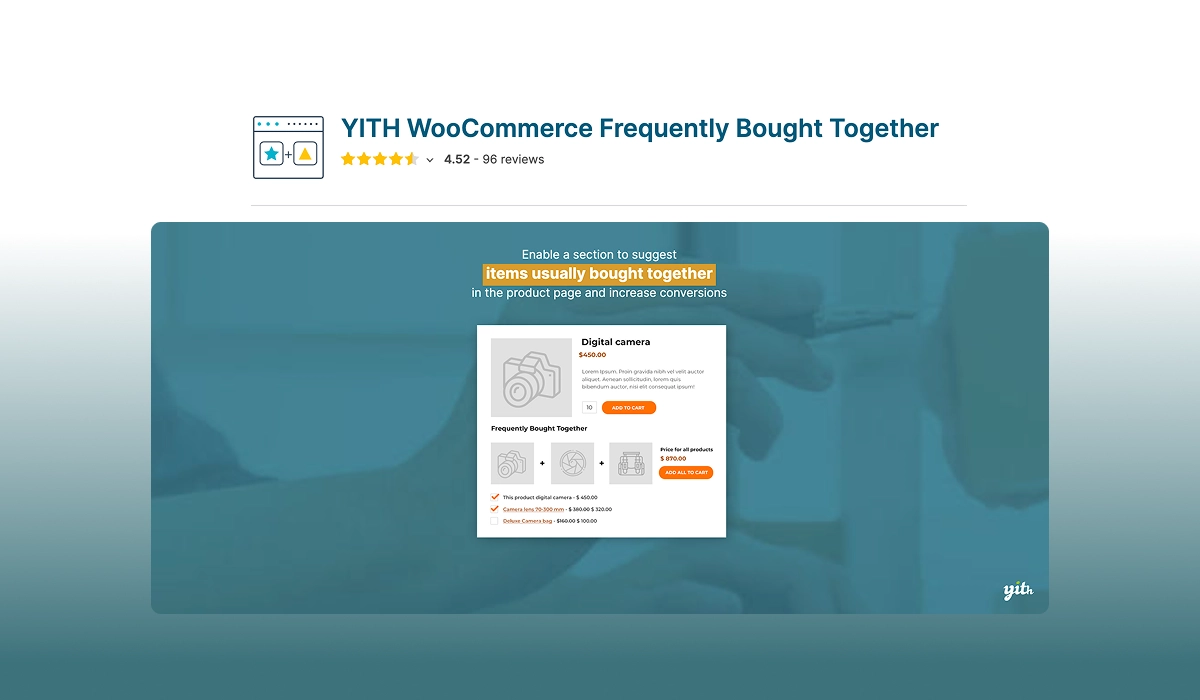
YITH Frequently Bought Together, instead of focusing on checkout or post-purchase flows, it zeroes in on a single high-impact strategy: Amazon-style “Frequently Bought Together” bundles on product pages.
This can have a huge impact on average order value as long as you can suggest products that naturally pair well (like related accessories, add-ons, or complementary items).
The plugin lets you manually choose related products or automate suggestions based on categories and tags, and you can even offer bundle discounts to increase conversions.
No, it’s not a full upsell system, but it plays a small role in upselling.
Types Of Upsells Possible With YITH Frequently Bought Together
- Frequently bought together bundles
- Product page upsell recommendations
Best for
- Stores with strong product relationships (accessories, bundles)
- Users who want a simple, focused strategy like Amazon.
Current Status:
- 9,000+ active installs
- 3.1/5 rating on WordPress.org (12+ reviews)
- 4.5/5 rating on YITH website (96+ reviews)
- Plugin launched in 2019.
Pros And Cons of YITH Frequently Bought Together
Pros
- Clear, focused use case
- Works well for accessory-based products
- Simple to implement
Cons
- Not a direct upselling plugin.
- No checkout or post-purchase upsells
- Limited to product page strategy.
Key features of YITH Frequently Bought Together (high impact)
- Manual or automated product bundling
- Control over the display of the number of suggested items
- Customizable design and placement
- Optional bundle discounts (fixed or percentage)
YITH Frequently Bought Together Pricing
- Free version with limited features.
- Pro plan starting at $6.67 per month (billed annually)
- 1 Premium annual plan with a price of €79.99
Time needed to set up upsells for WooCommerce using YITH Frequently Bought Together
- Around 15-20 minutes
9. Related Products by WebToffee
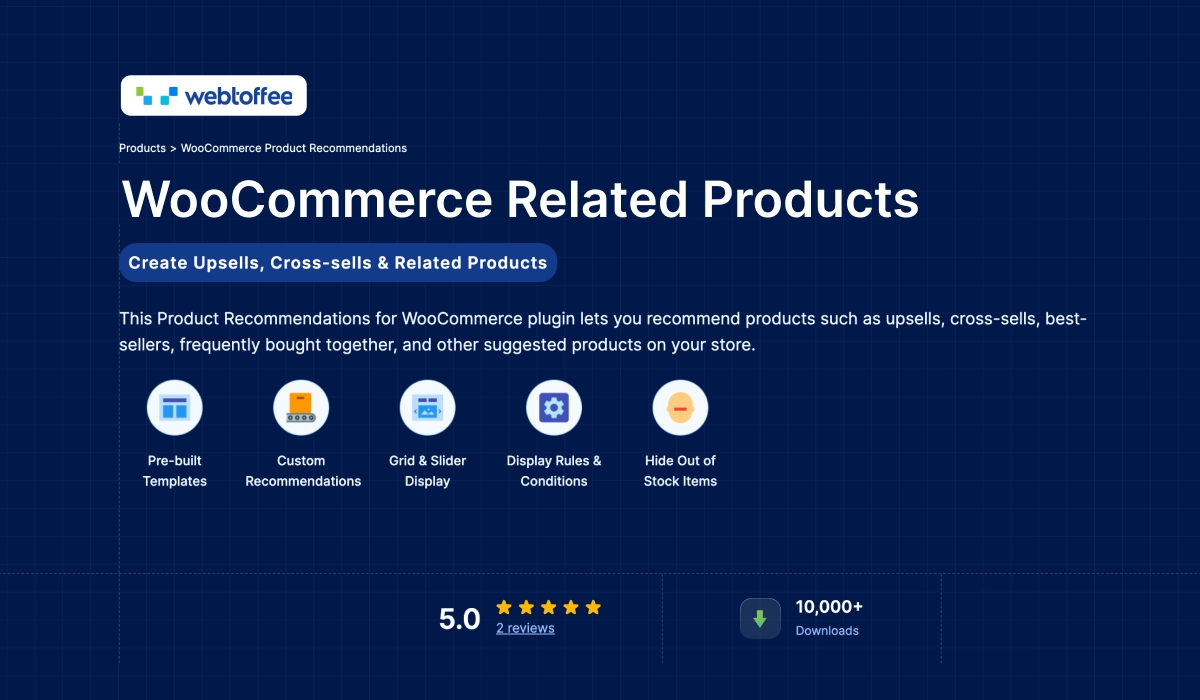
If you’re looking for something lightweight and simple, WebToffee’s plugin is about as straightforward as it gets.
It focuses on basic product recommendations, showing related products, upsells, and cross-sells across your store without touching checkout or building funnels.
That makes it a good starting point if your store is small and you just want to improve product discovery and increase cart value with minimal effort.
But it’s important to be clear: this isn’t a high-leverage upsell tool.
You won’t get order bumps, post-purchase offers, or advanced targeting. The results you get will depend heavily on how well your product relationships are structured.
Types Of Upsells Possible With Related Products by WebToffee
- Upselling on product page
- Related upsells on the shop page
Best for
- Small stores just getting started with upselling
- Users who want a lightweight, no-complexity solution
- Stores focused on product discovery rather than funnel optimization
Current Status:
- 10,000+ active installs
- 4.6/5 rating on WordPress.org (80+ reviews)
- Plugin launched in 2021.
- Stable and actively maintained
Pros And Cons of Related Products by WebToffee
Pros
- Simple and lightweight
- Easy to set up and manage
- Good entry point for beginners
Cons
- No checkout or post-purchase upsells
- Limited impact compared to funnel-based tools
- Depends heavily on product data quality
Key features of Related Products by WebToffeer (high impact)
- Related product recommendations
- Upsell and cross-sell display options
- Flexible placement across product/shop pages
Related Products by WebToffee Pricing
- Free version with limited features.
- Pro plan starting at $7.42 per month (billed annually)
- 3 Premium plans ranging from $89 – $199 per year.
Time needed to set up upsells for WooCommerce using Related Products by WebToffee
- Around 15 minutes
Why Upselling Is the Highest-ROI Move in eCommerce
Every time a visitor lands on your store, you’ve already paid for that click in ad spend, SEO
effort, or time. Upselling is how you extract the maximum from the moment someone is ready to place an order, without spending extra on additional acquisition.
Upselling can boost revenue by 10–30% on average (according to Accenture research) at zero extra acquisition cost.
- According to Launchtip’s research,
- Amazon generates 35% of its total revenue from its recommendation engine: automated upselling and cross-selling at scale.
- Successful eCommerce stores achieve upsell conversion rates of 10–25%; personalized recommendations can push that by 320%.
- Upselling grows customer lifetime value (LTV) by 20–40%.
- According to Parahgroup’s research, well-targeted post-purchase one-click offers see acceptance rates of 8–15%, with
zero abandonment risk since payment is already confirmed.
- WserNotify states that selling (or upselling) to an existing customer is 60–70% more likely to succeed than converting a new customer.
So it’s apparent that big brands have already succeeded in using upselling tactics. The challenge is picking a plugin that gets you running without a week of setup. The 9 WooCommerce upsell plugins above all have powerful features you can benefit from.
The idea is to optimize your store with the right offerings so that you grow your average order value without extra efforts or expenses.
How Upsell Offers Can Double Your Revenue
The main purpose of an upsell is to make a buyer spend more than what he initially intended to. And using upsells at the right time with the right offer can trigger twice as much revenue without much effort.
Learn more about upselling from here: What Is Upselling? The Ultimate Guide [2025]
You can either offer a related product that the buyer can purchase along with what he already purchased, i.e., increasing the order value, or you can offer a better alternative to purchase instead, i.e., more revenue.
Let us look at an example:
Suppose you sell Android phones. A customer wished to purchase a Redmi phone from your store. Based on his budget, he chose to purchase Redmi Note 7 Pro from your store. So he added this product to his cart and paid $180 for the phone.
After his payment is complete, you can make an upsell offer for a Redmi Note 9 Pro (which normally costs $245) at a $15 discount. So basically, you are offering a better alternative at a discounted price.
Here, you can prepare an upsell copy to highlight that the buyer can simply spend only $50 more and get a better phone with higher camera resolution and RAM, plus save $15.
This sales tactic aims to boost overall sales while introducing customers to potentially better-fitting solutions.
You can either set up upsell offers as order bumps during checkout or as one-click offers after checkout. Normally, the post-purchase approach converts more (and the one-click feature may depend on whether the payment gateways support it).
The reason why this approach is a great revenue booster is that it helps you earn more from every buyer without extra acquisition costs. Since you put a lot of resources and effort into bringing traffic and creating conversions, it’s only logical to make the most out of every buyer and earn as much as possible from each of them.
The Top Three Upsell Moments (and Which Converts Best)
While you can place upsell offers in many areas throughout your website, there are 3 specific moments where you can expect the highest conversions.
- Order Bump (at checkout):
- A small add-on is shown on the checkout form.
- One checkbox click, product added before payment.
- Best for low-price, low-friction items.
- Post-Purchase One-Click (after payment):
- An offer page is shown immediately after the transaction completes.
- No re-entering card details.
- Highest conversion potential; the sale is locked, buyer is in commitment mode.
- Thank-You Page / Follow-up Email:
- Lower urgency but useful for higher-consideration products or subscription upsells.
- Lower urgency but useful for higher-consideration products or subscription upsells.
Post-purchase one-click offers see 8–15% acceptance rates. The buyer’s guard is down, the sale is already locked, and there’s zero cart abandonment risk.
Frequently Asked Questions (FAQs)
1. What is the difference between upsells and cross-sells in
WooCommerce?
An upsell pushes a higher-value version of what the customer is already buying. A cross-sell suggests a complementary item.
2. Are order bumps the same as upsells?
An order bump is a specific type of offer strategy where you can make upsell offers: a small add-on offer displayed during checkout (often as a checkbox).
3. Can you do true one-click post-purchase upsells in WooCommerce?
Yes, but it depends on your plugin and your payment gateway setup. Always test with your exact gateway, taxes, shipping, subscriptions, and any checkout customization.
4. How many upsells should you run at the same time?
Start with one bump + one post-purchase offer. Too many offers at once can lower conversion and make optimization impossible.
5. Which WooCommerce upsell plugin is best for beginners?
If you want the simplest path, start with a lightweight recommendation plugin.
If you want the biggest AOV lift: start with a funnel builder that includes checkout customization + post-purchase upsells.
Final Thoughts
As you can see, upselling is definitely one of the best tactics to increase revenue. The main challenge here is how you can plan and set up the right upsell offers for your products to generate maximum revenue. And the first step to that is to choose the right upsell plugin.
Sure, you can still consider using the popular funnel builders out there. But if you want to start earning more real quick, then it’s best to go for an easy-to-learn WooCommerce upsell plugin and set up upsell offers right away.
Go ahead and choose the upsell plugin that you feel is more suitable for your needs and start increasing your revenue.
You may consider reading the following guide to learn about proven upsell tactics that work:
If you have any questions or other suggestions, do leave us a comment.
Cheers.