


As a WooCommerce store owner, you probably have the same goal as everyone else: to increase sales and revenue.
And if your store is already getting orders, you may have started asking yourself:
What else can I do to get more from my WooCommerce store?
That’s usually when things like order bumps, upsells, and sales funnels start coming into the picture.
And naturally, the next step is to look for a tool that can help you set them up.
But here’s where things get a little confusing.
Do I need a complete sales funnel builder? Or do I just need an upsell plugin?
Because once you start looking, you’ll find tools that do completely different things. Some help you build the entire funnel, while others focus mainly on checkout offers and upsells.
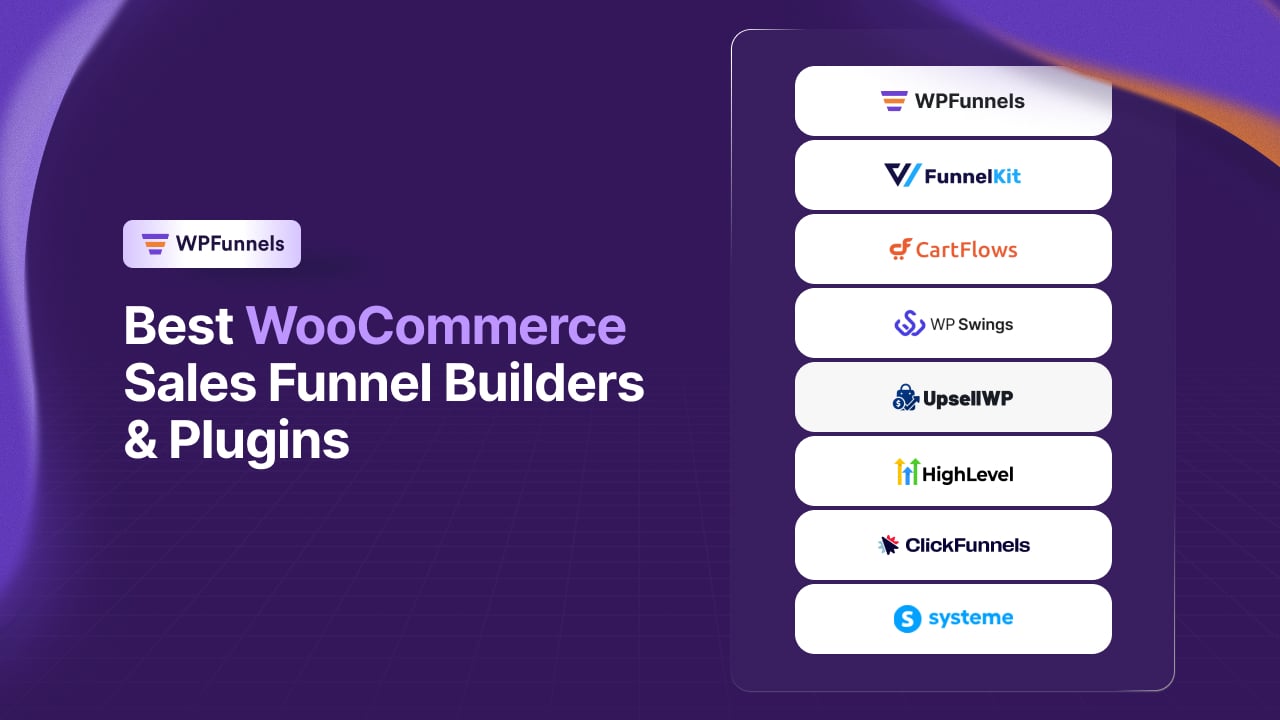
So, to make this easier, I’ve compared 9 of the best WooCommerce sales funnel builders and plugins and broken down what each one is actually good for.
Let’s begin.
TL;DR – Choosing the Right WooCommerce Sales Funnel Builder
- A funnel helps you get more value from the traffic and customers you already have.
- Relevant order bumps can convert at around 17.2% to 33.7%, making them one of the simplest ways to increase order value.
- Don’t buy a full funnel builder if all you need is an order bump or a few upsell offers.
- GoHighLevel, ClickFunnels, and Systeme.io aren’t WooCommerce plugins. They’re separate platforms that connect to your store.
- WooCommerce plugins are generally priced per site, while standalone platforms typically charge monthly or based on usage.
- Pick your category first: full funnel builder, upsell plugin, or standalone platform. Then compare the tools within it.
If you want the fast path to a specific tool instead of the reasoning, the table below gets you there in 30 seconds.
Related read:WooCommerce Sales Funnel: Build One That Increases Sales in 2026 — if you want the full strategy behind funnels before comparing tools, start there.
Find the Best WooCommerce Sales Funnel Tool in 30 Seconds
Every tool has something it does really well. Take a quick look at the table below and see which one matches what you’re trying to achieve.
| If your goal is… | Best tool | Why |
|---|---|---|
| Stop losing potential revenue across different stages of your buying journey | WPFunnels | A visual canvas maps the full funnel, making it easier to see and improve each step |
| Make offers and follow-ups more relevant to each customer | FunnelKit | Rule-based targeting uses customer and order data |
| Improve a slow, cluttered, or mobile-unfriendly checkout | CartFlows | Checkout templates designed specifically for speed and mobile |
| Increase average order value without changing your checkout | Upsell Funnel Builder for WooCommerce | Adds targeted offers around your existing checkout |
| Add one simple upsell after a purchase | One Click Upsell Funnel for WooCommerce | A single post-purchase offer with no card re-entry |
| Get upsells live quickly and bring customers back for another order | UpsellWP | Lightweight upsells plus a next-order coupon |
| Manage funnels and customer communication across multiple client stores | GoHighLevel | WooCommerce sync combined with a full CRM |
| Run a separate funnel for a launch, course, or specific offer | ClickFunnels | Its own funnel and checkout system with a large template library |
| Run a standalone sales funnel with built-in lead capture and follow-up | Systeme.io | Its funnel, checkout, email list, and automation work together inside one platform |
That gives you a quick answer. Now let’s take a closer look at what each tool can actually do.
Related read:7 Best Funnel Mapping Tools for WooCommerce To Plan Sales Funnels — worth a look first if you haven’t mapped out your funnel yet, since it makes picking a builder a lot easier.
Top 9 WooCommerce Sales Funnel Builders & Plugins to Grow Revenue
Now, we will deep dive into the details of every tool on the list. I’ve split them into three types: full funnel builders, upsell-only plugins, and standalone platforms. Let’s get started with the first category.
1. WPFunnels: Best WooCommerce Funnel Builder for Increasing AOV & Improving Checkout
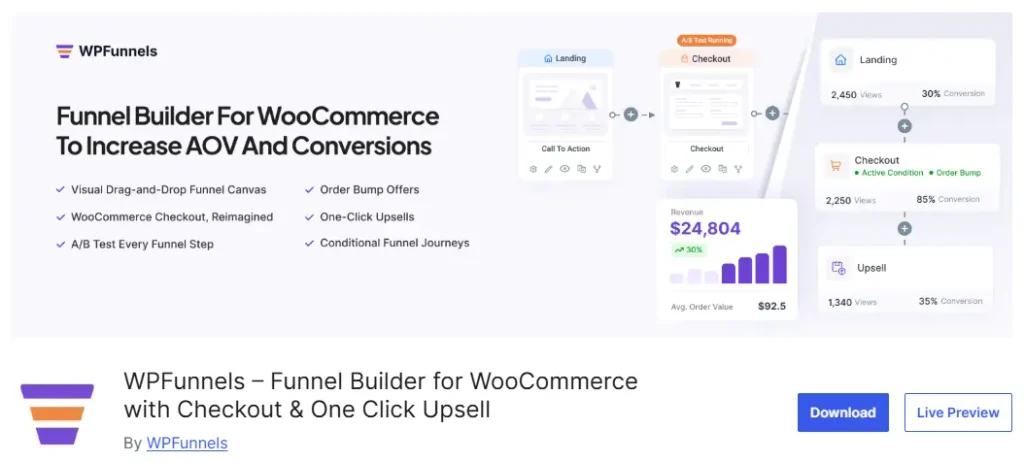
WPFunnels is a WooCommerce sales funnel builder designed to help store owners increase average order value and reduce checkout abandonment.
You can improve the buying journey with custom checkouts, order bumps, one-click upsells, and a complete visual funnel flow.
Instead of setting up your checkout, offers, and post-purchase pages separately, you can connect everything inside one funnel.
The visual canvas lets you see how customers move through each step, from the landing page and checkout to upsells and the thank-you page.
Since WPFunnels is built specifically for WooCommerce, it works directly with your products, payments, and existing store setup. You don’t need to move your store to a separate platform or rely on a developer to build your funnel.
WPFunnels Key Features:
- Visual Funnel Canvas: Plan and build your entire funnel visually, from landing page to thank-you page.
- Custom Checkout: Create custom checkout pages for individual funnels.
- Storewide Checkout: Replace the default WooCommerce checkout with an optimized, distraction-free page designed to reduce cart abandonment.
- Order Bumps & One-Click Upsells: Add relevant offers to increase the value of each order.
- Conditional Funnels: Show different offers based on cart contents or cart total.
- A/B Testing & Analytics: Track conversions and revenue at each step, and test different offers.
- Integrations: Works with Gutenberg, Elementor, Divi, Bricks, and Oxygen, plus Mail Mint for email automation.
WPFunnels Pros:
- Built specifically for WooCommerce
- Lets you build a complete sales funnel, not just individual upsell offers
- Gives you a visual view of your checkout, offers, and post-purchase journey
- Works with five major page builders
- No coding required
- Can be a more cost-effective option than standalone SaaS funnel platforms
WPFunnels Cons:
- Requires WordPress and WooCommerce to run
- Free version is limited to funnel and offer count
- Advanced features like A/B testing and conditional funnels require a premium plan
WPFunnels Pricing:
A free version is available. Paid plans start at $129.99/year for Starter, followed by Pro at $199.99/year, Business at $399.99/year, and Agency at $599.99/year.
Who Should Choose WPFunnels?
WPFunnels is a good fit for WooCommerce store owners who want to improve more than one part of their buying journey. You can build a custom checkout, add order bumps and upsells, and manage the complete flow from one place inside WordPress.
It makes the most sense if your goal is to increase average order value and improve the checkout experience without moving your WooCommerce store to a separate funnel platform.
Related read: ways to increase your WooCommerce average order value — since AOV is exactly what WPFunnels is built around, this is a natural next read.
2. FunnelKit: WooCommerce Funnel Builder for Targeted Offers & Flexible Checkouts
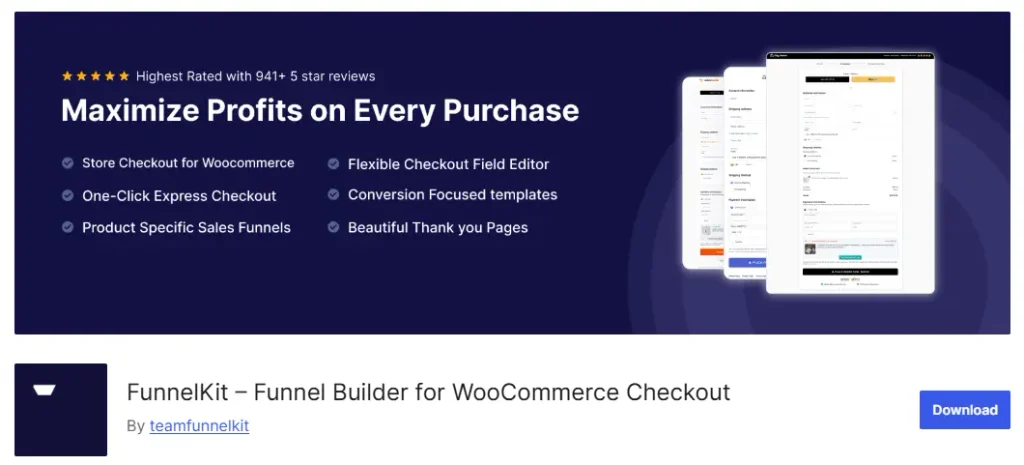
FunnelKit turns your WooCommerce checkout into a funnel with order bumps and upsells. You can also set rules to control which customers see which offers, rather than showing everyone the same thing.
The targeting goes beyond cart contents. You can use customer and order history to decide what offer someone sees.
FunnelKit also has FunnelKit Automations, a separate companion plugin from the same company, if you want to run email and SMS follow-ups alongside your funnel.
FunnelKit Key Features:
- Checkout Templates: Replace the default checkout with a custom checkout page.
- Order Bumps & Upsells: Add offers at checkout and after purchase, with rules to control when they appear.
- Contact Profiles: View order history and segment customers for targeted offers.
- A/B Testing: Test different funnel steps against each other on higher plans.
- Automations: Works with FunnelKit Automations for email and SMS based on purchases or abandoned carts.
FunnelKit Pros:
- Rule-based offer targeting using customer and order data, not just cart contents
- Well-established, with plenty of support resources and tutorials
- FunnelKit Automations is available from the same company if you also need email and SMS automation
FunnelKit Cons:
- The funnel builder and Automations are separate plugins with separate pricing
- Lower tiers limit you to 1 to 2 sites
FunnelKit Pricing:
Free version available. Paid plans run Basic $129/year, Plus $299/year, Professional $399/year, up to Elite at $599/year.
Who Chooses FunnelKit?
Store owners who want to decide which offers customers see based on more than what’s currently in their cart.
3. CartFlows – Funnel Builder & Checkout Plugin for WooCommerce
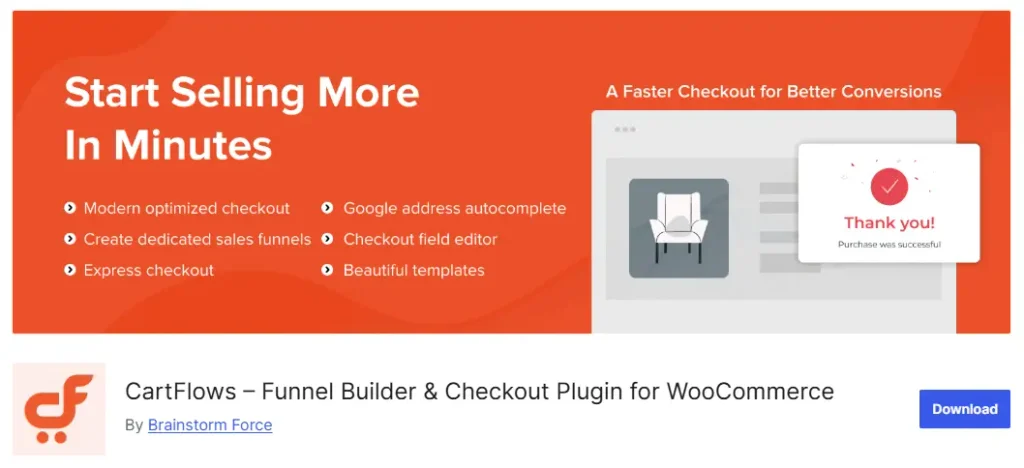
CartFlows is less focused on conditional targeting than the other two builders and puts more focus on getting a fast checkout and funnel live with less setup.
Its checkout templates are built with performance and mobile use in mind. That’s worth considering, since mobile now accounts for 72% of WooCommerce orders. If most of your customers are buying from their phones, a fast and smooth checkout matters.
CartFlows focuses mainly on the checkout-to-upsell sequence. It is not trying to handle email marketing, so you can continue using whatever email tool you already have.
CartFlows Key Features:
- Fast Checkout Templates: Pages built for speed and mobile-friendly design.
- Order Bumps & Upsells: Add extra offers at checkout and after purchase.
- A/B Testing: Split-test funnel steps to see what converts better.
- Funnel Analytics: See revenue and conversion by step, not just store-wide numbers.
- Cart Recovery Add-On: Bundle in abandoned cart recovery through the CartFlows Suite.
CartFlows Pros:
- Checkout templates built specifically for speed and mobile use
- Long track record in the WooCommerce space, so tutorials and theme fixes are easy to find
- Suite bundle adds cart recovery without a fourth plugin
CartFlows Cons:
- Less focused on conditional or rule-based offer targeting than WPFunnels or FunnelKit, so offers are generally shown the same way to every customer
- Not built for email marketing, so you’ll need a separate tool
CartFlows Pricing:
Free version available. Paid plans run Starter $129/year, Plus $249/year, up to Pro at $399/year.
Who Chooses CartFlows?
Store owners who want to get a fast, tested checkout and funnel live without spending much time setting up conditional rules.
4. Upsell Funnel Builder for WooCommerce
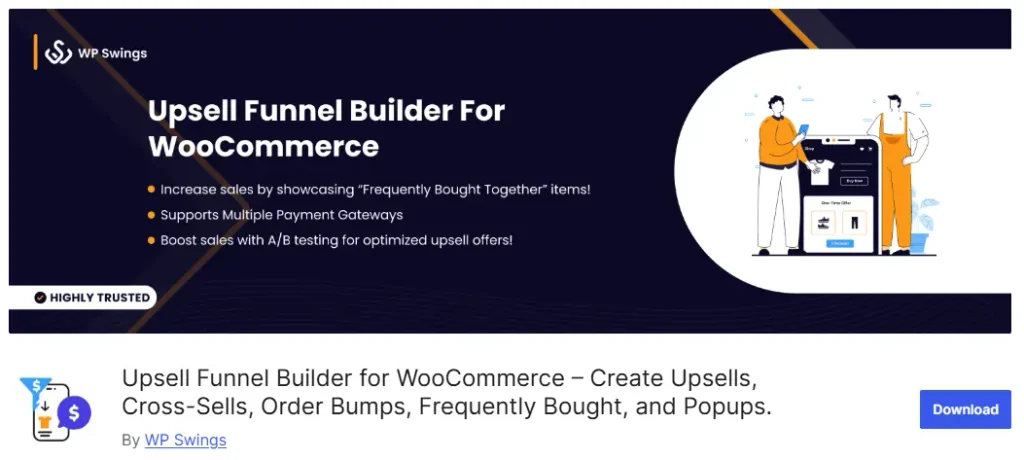
If your checkout already works and you just want upsells and order bumps added on top, this is that plugin, no extra setup involved.
It doesn’t touch your checkout design. It just adds offers around it: cart page, checkout page, and right after purchase.
Upsell Funnel Builder Key Features:
- Order Bumps & Cross-Sells: Add relevant extra items at checkout and in the cart.
- Frequently Bought Together: Show product bundles customers may want to add.
- Smart Targeting: Show different offers based on product, category, or cart total.
- Post-Purchase Popups: Offer another item right after checkout.
- A/B Testing: Test different offers against each other on the Pro plan.
Upsell Funnel Builder Pros:
- Works with the checkout you already have, with no redesign needed
- Lets you target offers based on products, categories, or cart totals
- Costs less than a full funnel builder if you only need upsells and order bumps
Upsell Funnel Builder Cons:
- No visual funnel canvas, so you’ll manage everything through settings screens
- Easy to confuse with the sibling plugin below, since both come from the same company
Upsell Funnel Builder Pricing:
A limited free version is available. Paid plans start at $89/year for a single site, with 5- and 10-site plans available.
Who Chooses This Plugin?
Store owners who are happy with their existing checkout and simply want to add more relevant offers around it.
Visit Upsell Funnel Builder for WooCommerce →
5. One Click Upsell Funnel for WooCommerce
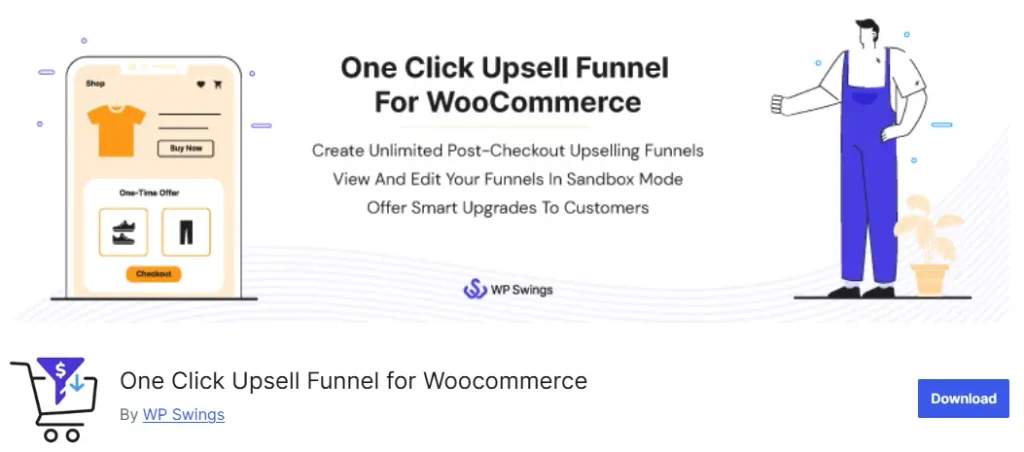
One Click Upsell Funnel lets you create upsells, cross-sells, order bumps, and frequently bought together offers across your WooCommerce buying journey.
You can show offers on the cart, checkout, and post-purchase stages. It also supports multiple funnels, so you’re not limited to a single offer.
One Click Upsell Funnel Key Features:
- One-Click Accept: Customers can accept an offer without entering payment details again.
- Order Bumps & Cross-Sells: Add relevant offers around the cart and checkout.
- Multiple Funnels: Create different funnels and offers for different products.
- Smart Offer Upgrade: Replace the existing product with an upgraded offer.
- Funnel Reports: Track conversions and sales.
One Click Upsell Funnel Pros:
- Covers cart, checkout, and post-purchase offers
- Supports different types of upsell offers
- Includes reporting for funnel performance
One Click Upsell Funnel Cons:
- Significant overlap with Upsell Funnel Builder from the same company
- The merger between the plugins can make them confusing to compare
One Click Upsell Funnel Pricing:
Free version available. Paid plans are $39/year, or $78 for two years at the same rate.
Who chooses this plugin?
Store owners who want upsells and order bumps across different stages without rebuilding their checkout.
Visit One Click Upsell Funnel for WooCommerce →
Quick note: This plugin and Upsell Funnel Builder for WooCommerce are made by the same company and have overlapping features. The two are also being merged, so check the current product setup before choosing between them.
6. UpsellWP: Simple Upsells & Order Bumps for WooCommerce
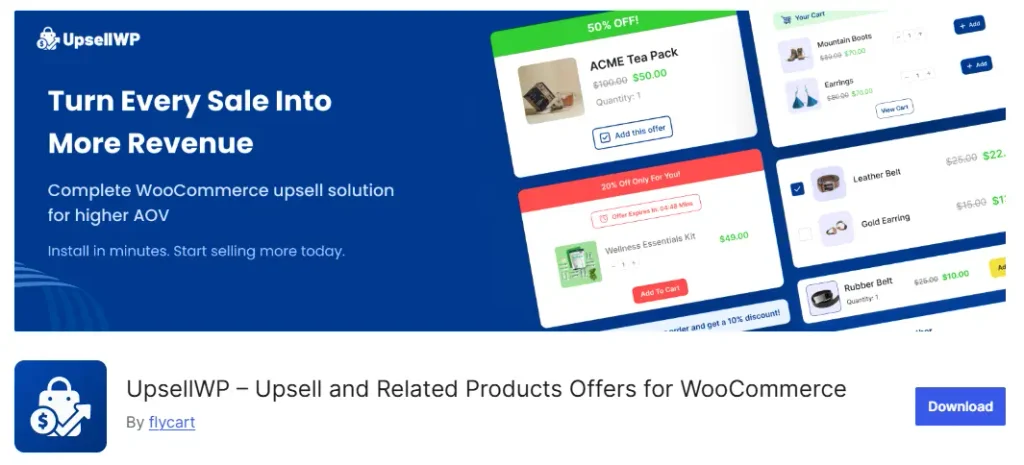
UpsellWP is a straightforward option if you want to add upsells and order bumps without dealing with a full funnel builder. It works through familiar WooCommerce admin screens, so getting started doesn’t take much time.
It covers more than just checkout offers. You can add upsells on the cart, checkout, product, thank-you, and post-purchase stages.
It also includes a next-order coupon, which gives customers a reason to come back and buy again instead of trying to push every offer into the current order. (UpsellWP)
UpsellWP Key Features:
- Cart & Checkout Upsells: Add offers while customers are still buying.
- Frequently Bought Together: Suggest related products on product pages.
- Next-Order Coupon: Give customers a reason to return for another purchase.
- Post-Purchase Offers: Show additional offers after checkout.
- A/B Testing: Test different checkout offers against each other.
UpsellWP Pros:
- Simple setup without a full funnel builder
- Covers multiple offer placements across WooCommerce
- Next-order coupons help encourage repeat purchases
UpsellWP Cons:
- No visual funnel builder or checkout redesign
- A/B testing focuses on individual offers rather than full funnel paths
UpsellWP Pricing:
Free Lite version available. Paid plans run Starter $75/year, Professional $135/year, and Agency $295/year.
Who chooses UpsellWP?
Store owners who want to add upsells across their store without rebuilding their checkout or setting up a complete sales funnel.
7. GoHighLevel
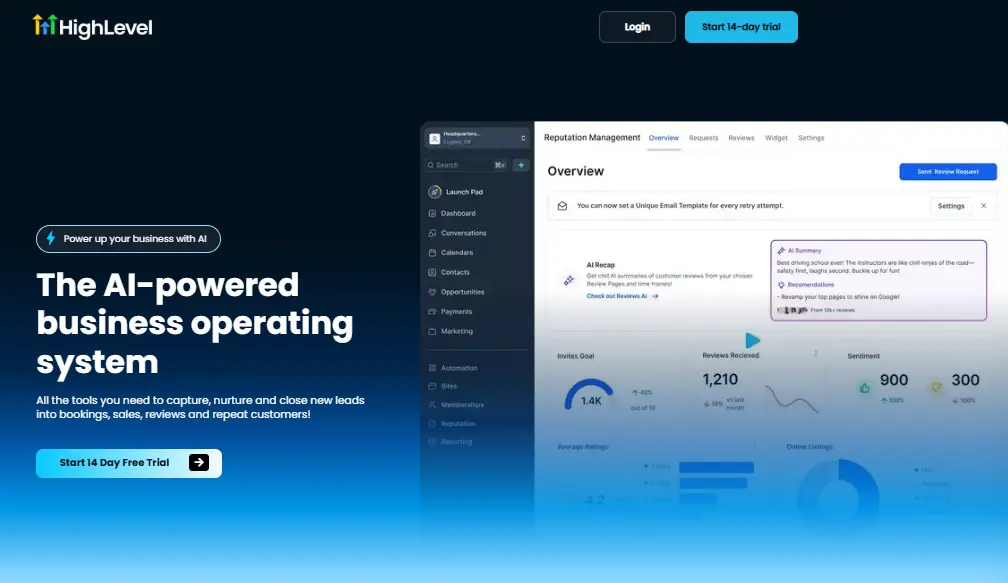
GoHighLevel isn’t a WooCommerce plugin. It’s a CRM and funnel platform mainly used by agencies managing marketing and sales for multiple clients.
It can connect with WooCommerce and sync store data into the platform, including customer and order information. From there, you can manage funnels, contacts, and customer communication from one place.
GoHighLevel Key Features:
- Funnel & Website Builder: Build landing pages and funnels outside WooCommerce.
- WooCommerce Integration: Connect your store and bring customer and order data into GoHighLevel.
- CRM: Manage contacts and sales pipelines.
- Email, SMS & Calling: Communicate with leads and customers from the same platform.
- Sub-Accounts: Manage separate client accounts under one main account.
GoHighLevel Pros:
- Combines funnels, CRM, and customer communication in one platform
- Useful for managing multiple client accounts
- Connects WooCommerce data with marketing and sales activities
GoHighLevel Cons:
- Funnel pages run outside your WooCommerce site
- Monthly pricing can be expensive for a single store
GoHighLevel Pricing:
No free plan. A 14-day trial is available. Plans start at $97/month for Starter, $297/month for Unlimited, and go up to $497/month for SaaS Pro.
Who chooses GoHighLevel?
Agencies managing funnels, customer communication, and multiple client stores from one platform.
8. ClickFunnels

ClickFunnels is a standalone platform where you build the funnel outside WooCommerce. Instead of adding funnel steps to your existing store, you create the landing pages, checkout, order bumps, and upsells inside ClickFunnels itself.
That makes more sense when you want to run a dedicated sales funnel separately from your regular WooCommerce store, such as for a specific product, launch, course, or offer.
ClickFunnels also has its own store, CRM, email, automation, and course tools, so it can handle more than just the funnel itself.
ClickFunnels Key Features:
- Drag-and-Drop Funnels: Build funnel pages without coding.
- Smart Checkout: Create checkout pages with order bumps and one-click upsells.
- A/B Testing: Test different funnel pages and campaigns.
- CRM & Contact Management: Track contacts and sales opportunities.
- Email & Automation: Send emails and build automated workflows.
- Courses & Memberships: Sell and deliver courses or membership content.
ClickFunnels Pros:
- Build the entire funnel and checkout outside WooCommerce
- Includes tools for funnels, checkout, contacts, email, and courses
- Works well for dedicated offers that need their own sales journey
ClickFunnels Cons:
- Your funnel operates separately from your WooCommerce checkout
- Not built as a native WooCommerce plugin
- Can be more than a typical WooCommerce store needs
ClickFunnels Pricing:
No free plan. A 14-day trial is available. Plans run Launch $97/month, Scale $197/month, Optimize $297/month, and Dominate $5,997/year.
Who chooses ClickFunnels?
Coaches, course creators, and businesses selling through a dedicated funnel rather than their regular WooCommerce checkout.
9. Systeme.io
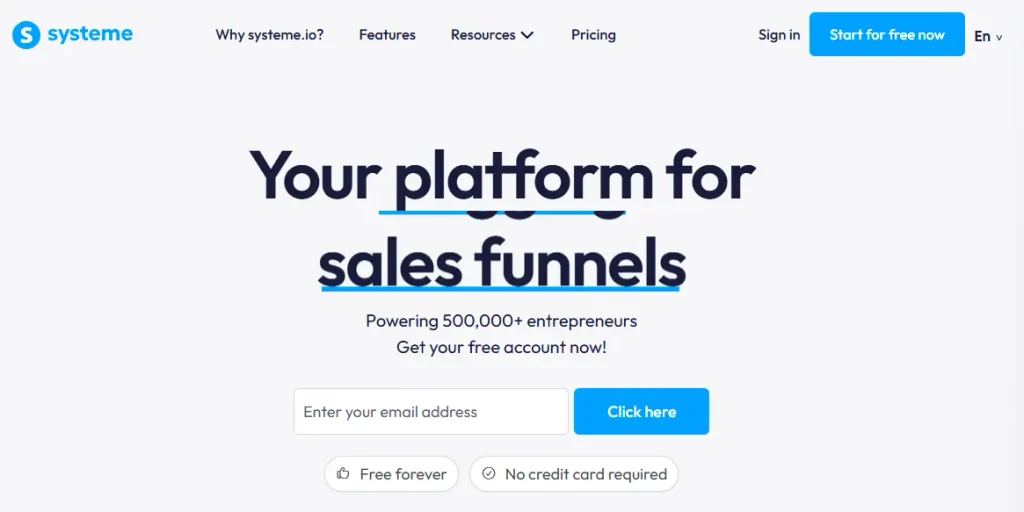
Systeme.io is a practical option if you want to try a standalone sales funnel without paying for another platform upfront. Its free plan gives you enough room to build and test a real funnel instead of giving you a short trial that expires.
Like ClickFunnels, Systeme.io runs its funnel and checkout outside WooCommerce. So if you want to connect it with your existing store, you’ll need an external integration or custom setup.
Systeme.io Key Features:
- Free Funnels: Build up to 3 sales funnels with 2,000 contacts on the free plan.
- Built-In Checkout: Sell products directly through your funnel.
- Order Bumps & Upsells: Add extra offers to your checkout and funnel flow.
- A/B Testing: Test different funnel pages and variations.
- CRM Pipelines: Track contacts and deals without a separate CRM.
- 0% Transaction Fees: Systeme.io doesn’t charge transaction fees on your sales.
Systeme.io Pros:
- The free plan is enough to build and test a real funnel
- Includes checkout, order bumps, upsells, and A/B testing in one platform
- No transaction fees from Systeme.io
Systeme.io Cons:
- Funnels run separately from your WooCommerce store
- No native WooCommerce plugin or direct WordPress funnel setup
- Connecting it with an existing WooCommerce workflow may require additional setup
Systeme.io Pricing:
Free for up to 3 sales funnels and 2,000 contacts, with no credit card required. Paid plans start at $17/month for Startup, followed by $47/month for Webinar and $97/month for Unlimited.
Who chooses Systeme.io?
People who want to test a standalone sales funnel without paying upfront.
Now that you’ve seen what each tool does individually, here’s how they stack up side by side.
What Features Do You Actually Get With Each Tool? Let’s compare it…
This table lines up the core features so you can compare at a glance instead of rereading nine reviews. Funnel-specific capability comes first; follow-up automation is listed separately since, as covered above, it’s rarely part of the same plugin.
| Tool | Checkout Replacement | Order Bumps | Post-Purchase Upsell | Rule-Based Offers | A/B Testing | Follow-Up Automation | Native WooCommerce |
|---|---|---|---|---|---|---|---|
| WPFunnels | Yes | Yes | Yes | Yes | Yes (Pro) | Via Mail Mint | Yes |
| FunnelKit | Yes | Yes | Yes | Yes | Yes | Via FunnelKit Automations | Yes |
| CartFlows | Yes | Yes | Yes | Yes | Yes | Via Cart Abandonment Recovery/Suite | Yes |
| Upsell Funnel Builder for WooCommerce | No | Yes | Yes | Yes | Yes (Pro) | No | Yes |
| One Click Upsell Funnel for WooCommerce | No | Yes | Yes | Yes | Yes (Pro) | No | Yes* |
| UpsellWP | No | Yes | Yes | Limited | Partial | No | Yes |
| GoHighLevel | Own checkout | Yes | Yes | Conditional logic available | Yes | Yes, native | Sync/integration, not a plugin |
| ClickFunnels | Own checkout | Yes | Yes | Conditional paths available | Yes | Yes, native | No native plugin |
| Systeme.io | Own checkout | Yes | Yes | Limited funnel logic | Yes | Yes, native | No native plugin |
Features tell you what each tool can do. Pricing tells you what it will actually cost to use them. Let’s look at that next.
What Will Each Tool Actually Cost You? Let’s compare it…
Here’s what each tool costs to get started, and what the top tier runs if you scale into it.
| Tool | Free Version | Entry Paid Tier | Top Tier | Billing Model |
|---|---|---|---|---|
| WPFunnels | Yes | $129.99/year (Starter) | $599.99/year (Agency) | Per site, annual |
| FunnelKit | Yes | $129/year (Basic) | $599/year (Elite) | Per site, annual |
| CartFlows | Yes | $129/year (Starter) | $399/year (Pro) | Per site, annual |
| Upsell Funnel Builder for WooCommerce | Yes | $89/year (1 site) | Scales with site count (5- and 10-site tiers) | Per site, annual |
| One Click Upsell Funnel for WooCommerce | Yes | $39/year | $78 for 2 years (same $39/year rate) | Per site, annual |
| UpsellWP | Yes (lite) | $75/year (Starter) | $295/year (Agency) | Per site, annual |
| GoHighLevel | No (14-day trial) | $97/month (Starter) | $497/month (SaaS Pro) | Per account, monthly |
| ClickFunnels | No (14-day trial) | $97/month (Launch) | $5,997/year (Dominate) | Per account, monthly or annual |
| Systeme.io | Yes (up to 2,000 contacts) | $170/year (Startup) | $970/year (Unlimited) | Per account, annual or monthly |
Price and features only matter once you know what to actually look for, so let’s cover that next.
What Happens to Your Numbers Once You Fix This
Let’s skip the abandoned-cart stat you’ve probably seen a hundred times.
Metorik’s 2026 review of WooCommerce data analyzed 65 million real orders across 6,000+ live stores. The average order value was $105 overall.
But there’s an interesting gap when you look at devices:
- Desktop: $167 average order value
- Mobile: $71 average order value
- Mobile accounts for:72% of all orders
That doesn’t automatically mean poor mobile funnel design is causing the gap. But it does give you a good reason to check whether your mobile checkout and offers are doing their job.
Now, let’s put this into your own numbers.
Say you get 500 orders a month with an average order value of $50. That’s $25,000 in monthly revenue.
Now add a relevant $20 order bump or post-purchase upsell:
Of course, those numbers are not guaranteed. The take-rate figures come from a 2025 study of 1,847 businesses across different industries, not WooCommerce stores alone. So think of them as a range to plan around, not a promise.
Key Takeaway: A funnel won’t bring you more traffic. It helps you get more value from the customers who are already buying — which is exactly why the tool you pick matters less than fixing the right part of the journey first.
What to Look For Before You Buy a Sales Funnel Builder For Your WooCommerce Store
Every tool on this list calls itself a funnel builder. Here’s what actually separates a good one from a plugin that just adds a button.
- Order bumps at checkout, not just upsells after the sale.
- A genuine one-click upsell, where the customer isn’t forced to re-enter card details.
- A/B testing on real funnel steps, not just one offer against itself.
- Analytics broken down by step, not just total store revenue.
- Compatibility with your page builder or theme, checked before you buy, not after (the average WooCommerce store already runs 58 active plugins, so conflicts are common).
- The option to keep your current checkout, if that’s not actually the problem.
Pro Tip: Check plugin compatibility before you buy, not after. The average WooCommerce store already runs 58 active plugins, so conflicts with your theme or page builder are more common than you’d expect.
Which Funnel Builder Should You Actually Use?
Start with the problem you’re trying to fix.
If you want to improve your whole WooCommerce buying journey
Go with WPFunnels. It makes sense when you want to work on the complete path—from landing pages and checkout to order bumps, upsells, and post-purchase steps—inside your WooCommerce store.
If your checkout is fine and you only need better post-purchase offers
Go with One Click Upsell Funnel for WooCommerce. It’s the simpler option when your main focus is adding upsells around the buying journey without rebuilding your entire funnel.
If you want to run a funnel outside WooCommerce without paying upfront
Go with Systeme.io. Its free plan gives you a way to build and test funnels before committing to a paid tool.
You don’t need to compare all nine tools. Start with where your problem is, then choose the option that fits that outcome.
Final Takeaway: My Advice After Comparing All 9
After going through all nine options, my advice is simple: don’t overthink the list.
If you run a WooCommerce store and want to take control of the whole buying journey, I’d start with WPFunnels. It makes sense when you want to work on your checkout, order bumps, upsells, and the rest of the funnel as one connected journey.
If your checkout is already working well and you mainly want to add more offers, One Click Upsell Funnel for WooCommerce is worth considering instead. You probably don’t need a full funnel builder just for that.
And if you’re still experimenting and want to try building funnels before committing to a paid tool, Systeme.io gives you a free place to start.
Bottom Line: The tool doesn’t matter as much as the problem you’re solving. Match the tool to where your buying journey is actually breaking down, not the other way around.
But honestly, choosing the tool is only the first step. Once you’ve got one in place, the next question is where you can improve your store next.
And before you put more money into bringing visitors to your store, it’s worth checking whether traffic is actually your bottleneck.
Related read: why more traffic alone won’t fix your WooCommerce revenue — a useful check before spending more on ads or traffic.
Start with the problem in front of you, pick the tool that helps you fix it, and then keep improving the next part of the journey.
Frequently Asked Questions
Do I need a funnel plugin if my store already converts well?
Converting well on the first sale doesn’t mean you’re capturing everything you could. If nothing gets offered after checkout, you’re probably leaving money on the table.
Can I run a full funnel builder and an upsell plugin together?
You can, though you usually don’t need to since full builders already include upsells and order bumps. Just check for conflicts on your checkout and thank-you pages first.
Will a funnel plugin slow down my site?
Well-built funnel plugins try to keep their scripts limited to funnel pages instead of loading everywhere. If your site feels slower after installing one, check your theme or page builder first, that’s the more common cause.
Should I start with an upsell plugin or a full funnel builder?
If your traffic’s steady and your checkout works, start with a specialized plugin, it’s cheaper and faster. If you’re building a new store, start with a full funnel builder instead.