
Creating email sequences for automation in Mail Mint is quick and straightforward.
In this guide, we’ll walk you through the step-by-step process to set up and save an automated email sequence campaign. By harnessing the power of automation, you can engage your subscribers consistently, build stronger relationships, and guide them toward your desired outcomes.
Let’s dive in!
Step 1: Create A Sequence Campaign For Automation
- Start by navigating to the Campaigns module in Mail Mint. Here, you’ll see four different campaign options:
- Regular Campaign
- Recurring Campaign
- Sequence Campaign
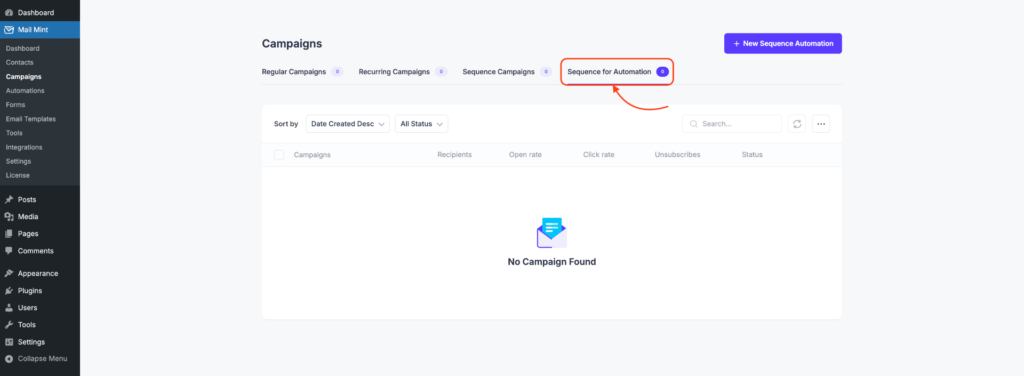
- Sequence for Automation
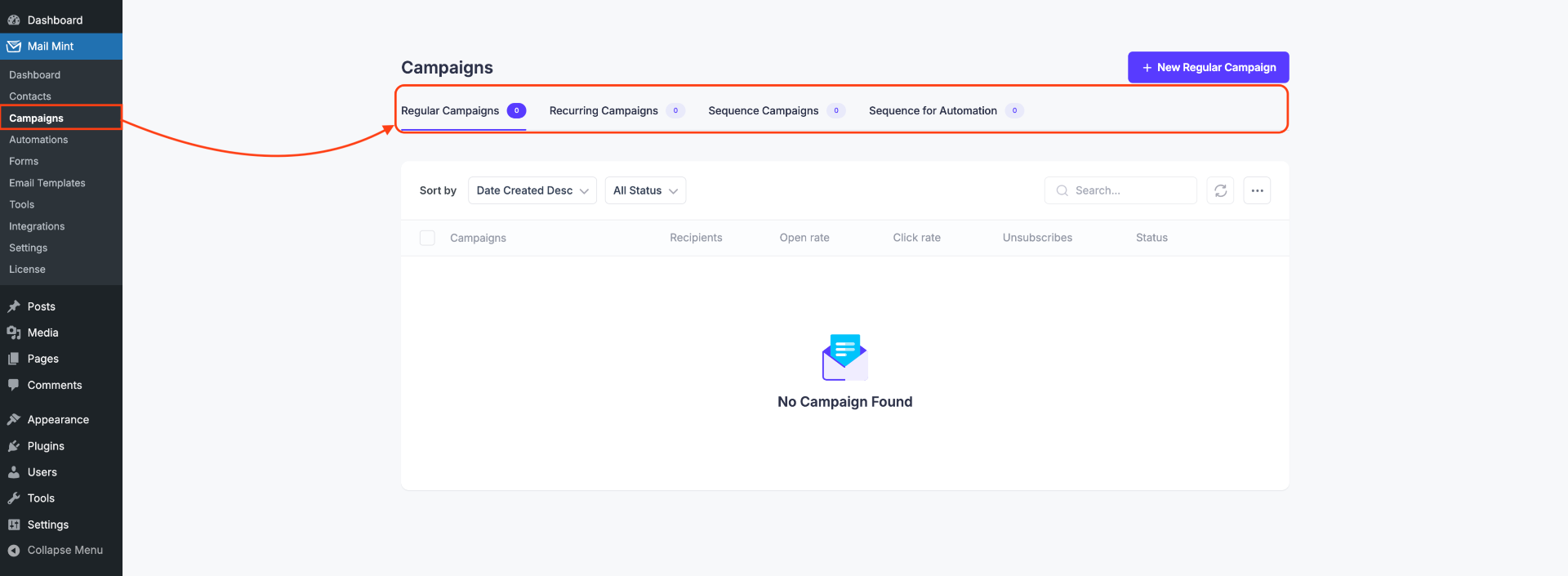
- To set up an automated email sequence, select Sequence for Automation.
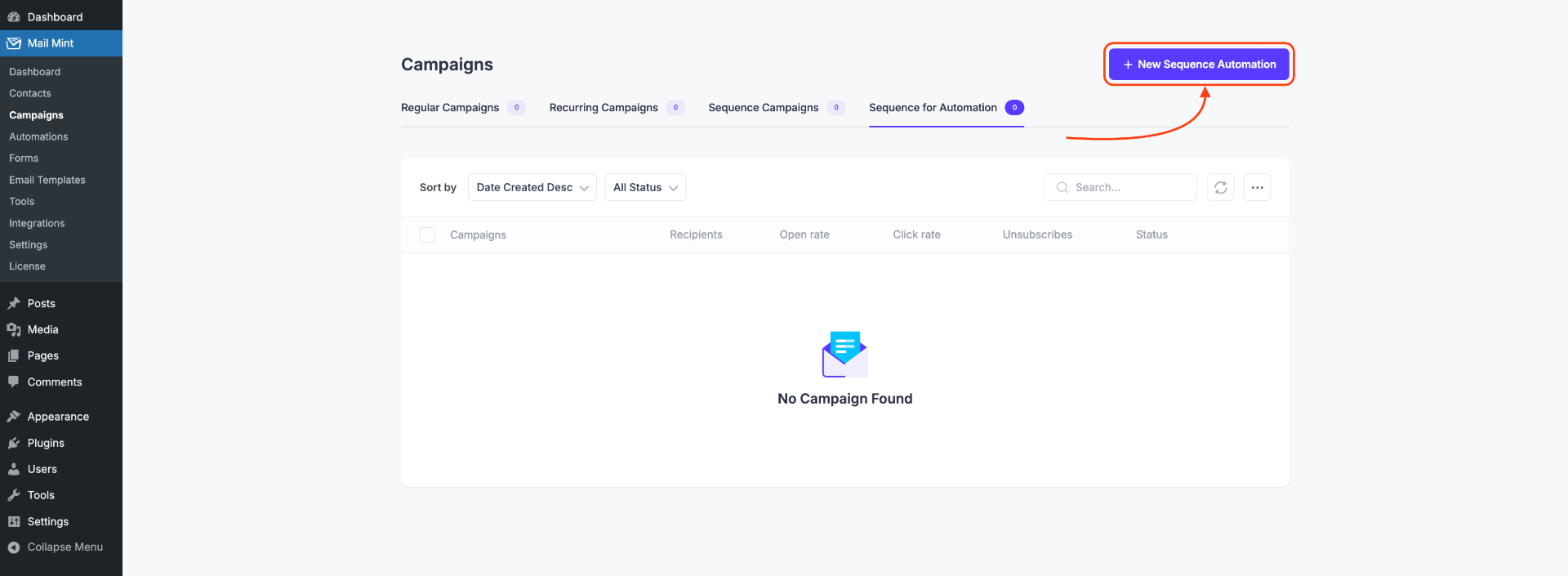
- Next, click on New Sequence Automation. This will open a new section where you can start creating your email sequence.
Step 2: Set Up the Campaign Details
- Start by giving your campaign a name. This helps you easily identify it later.
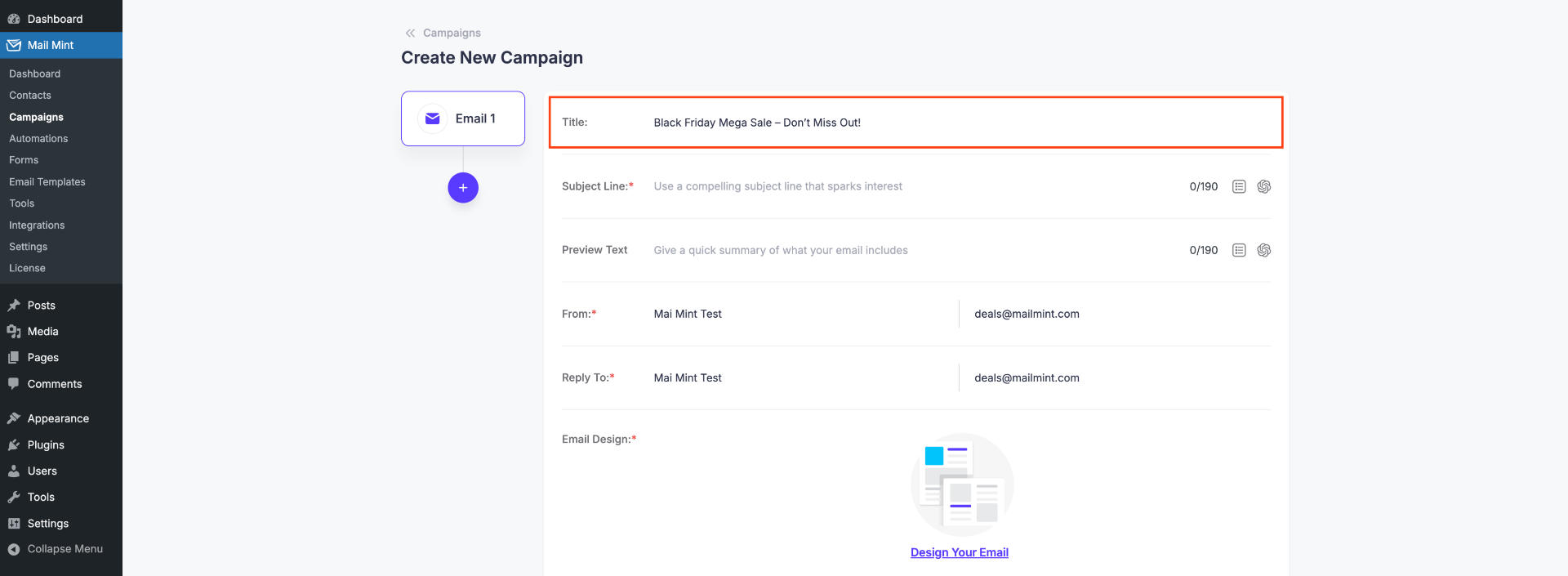
- Next, fill in the essential campaign details, including:
- Subject Line – the main headline of your email.
- Preview Text – the snippet that appears in your subscriber’s inbox.
- From Name and Email – the sender information that your subscribers will see.
- Reply-to Email – where replies from subscribers will be sent.
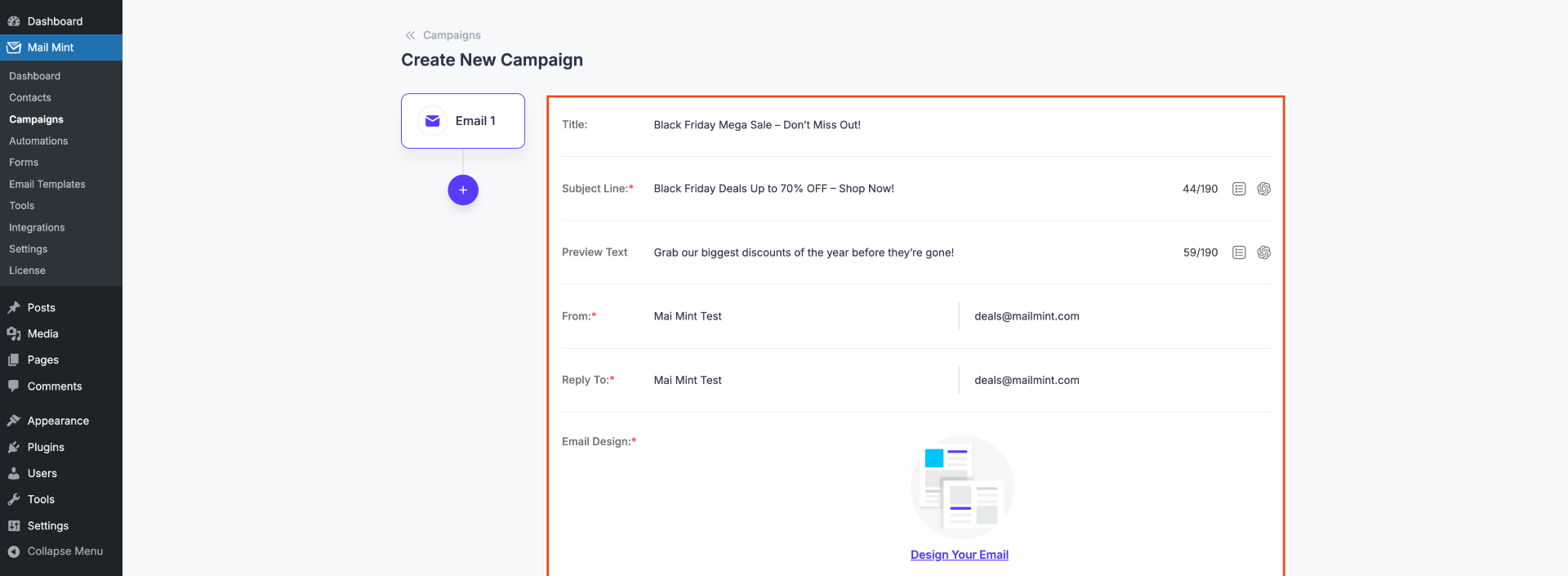
- After entering these details, design your email according to your needs and click Next.
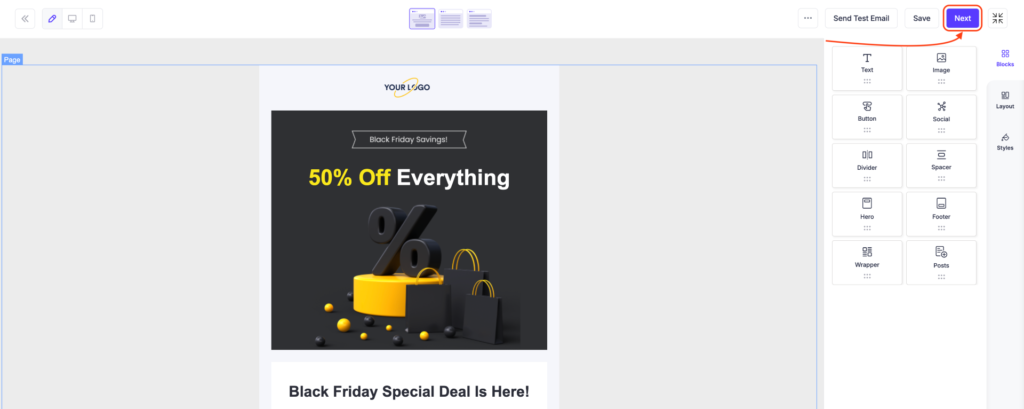
Once you return to the canvas, you can schedule the remaining emails in your sequence, setting the timing and order for each message.
Step 3: Define the Schedule and Triggers
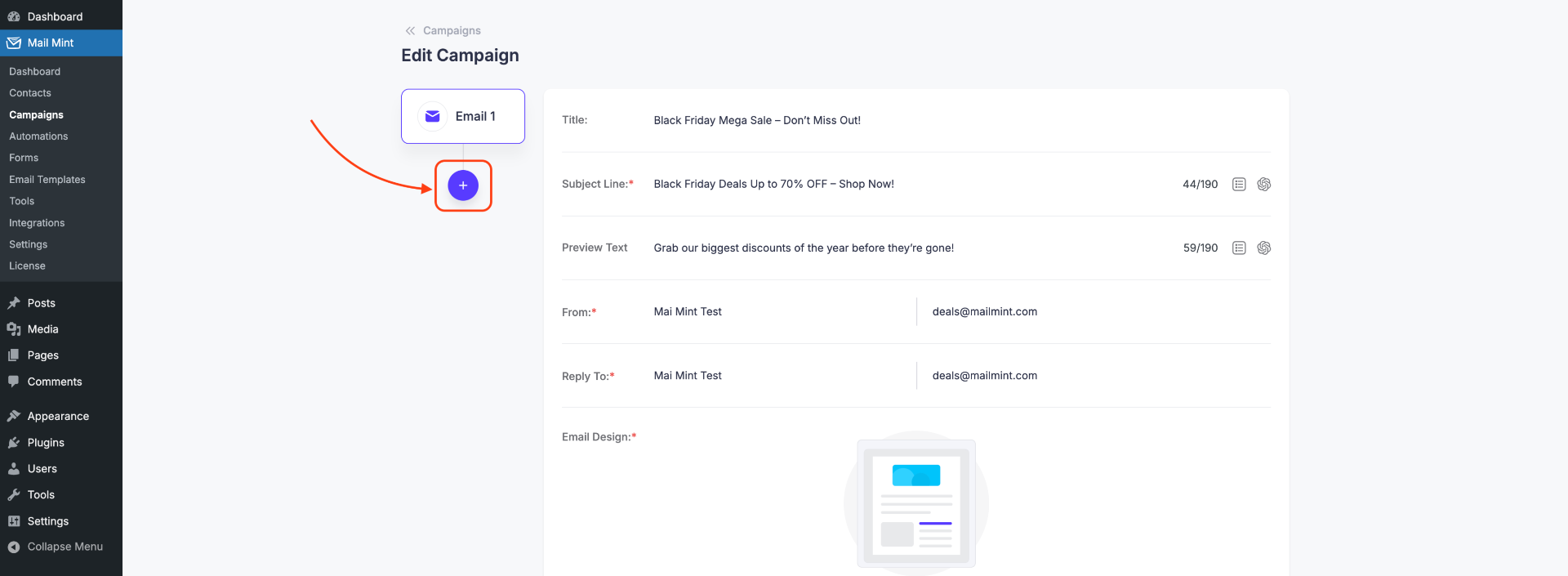
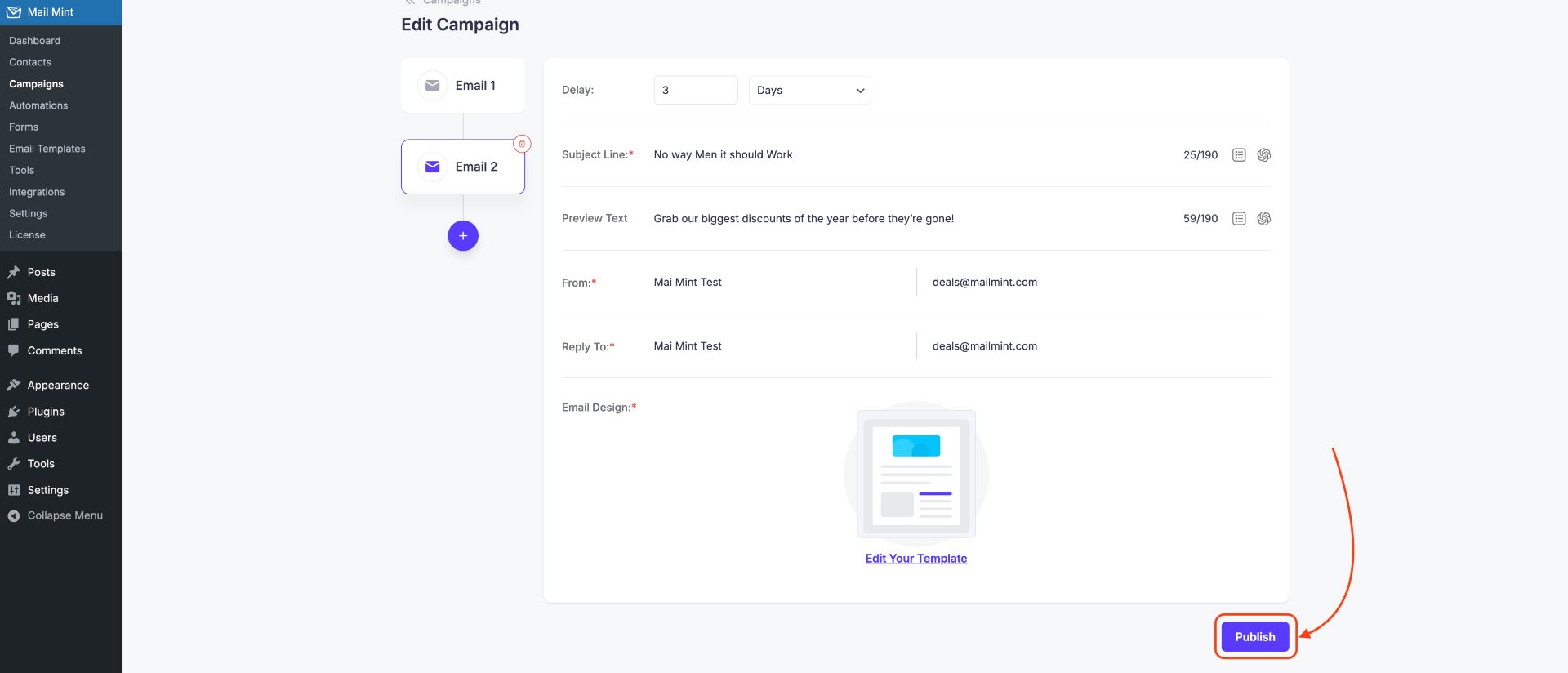
- After returning to the Campaigns module, click the plus (+) icon to add your second email to the sequence.
- Set the schedule for your email sequence by specifying the interval between each email. For example, you can choose to send emails daily, every other day, or on specific dates based on your campaign strategy.
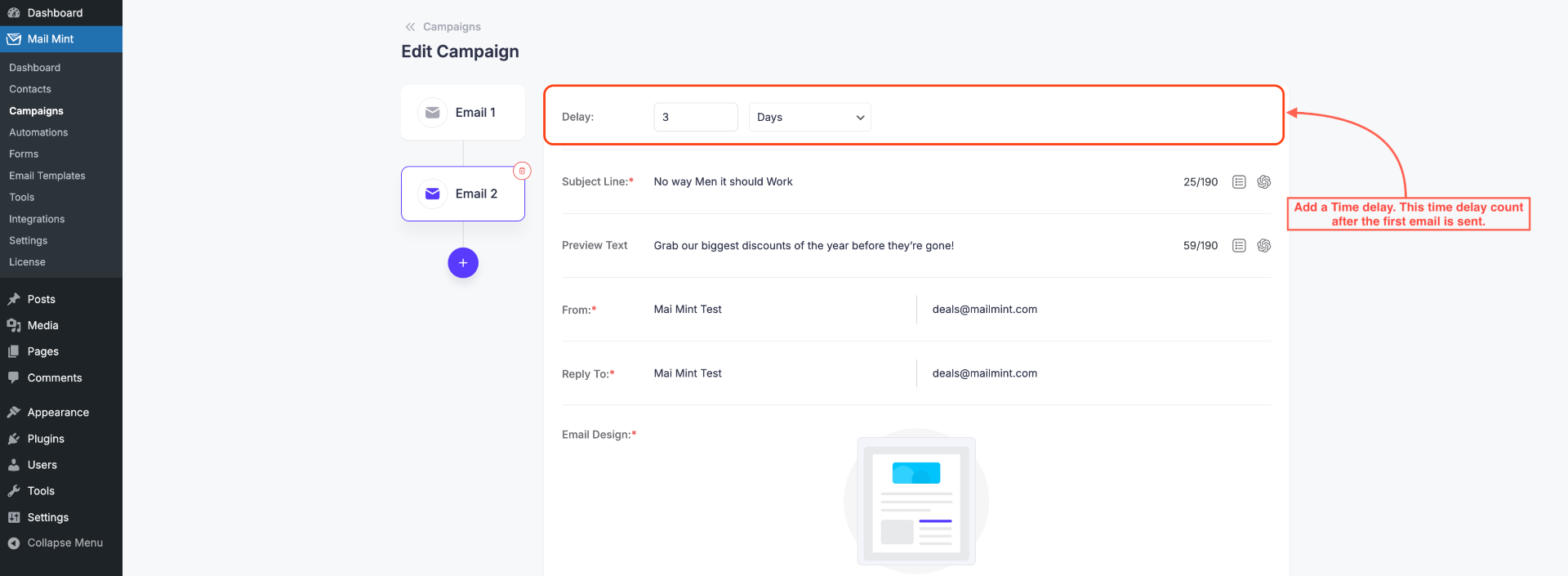
You can continue adding as many emails as needed to complete your sequence, ensuring consistent engagement with your subscribers over time.
Step 4: Publish Sequence For Automation
- Once you’re satisfied with your email content, schedule, and settings, take a moment to review everything to ensure it’s exactly how you want it. If everything looks correct, click the Publish button to save your campaign.
You can now select this sequence in any automation workflow you set up to engage and nurture your subscribers effectively.
