
Mail Mint allows you to easily create and send regular email campaigns to your subscribers. This guide walks you through the entire process—from creating the campaign, selecting a design template, customizing your email, and finally sending or scheduling it.
In this guide, you’ll learn to can create a Regular Email Campaign.
Step-1: Create Regular Email Campaigns In Mail Mint
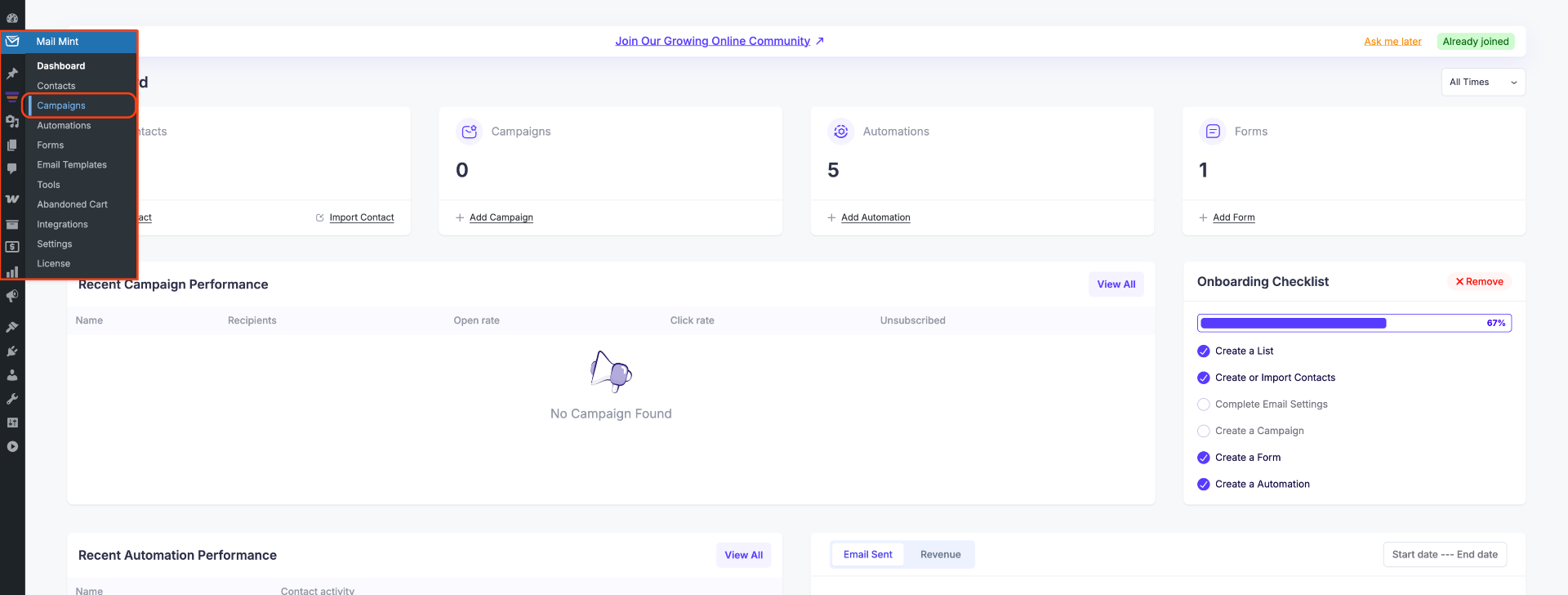
1. From your WordPress dashboard, go to Mail Mint → Campaigns. This will take you to the Campaigns page.
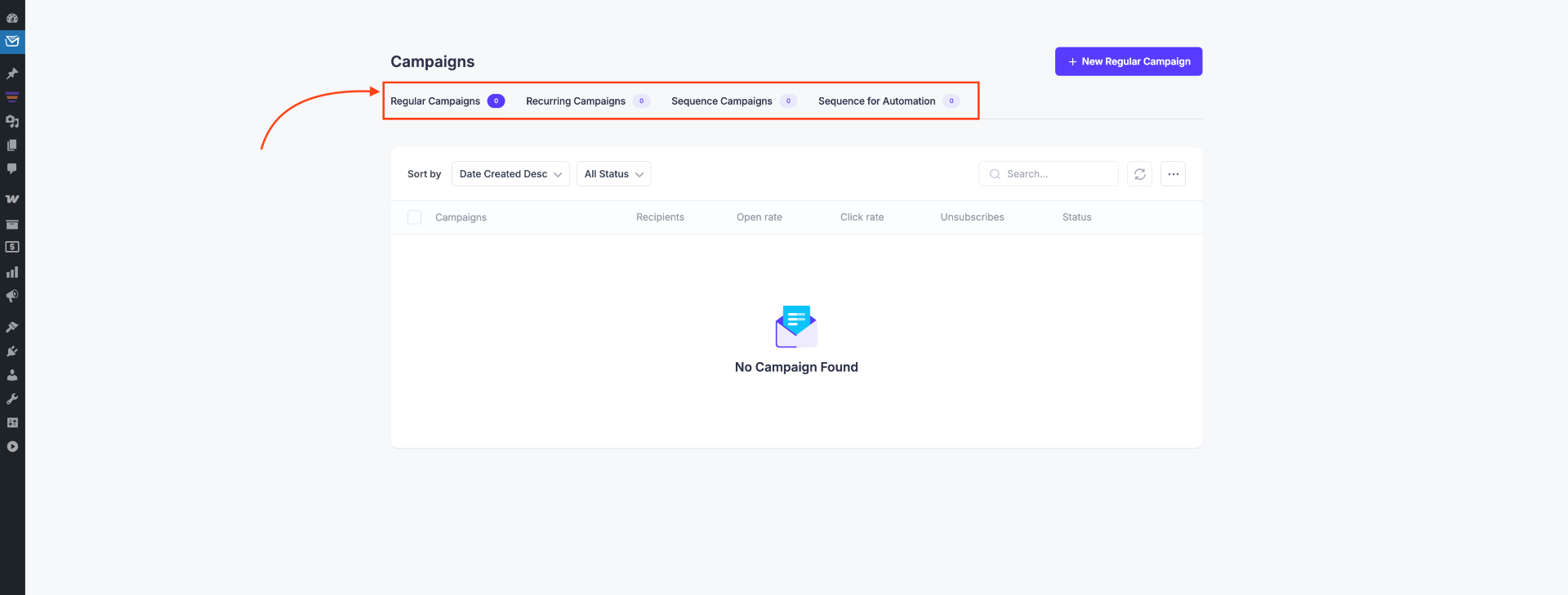
2. You will see four types of campaign options:
- Regular Email Campaigns
- Recurring Email Campaigns
- Sequence Email Campaigns
- Sequence for Automation Campaigns
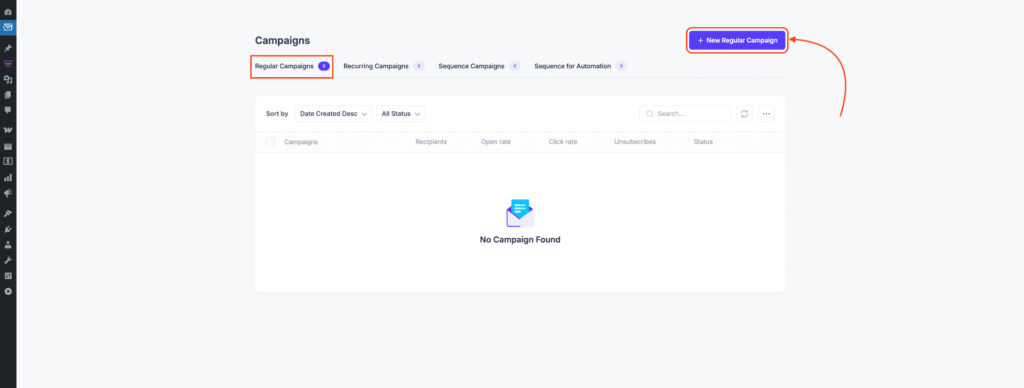
3. Since we are creating a regular campaign, click + New Regular Campaign.
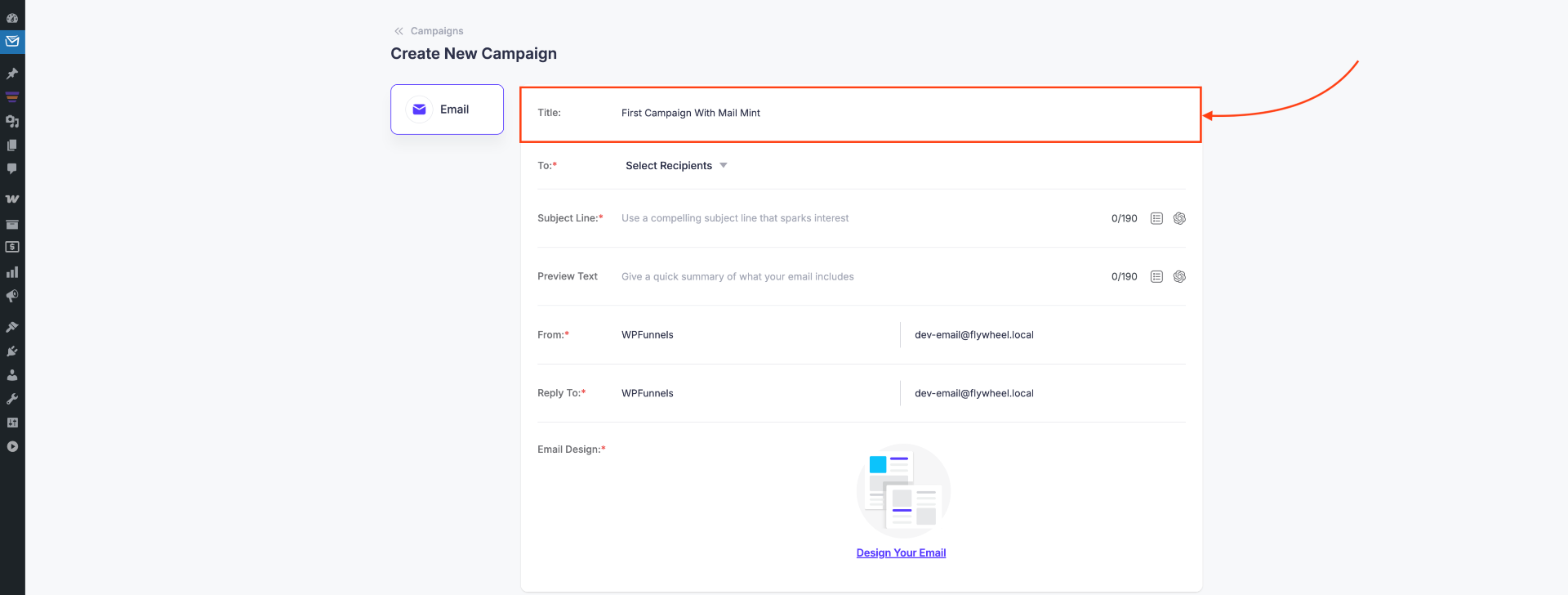
4. Set a Title for your campaign.
5. Choose your target audience using:
- Tags
- Lists
- Segments
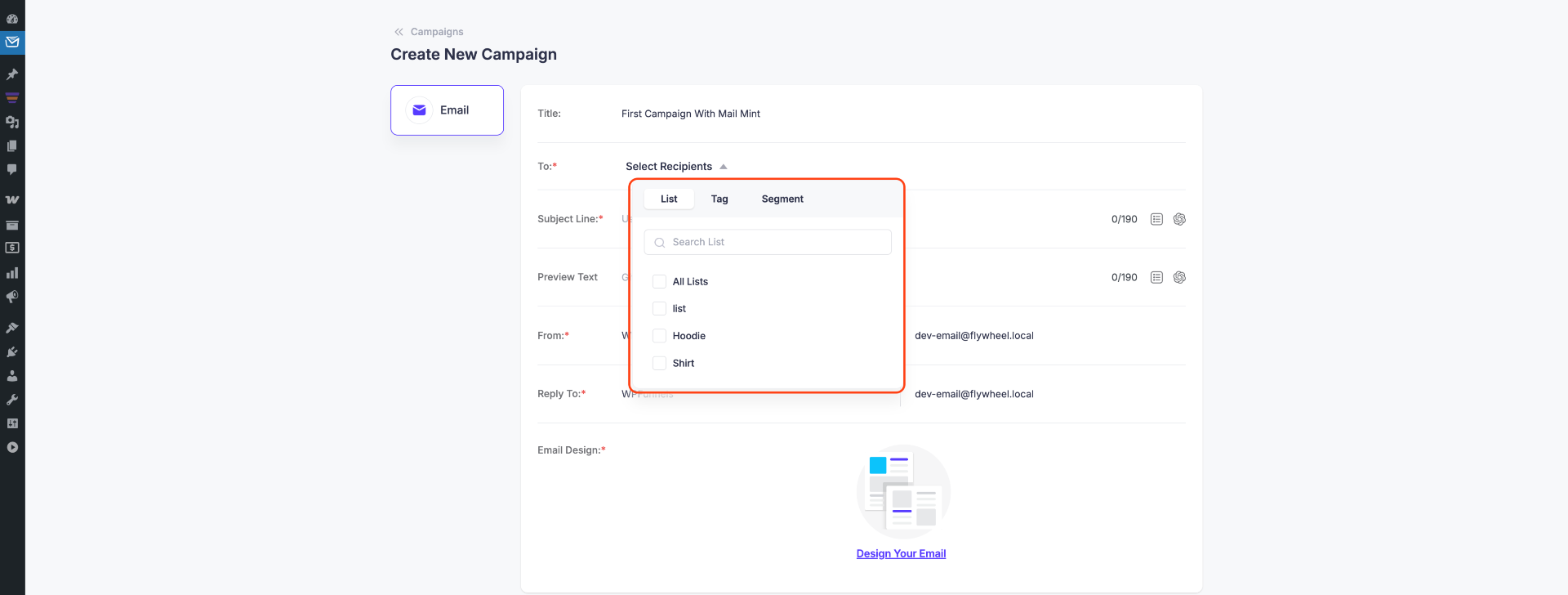
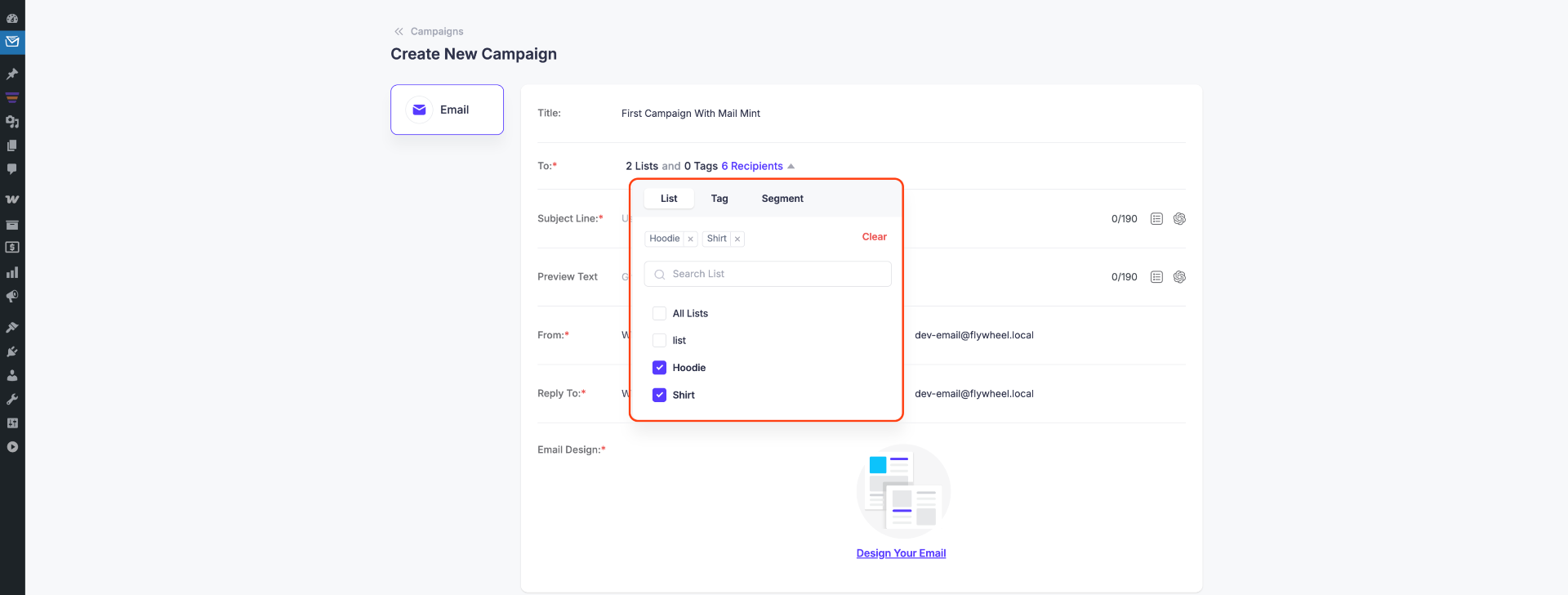
6. You can select multiple Tags, Lists, or Segments at the same time.
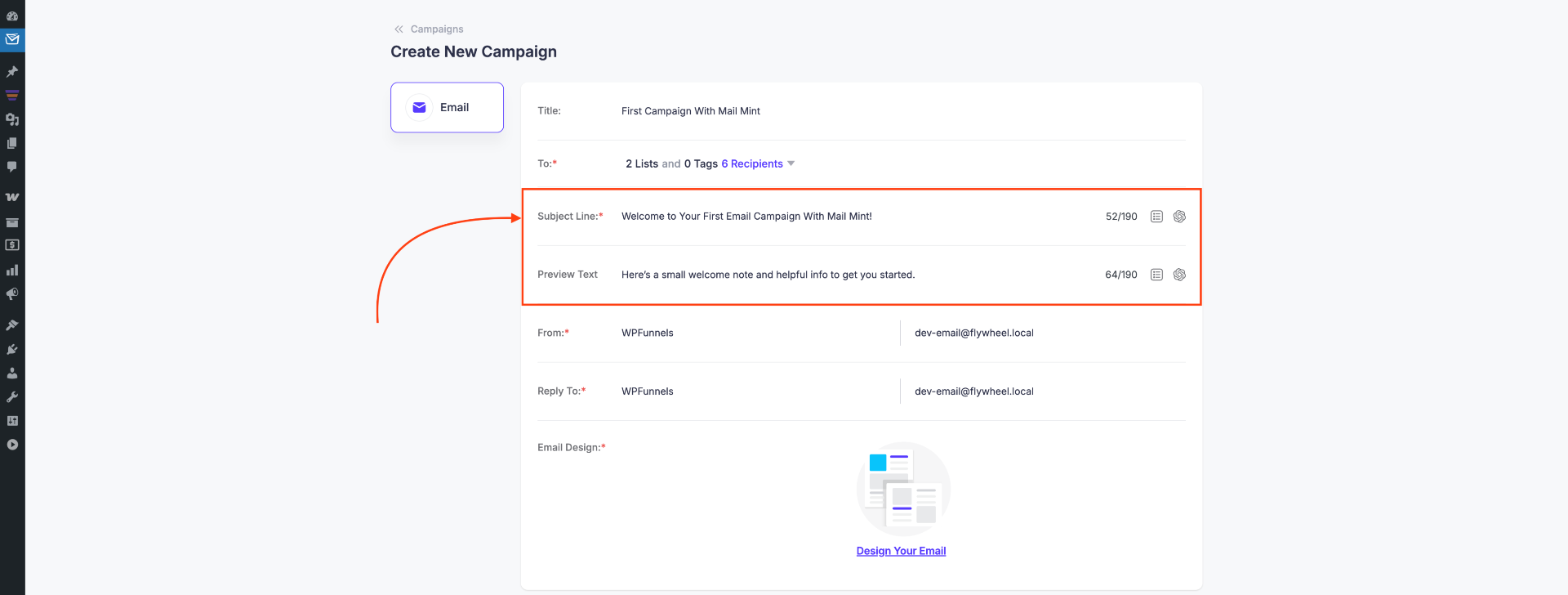
7. Next, set the Email Subject Line and Preview Text.
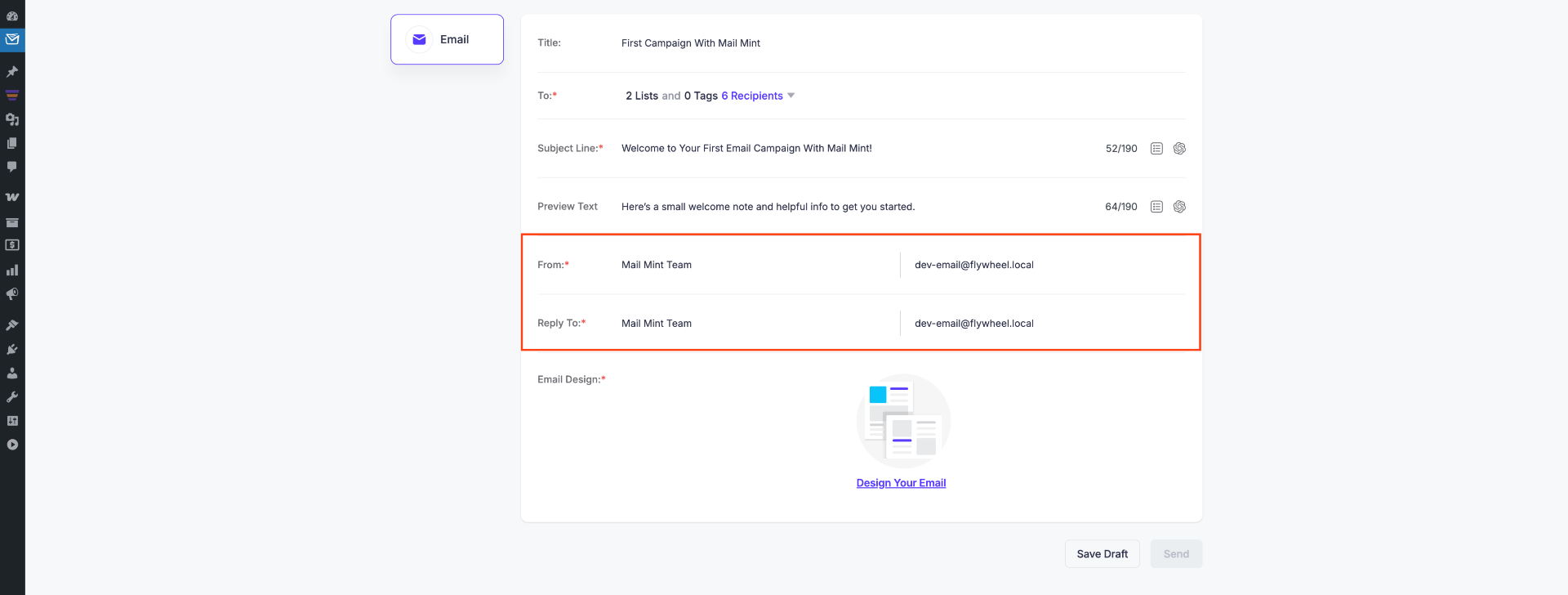
8. Now set the From Name, From Email, and Reply-To Email.
Step-2: Select a Template & Design Your Email
1. Once these details are configured, click Select a Template to proceed.
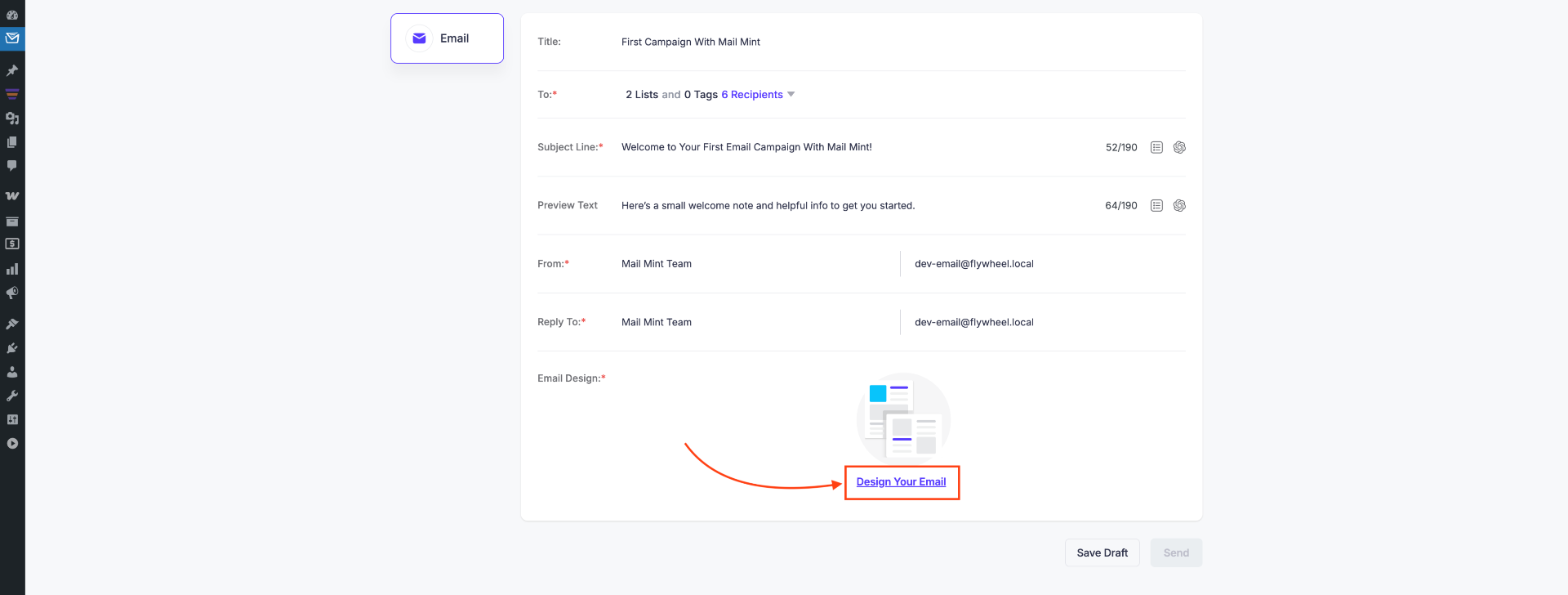
2. You’ll find two template options:
- Branded Templates – Pre-made templates or start from scratch
- My Templates – Templates you have previously saved
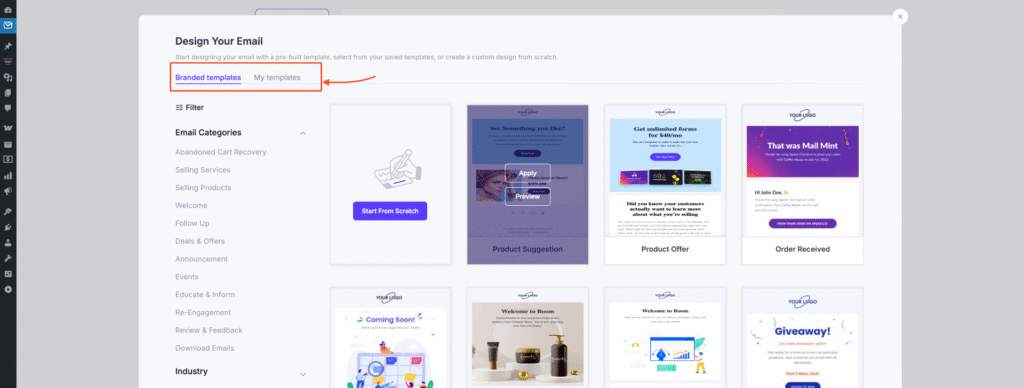
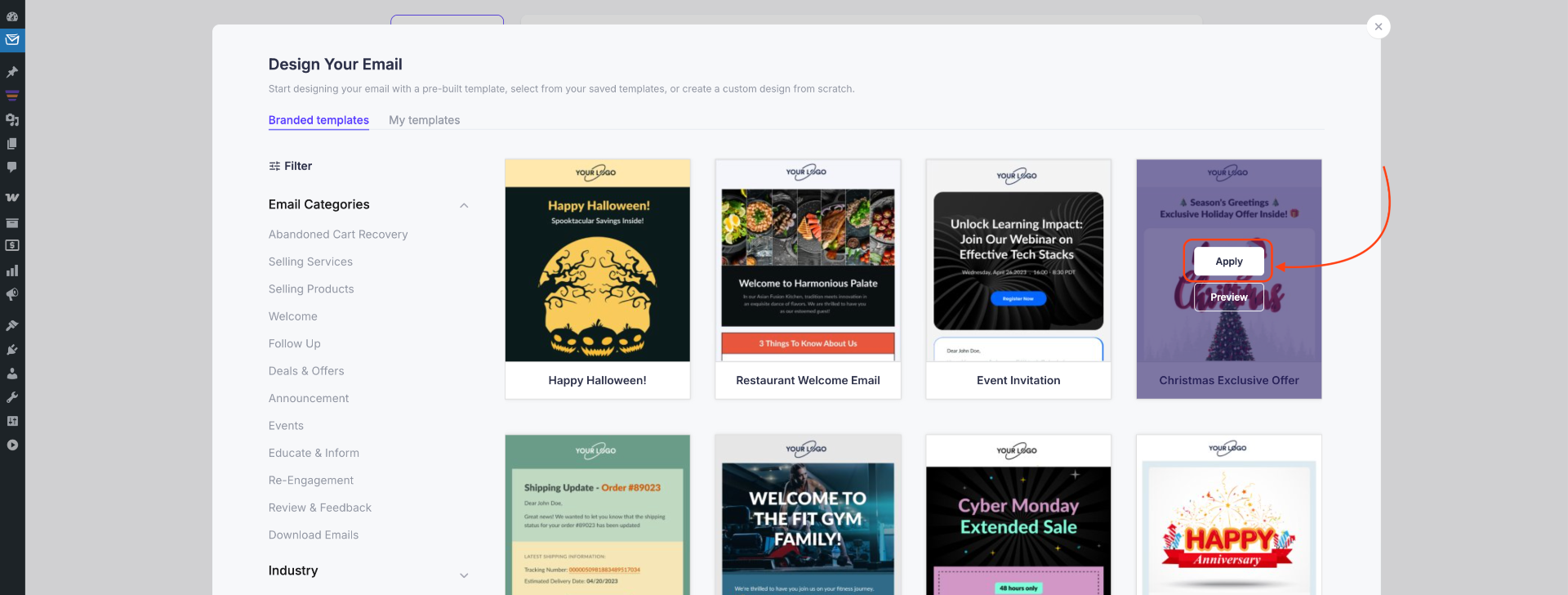
3. In this guide, we’ll choose one of these ready-made templates that you can import with one click to make the process faster.
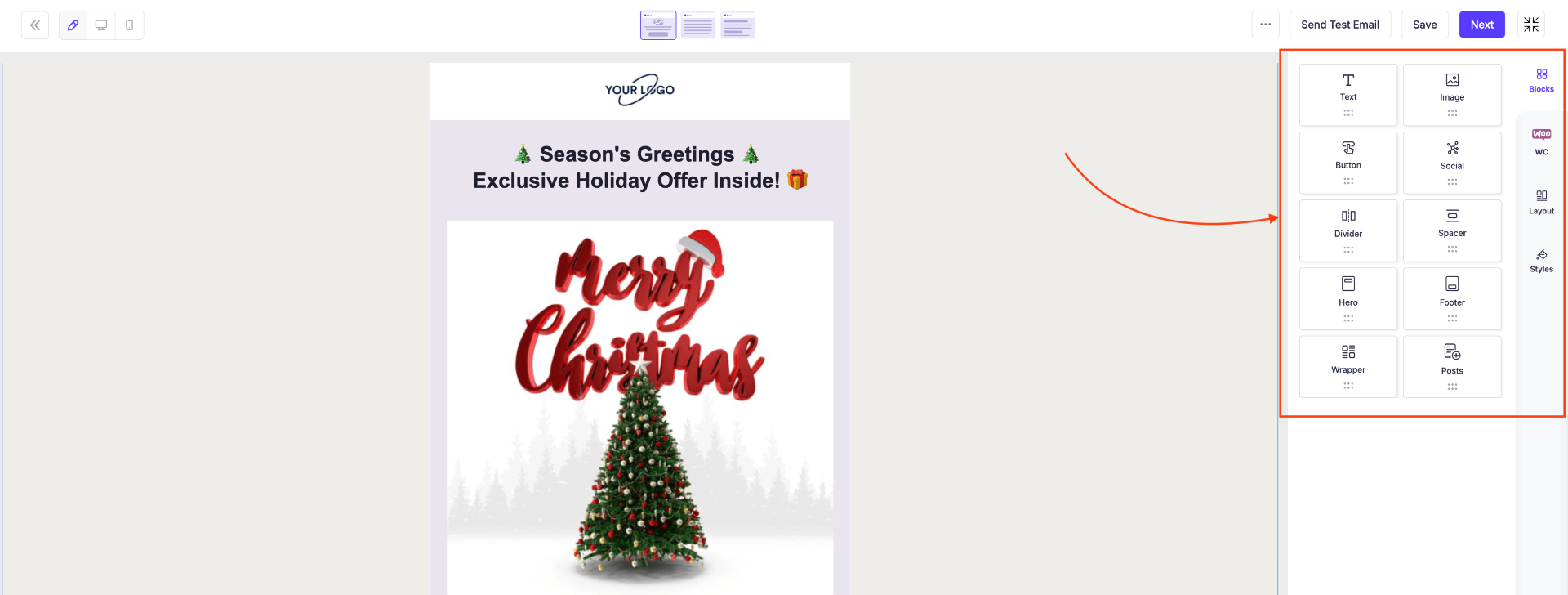
4. Customize the template as needed. Edit text, images, buttons, and layout to match your brand.
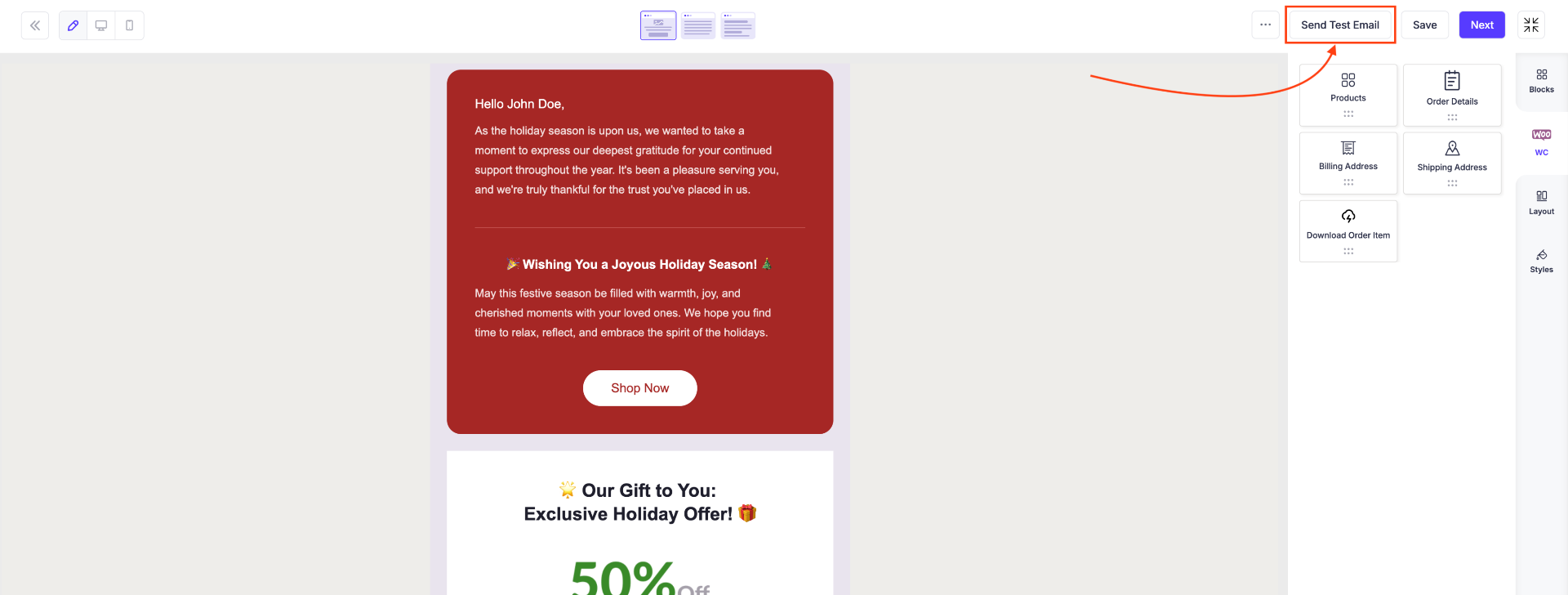
5. Once your design is complete, send a Test Email to check how everything looks in real inboxes.
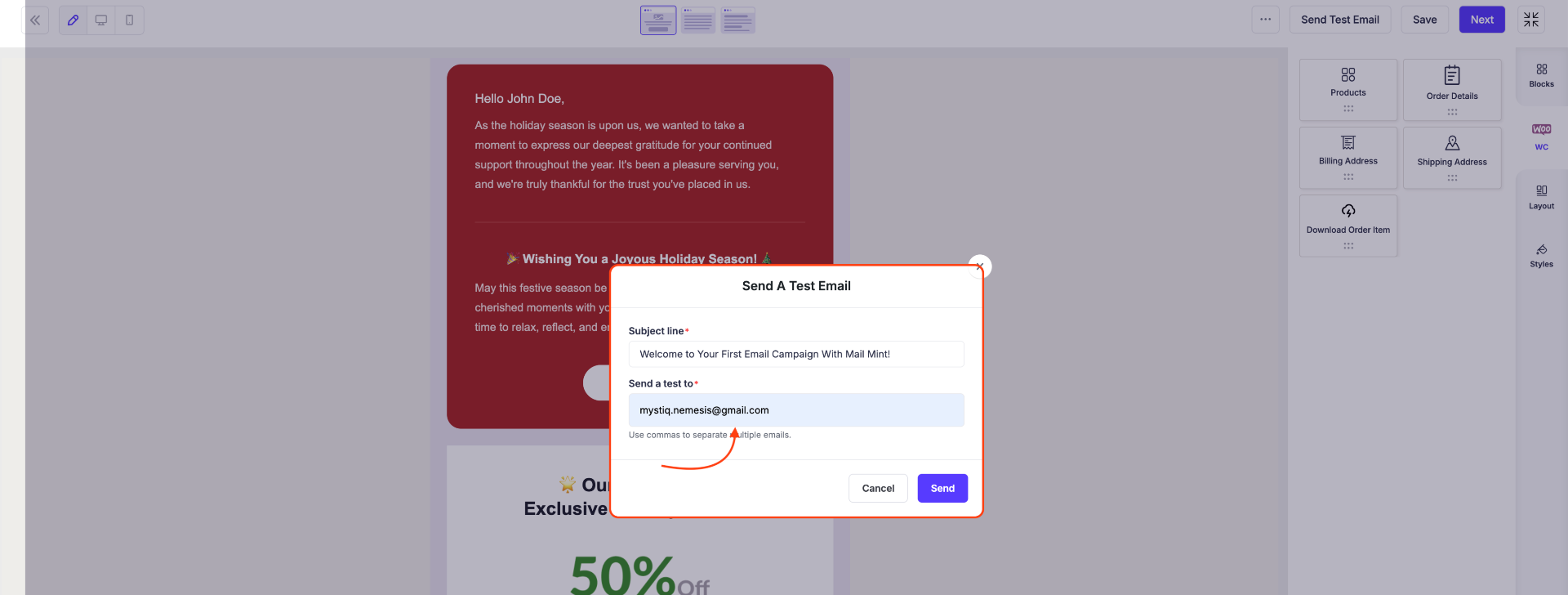
6. Enter your own email address and click Send to view the test message.
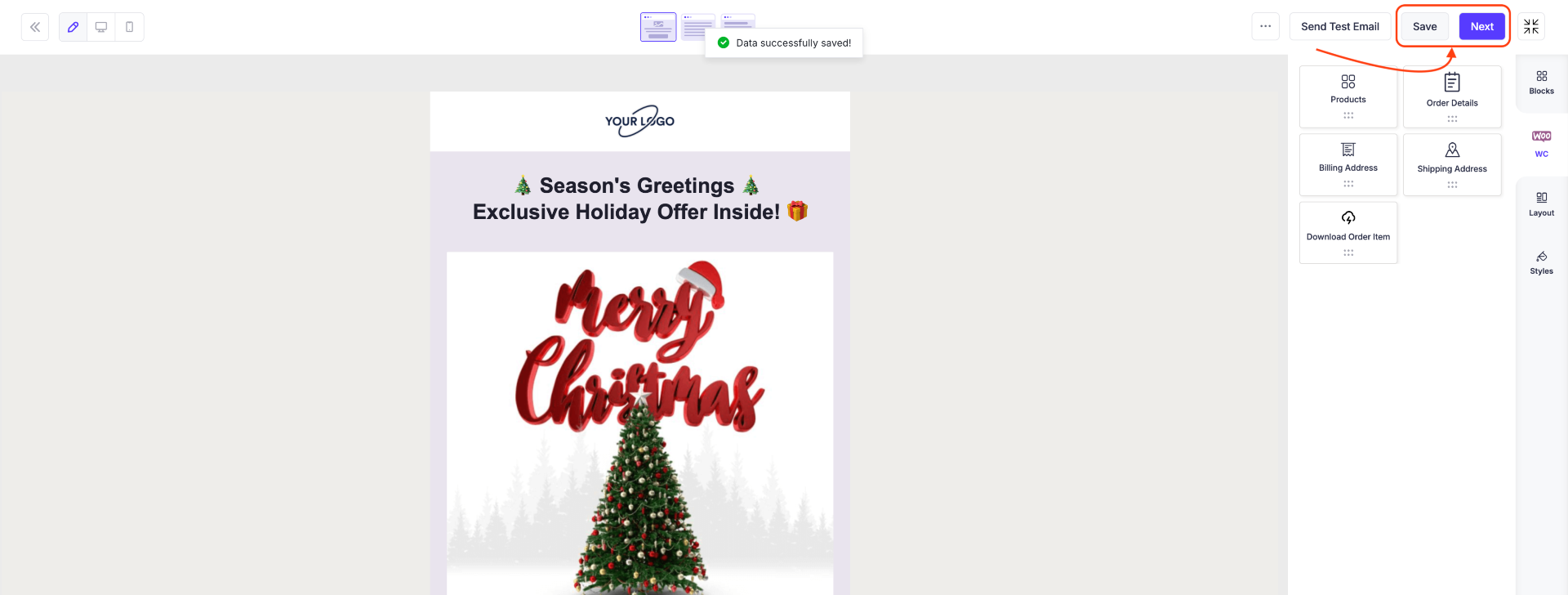
7. If everything looks good, click Save and then click Next to move to the campaign settings.
Step-3: Send or Schedule the Campaign
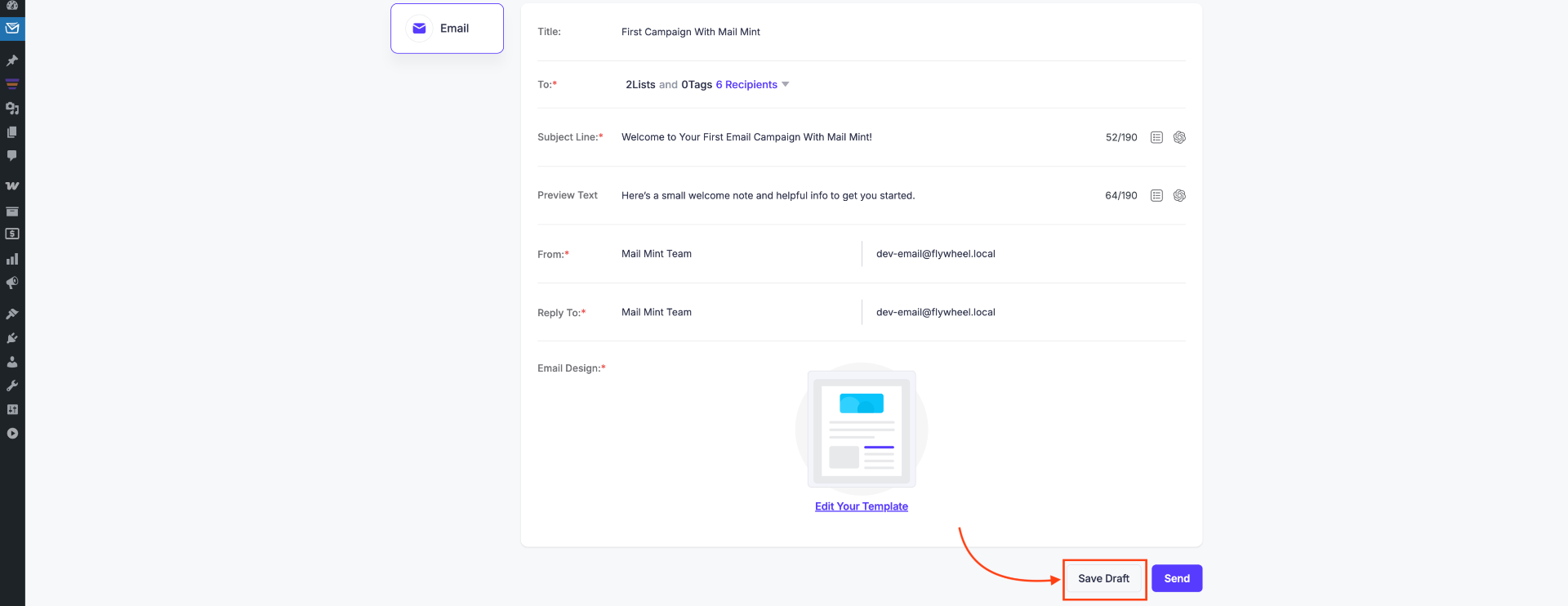
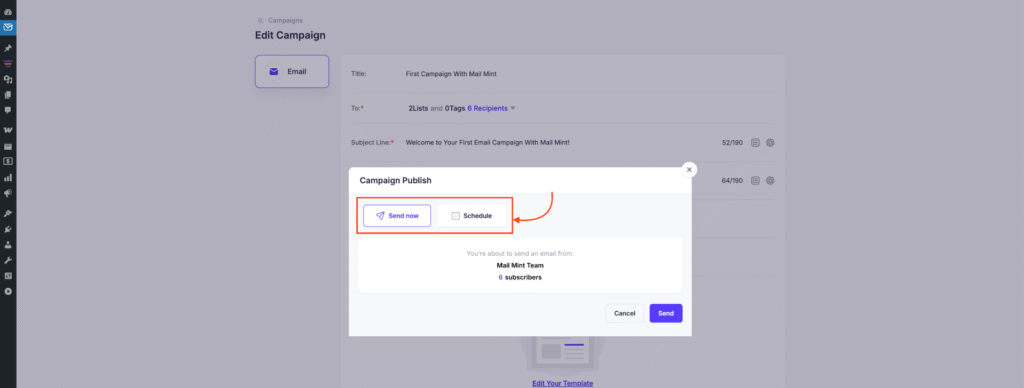
1. On the campaign settings page, click Save Draft to save your progress. When you’re ready, click Send to send the campaign.
2. You now have two options:
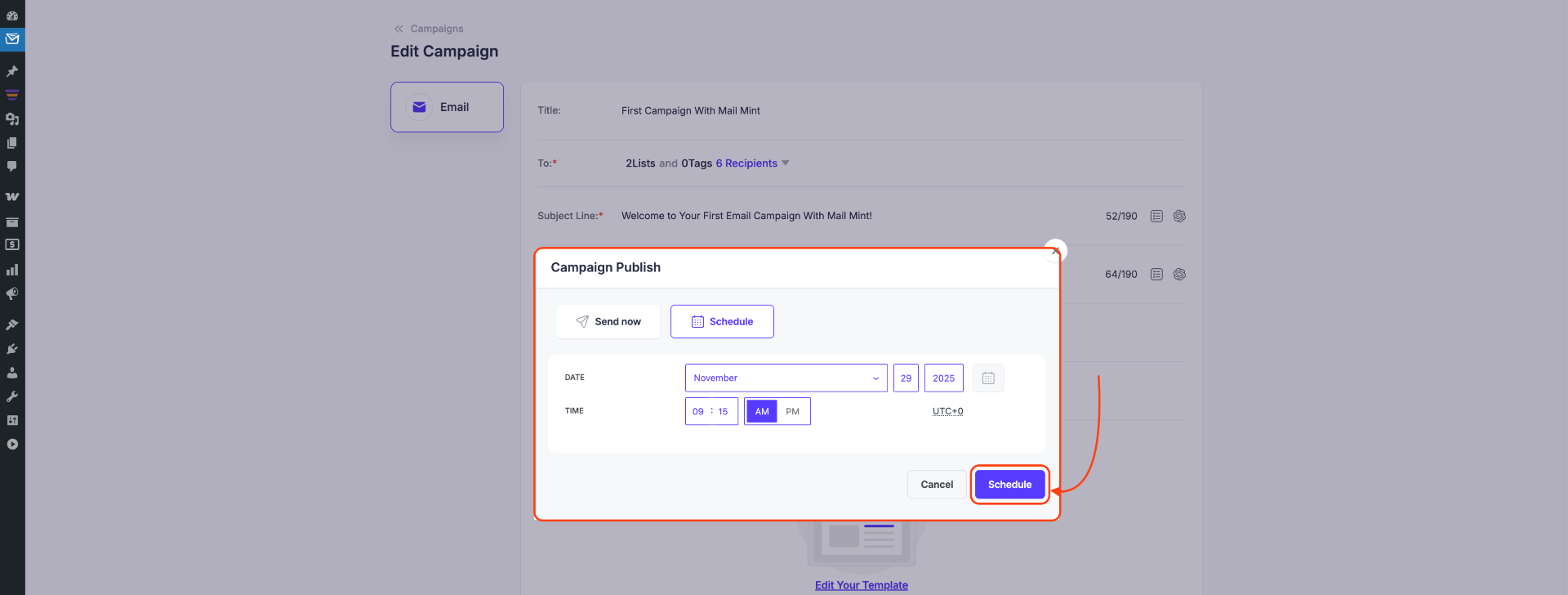
- Schedule – Set a future Date & Time when subscribers will receive the email
- Send Now – Sends the email immediately
3. If you choose Schedule, set the preferred time and confirm. Your campaign will be sent automatically at the scheduled time.
Your regular email campaign is now ready to go! This simple process helps you create, design, and deliver targeted email communication using Mail Mint.
