
Follow the step-by-step instructions to set up bounce handling in Brevo (Sendinblue):
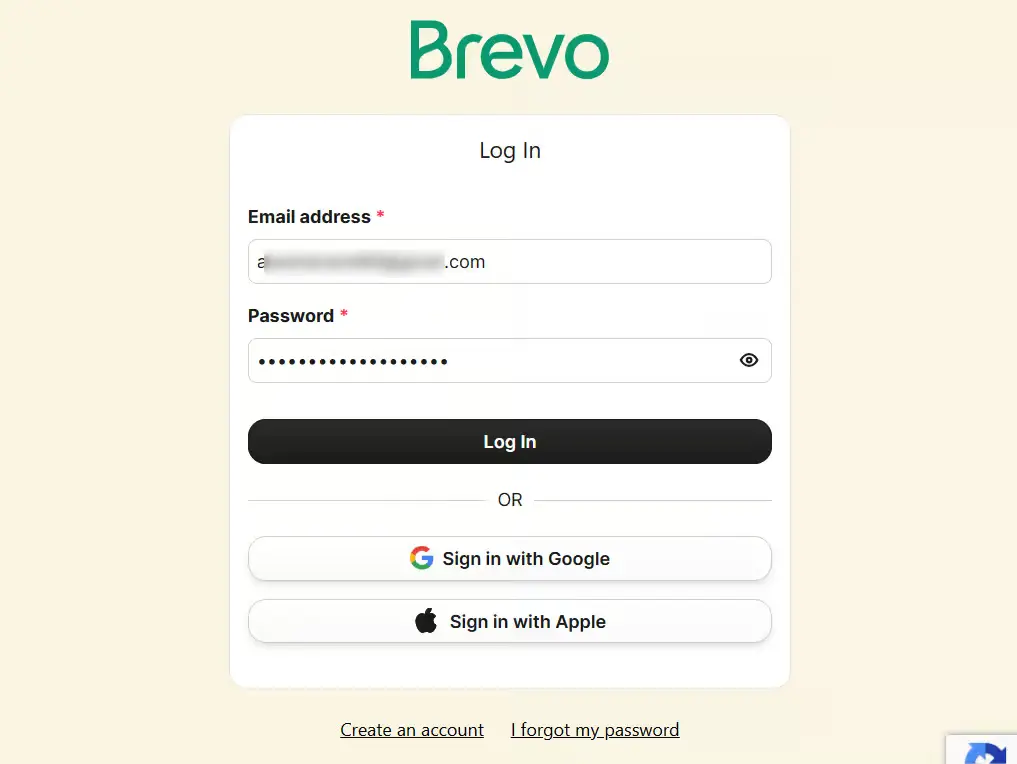
Step 1: Log in to your Brevo account
First, go to Brevo account and log in to your Brevo account.
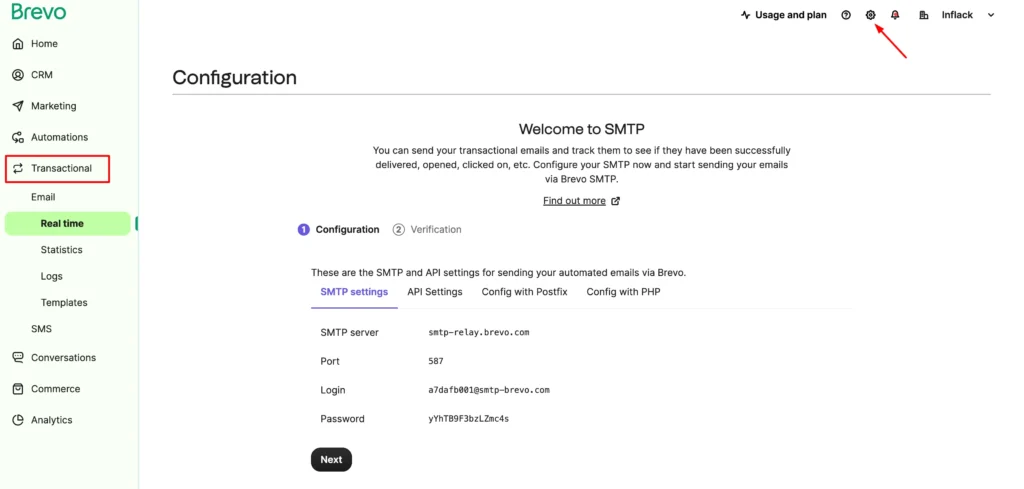
Step 2: Click on Transactional and Go to Settings
Click on Transactional from the left sidebar, and select Settings from the top right corner.
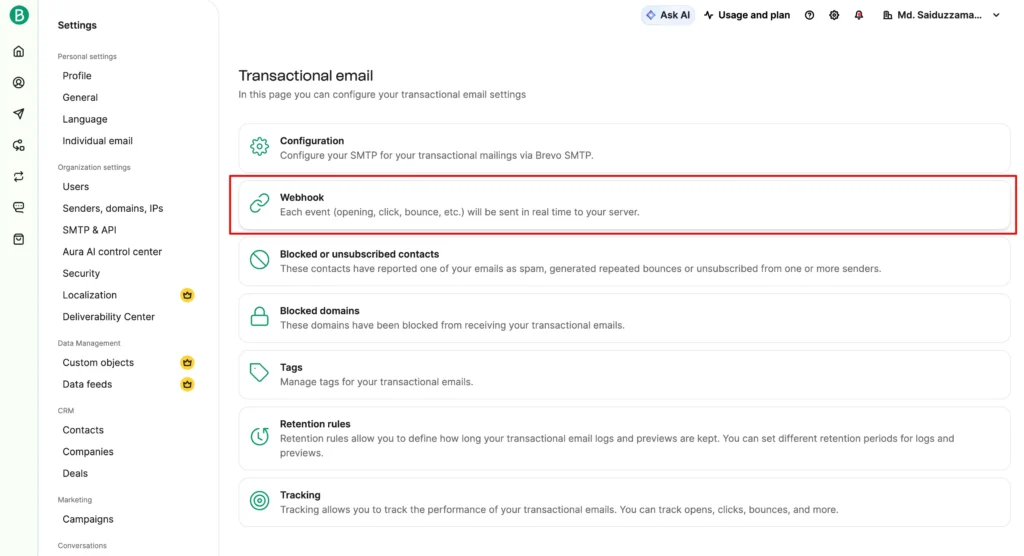
Step 3: Set up webhooks
Click on Webhook.
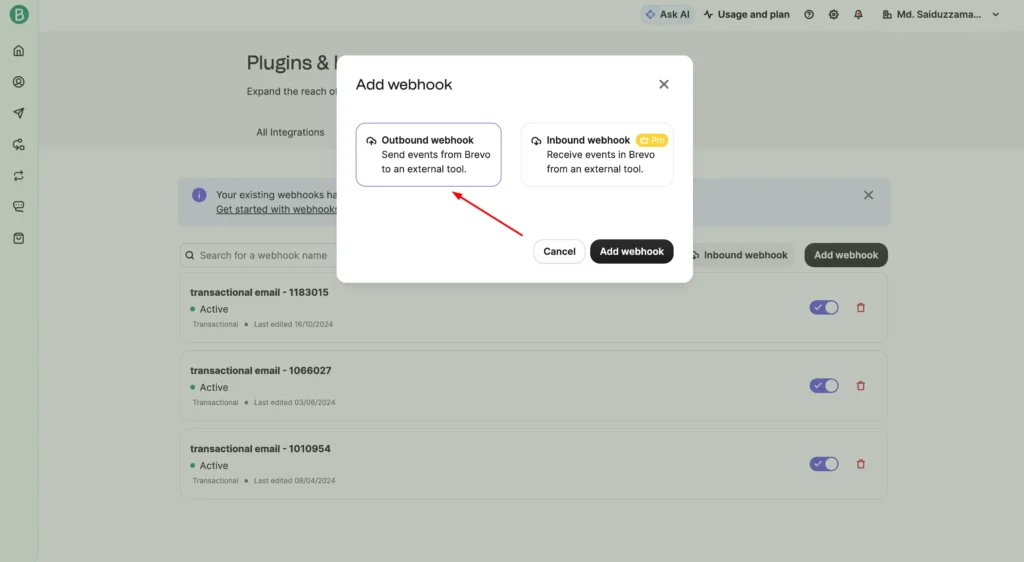
Click Add webhook and choose Outbound webhook from the modal.
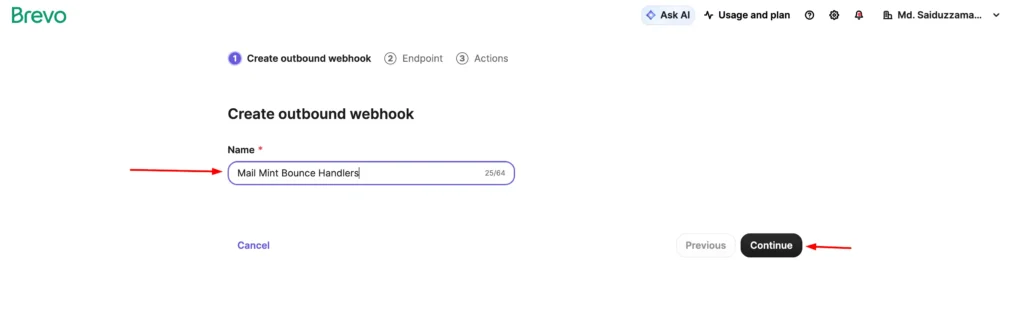
Enter the Name and click the Continue button.
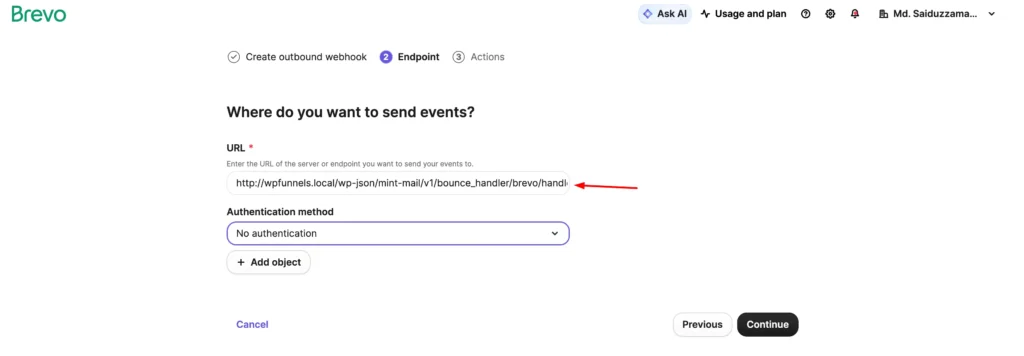
Enter the URL to call, and select No authentication from the Authentication method.
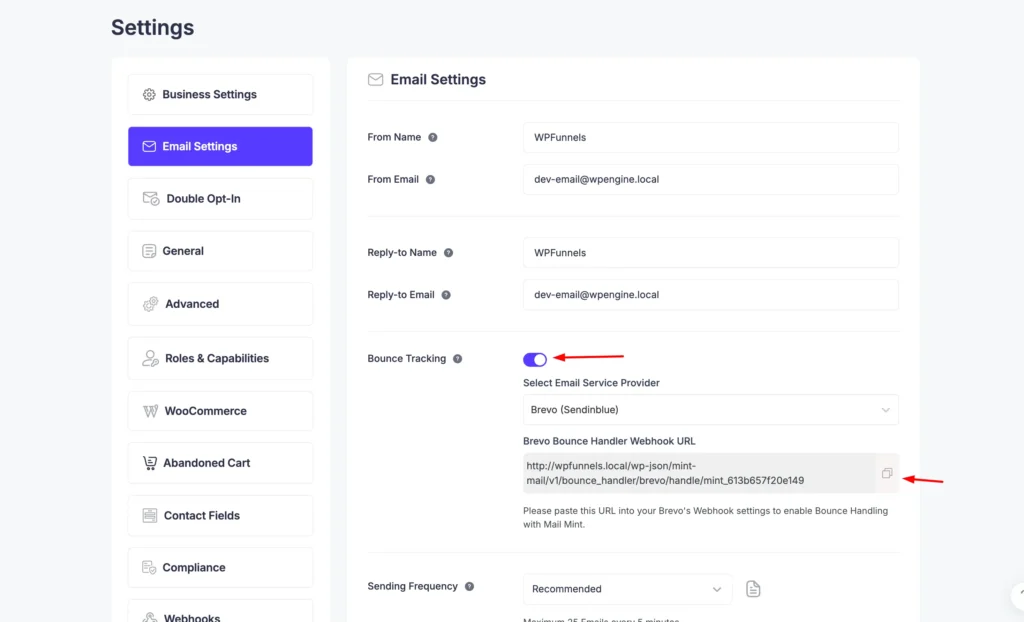
You can find this URL by going to the Mail Mint Settings ⇨ Email Sending.
Enable the bounce handling and select Brevo as shown in the screenshot:
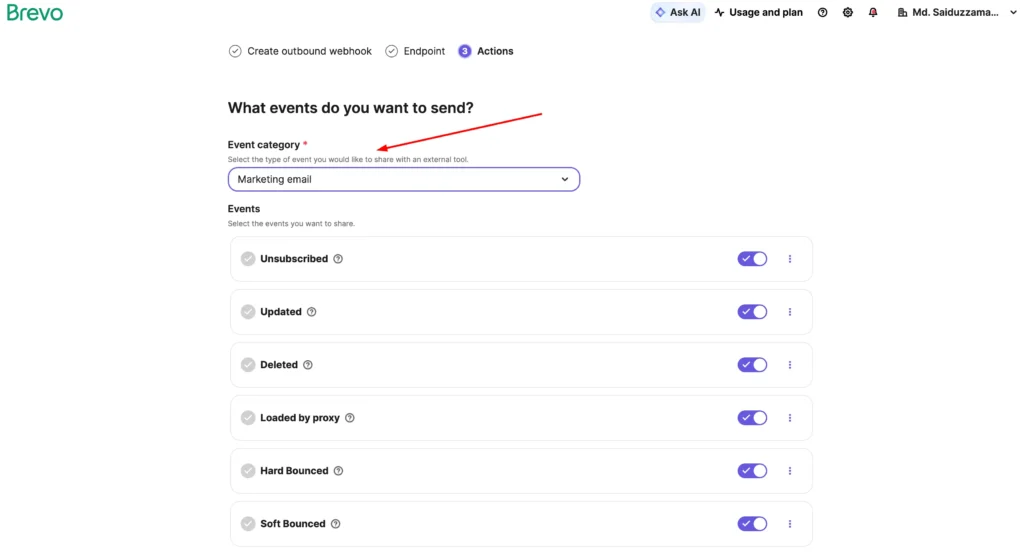
On the last step, choose the marketing email on the Event Category and click the Create Webhook button.
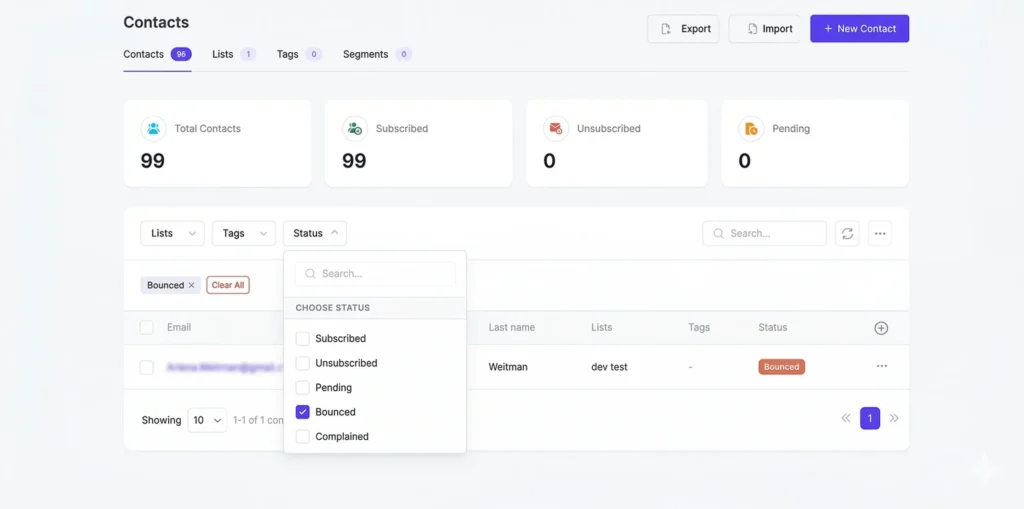
To view bounced contacts in your Mail Mint, go to Contacts. Then, click on the Status filter and check the Bounced checkbox.
You will now see all the bounced contacts.